Category Budget Management and Approval Enhancements in SuiteCommerce
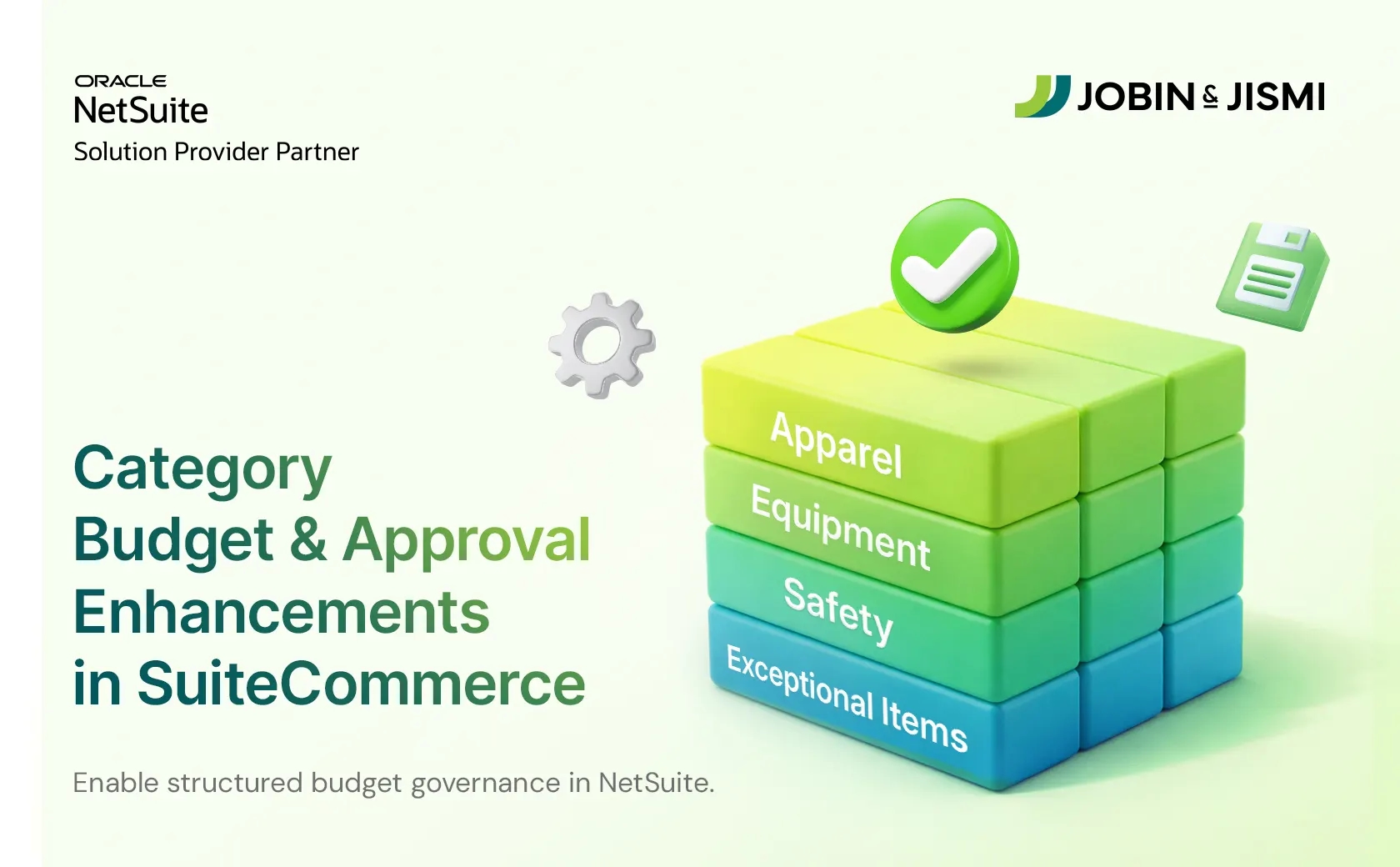
Category Budget Management and Approval Enhancements in SuiteCommerce

Client Portfolio
Our client is a fast-growing manufacturer and distributor of various facility and business supply products. Their product portfolio spans cleaning and safety supplies, food service essentials, electronics, personal care products, and a full range of office supplies and equipment. Serving a diverse customer base, the company supports businesses across retail, fitness centers, spas, hospitality, commercial property management firms, and private country clubs.
Problem Statement
The client had a huge partner/customer and sub-customer base. Through their SCA website, their partners place and approve orders for their own locations and sub-customers. They use budgets to govern how much each team or site can spend during a defined cycle. Purchases
span multiple product types, often grouped into categories such as apparel, equipment, and other operational goods.
They already leveraged web-based approval flows and budget checks, but all items were tied to one consolidated budget bucket. That is, the existing implementation supported one consolidated budget per customer for the entire cycle. Parent customers could approve or reject sub-customer orders, but all items, regardless of category, drew from a single value. This created several issues:
1. No category-wise visibility. Finance, operations, and location managers lacked granular visibility into how much was being spent per category.
2. Approvers could not see how much remained for specific item groups (for example, apparel vs. equipment), limiting their ability to enforce spend policies.
3. High risk of overspending in certain categories while still appearing ‘within’ the total overall budget.
4. Since all budgets were effectively treated the same way, there was only limited support for customers with different category structures.
5. No dedicated view where customers could see all categories, their allocated budget, remaining balance, and the items linked to each category.
It became essential to control spending at a category level rather than through a single lump-sum budget. They needed a more intelligent, category-based solution that mirrored how budgets are actually planned, enforced, and reported internally:
1. A functionality to allocate separate budgets per item group (category) for each customer.
2. Display real-time remaining budget per category in the header and cart, so users see the impact of their selections immediately.
3. Show full budget context on approval and order history pages, including original allocation, amount spent, and remaining balance per category.
4. Allow each customer to customize their own item groups (for example, “Apparel”, “Equipment”, and similar labels).
5. Automate linkages between parent customers, sub-customers, and item categories, and keep budget balances accurate when sales orders are created, edited, canceled, or deleted.
6. Recalculate and adjust budgets cleanly at the start of each budget cycle, including recent changes that may affect remaining balances.
What Solution We Have Suggested?
We recommended building a category-based budget engine tightly coupled with NetSuite custom records and front-end components in SuiteCommerce. Key elements of the solution included:
1. Item group budget records
o A dedicated custom record that holds both budget amounts and the associated items for each item group per customer.
o This record is linked to the client’s partner/customer and synchronized automatically with all the relevant sub-customers, including nested sub-customers, ensuring that budgets and categories align with real-world customer hierarchies.
2. Category-specific budgets per customer
o Each customer can define their own item groups and budgets.
o Separate budget records are created per sub-customer for each category where sales orders will be issued, preventing overlap and confusion.
3. Real-time budgets in the webstore header
o After login, eligible users see a “Category Budget Details” dropdown in the header.
o The dropdown lists each category’s name, budget amount, and live remaining balance for the logged-in customer.
o Balances dynamically update as items are added or removed from the cart, and after orders are placed, by pulling from the corresponding budget record from NetSuite.
o If no budget exists, the dropdown is hidden; if the balance is blank, the system falls back to the budget amount as default.
4. Category-aware cart with grouped items
o The cart page groups items by their item group/category.
o Each section shows the category name, allocated budget, and remaining balance for that category.
o Budget calculations in the cart follow the client’s budgeting rules. For instance, deduction based on the subtotal of items in each category, while ignoring shipping costs so freight does not consume budget. The remaining balances will be updated in real time as lines are added/removed.
o Items that do not belong to any configured category appear under “Exceptional Items”, with no budget labels.
5. Approval & order history with budget context
o Approvers now see a clear Budget indicator for every order in the User Order History list, showing which category budgets an order touches and whether it is within or over the allocated limits.
o When a single order draws from multiple budgets, a compact “View Details” dropdown reveals the breakdown; if no budget applies, the system explicitly shows “No Budget Available,” avoiding ambiguity.
o Budget amounts and remaining balances are always in sync with the latest finance data, and any overspend automatically appends an “Over Budget” flag to the order status.
6. Streamlined approvals with built-in budget context
o A dedicated Item Group Budget page gives a consolidated view of every active category budget for the logged-in customer: allocated amount, remaining balance, and the key items that roll up into each category. This page acts as a live “budget control center.”
Major Challenges
1. Moving from one global budget to multiple item-group budgets meant rewriting how totals are calculated and displayed, both in the webstore and NetSuite. All existing budget calculations and scripts had to be adjusted to respect category relationships without breaking legacy flows.
2. The client’s customer structure included multiple levels of sub-customers, so the solution had to reliably keep category and budget relationships in sync as parent–child relationships changed over time.
3. Budgets needed to stay accurate even when orders were edited, canceled, or created outside the usual sequence, which meant carefully handling edge cases so finance could trust the numbers.
4. Real-time updates in the header and cart had to be balanced with performance, ensuring users see up-to-date figures while the system quietly handles larger data volumes in the background
Customer Success
After go-live, the client’s customers gained clear, category-wise insight into how much they could still spend in each area directly from the webstore. Users saw remaining budgets in the
header and cart as they shopped, reducing guesswork and helping them self-police their spending before checkout.
Approvers in specified roles now review orders with full budget context, including clear warnings when categories are over budget. The Item Group Budget page gives a consolidated view of all category budgets and linked items. At the same time, automated backend processes ensure that budget balances in NetSuite and the webstore stay aligned as orders change and new budget cycles begin.
Key Achievements
1. Introduced category-specific budgets per customer with flexible item groups.
2. Added real-time category budget visibility in header and cart, including grouping and “Exceptional Items” handling.
3. Enriched order history and approval pages with budget details, status tagging, and approval workflows.
4. Automated customer–category synchronization.
5. Implemented sales-order-based budget adjustment and scheduled cycle recalculation for accurate remaining balances.
Way Forward
With category-wise budgets firmly in place, the client now has a foundation they can extend further. Potential next steps include adding budget alerts and notifications when specific categories approach threshold limits, surfacing analytics on category spend by location, role, or time period, and extending the Item Group Budget view with export capabilities for finance teams.
At Jobin & Jismi, we will continue to refine the performance and user experience as customer volumes grow and new budgeting patterns emerge.
Are you ready to bring in category-wise budget control into your Oracle NetSuite SuiteCommerce Advanced webstore?
Related Case Studies


Automate Financial Workflows with NetSuite-ICICI Bank Integration


Dynamic Graphical Reports for Customer Sales in NetSuite