From Scrolling to Searching: Instant PO Lookup for Cleerline's B2B Buyers
From Scrolling to Searching: Instant PO Lookup for Cleerline's B2B Buyers
Cleerline Technology Group
Manufacturing
October 2026
SuiteCommerce Implementation
Fiber Optic Cable & Connectivity Manufacturing

Overview
Cleerline Technology Group, based in Missoula, Montana, manufactures fiber optic cables and connectivity products used across audio-visual, broadcast, data center, security, education and industrial installations. Its customers are business buyers: dealers, integrators and infrastructure professionals who order through Cleerline's online customer portal, built on NetSuite SuiteCommerce.
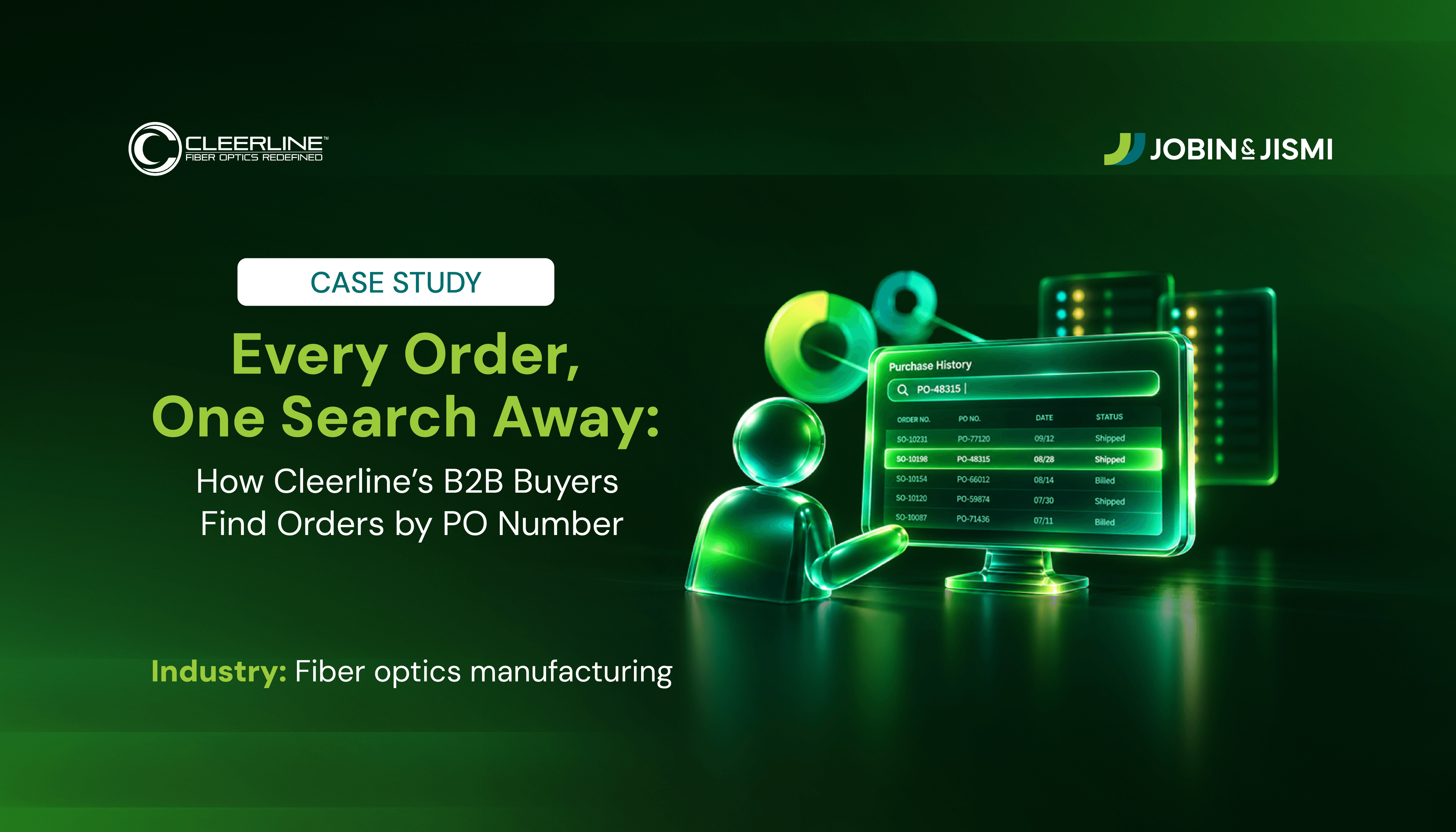
Business buyers track purchases by their own Purchase Order (PO) numbers. Yet the portal's Purchase History page offered no way to search. A buyer looking for one specific order had to scroll and page through their order list until they spotted it. As accounts build up order history, that small inconvenience becomes a daily drag on the customer experience.
What was delivered: A search bar inside the Purchase History page that finds orders by Cleerline's Order Number or by the customer's own PO Number. It accepts full or partial numbers, searches the customer's entire order history rather than only the page on screen, shows results as the buyer types, and returns to the full list the moment the search box is cleared. Each customer only ever sees their own orders.
The Business Challenges
Cleerline's customer portal already gave buyers a self-service view of their past purchases. The gap was in how quickly a buyer could get to the one order they cared about. For a manufacturer that sells to professional installers, that gap matters: these customers are often matching an order to a job, a project, or an invoice, and they think in terms of their own references, not the supplier's.
A dealer's accounts team works from its own PO numbers. The Purchase History page displayed PO numbers but gave no way to search for one, so buyers had to read down the list line by line.
Orders are shown a page at a time. The longer a customer had been buying from Cleerline, the more pages they had to click through to reach an older order. Loyal, high-volume accounts felt this most.
Buyers do not always have the full number to hand. Someone remembering only part of a PO had no shortcut at all.
When a portal makes a simple lookup slow, buyers are more likely to email or call their supplier for something they could have answered themselves. That is the opposite of what a self-service portal is for.
The Purchase History page also carries date and status filters, sorting, paging, and shipment tracking details. Cleerline needed search added without disturbing any of these for customers already relying on them.
A generic site search could not solve this. It would not understand order or PO numbers, and it would not be safely limited to the logged-in customer's own records. The answer had to live inside the account area itself, built around how B2B buyers actually work.
The Solution
As Cleerline's SuiteCommerce partner, Jobin & Jismi designed and delivered an order search built directly into the Purchase History page of the customer portal. The goal was simple to state: a buyer should be able to type the number they have and see the order they need, without learning anything new. It was delivered as a self-contained enhancement, so it could be switched on for customers without reworking the rest of the portal. This is typical of the focused NetSuite customization work we carry out for growing businesses.
One search box covers both Cleerline's Order Number and the customer's own Purchase Order Number. Buyers do not need to choose which kind of number they are entering; the portal checks both.
Typing just part of a number brings up every order that contains it. A buyer who remembers only a few digits of a PO can still find the order in moments.
Search starts automatically after a brief pause in typing, so there is no need to press a button. Buyers who prefer to press Enter can still do so. Clearing the box instantly brings back the full order list.
Search looks through the customer's complete purchase history, not only the orders visible on the current page. An order from long ago is as easy to find as last week's.
Results are always limited to the logged-in account. One customer can never see another customer's orders through search, and this was specifically tested before release.
The search bar sits alongside the existing date and status filters, follows the portal's existing look, and adapts to phones and tablets. PO numbers and shipment tracking details continue to display exactly as before.
For the buyer, the change is immediate: arrive on Purchase History, start typing a PO number, and the matching order is on screen. For Cleerline, the portal now handles a common customer question on its own. That is the core promise of B2B self-service, which NetSuite describes in its overview of online customer self-service portals.
How It Was Delivered
This was a focused enhancement, and its value is in the everyday experience of Cleerline's business customers. The table below compares the Purchase History page before and after.
Business Impact
The work ran from late August to mid-September 2025. Every change was built and checked in Cleerline's separate test copy of the portal before anything reached live customers, and Cleerline reviewed the feature along the way.
The compounding value: Every order a customer places adds to their history, so the cost of having no search grows over time. Search turns that growing history from something buyers have to wade through into a record they can query instantly. It also strengthens the case for customers to use the portal, rather than email or phone, for routine order questions. After reviewing the feature in testing, Cleerline confirmed the automatic search was working well and approved it for release to its customers.
What This Taught Us
- Search in the customer's language. B2B buyers think in their own PO numbers. Designing around the customer's reference, not only the supplier's, is what made this feature useful.
- A search that might miss results is worse than no search. Customers stop trusting a tool the first time it fails them. Taking extra time to search the full history was the right trade.
- Put early versions in front of the client. Cleerline's hands-on review produced the search-as-you-type improvement, which is now one of the feature's best qualities.
- Small changes deserve full testing. A modest addition still touched filters, paging, and tracking details. Structured testing on a separate copy of the portal caught side effects before any customer did.
Frequently Asked Questions
Like most real projects, this one did not go in a straight line. Three moments shaped the final result.
In most cases, yes. This feature was added to Cleerline's existing portal as a self-contained enhancement, without rebuilding the site. We start by reviewing how your account pages are set up and confirming that the information buyers want to search by is already captured on your orders.
For Cleerline, it took roughly four weeks from request to live, including a solution review, a client feedback round, and two full rounds of quality testing. Timelines for your business depend on your portal's setup and how many fields you want searchable; we confirm this during scoping.
Cleerline's search covers Order Number and PO Number, which sit alongside the existing date and status filters. Other fields can be considered, and we will advise on what is practical for your order volumes and how buyers will actually use it.
No. Results are always limited to the account that is logged in. For Cleerline, this was one of the areas specifically covered in security testing before release.
No. All development and testing happens on a separate test copy of your portal. Your live customers only see the feature once it has passed testing and you have approved the release.
The principle applies to any B2B portal: buyers should be able to find their orders using their own references. Our expertise is in NetSuite and its web store, so if you are evaluating a move, we can show how customer self-service would work as part of that plan.
Focused enhancements are scoped and quoted individually after a short review of your requirements. Many of our clients also handle improvements like this through an ongoing NetSuite support arrangement, so small upgrades can be planned and delivered as their business grows.
If your B2B buyers rely on email or phone calls for answers your portal should give them, small, well-placed improvements can change that quickly. Talk to the team that delivered this for Cleerline about what self-service could look like for your customers.
Automate Financial Workflows with NetSuite-ICICI Bank Integration


Dynamic Graphical Reports for Customer Sales in NetSuite