

Auto Escalation and Tracking
Automates escalation email workflow and follow-up from NetSuite transactions with role-specific actions and status tracking.
- SKU :PDNSAET01
- Last Update :August 2025
- Support for :NetSuite
- Implementation time :2 Business Days
Auto Escalation and Tracking
Escalation Management and Follow-Up Automation
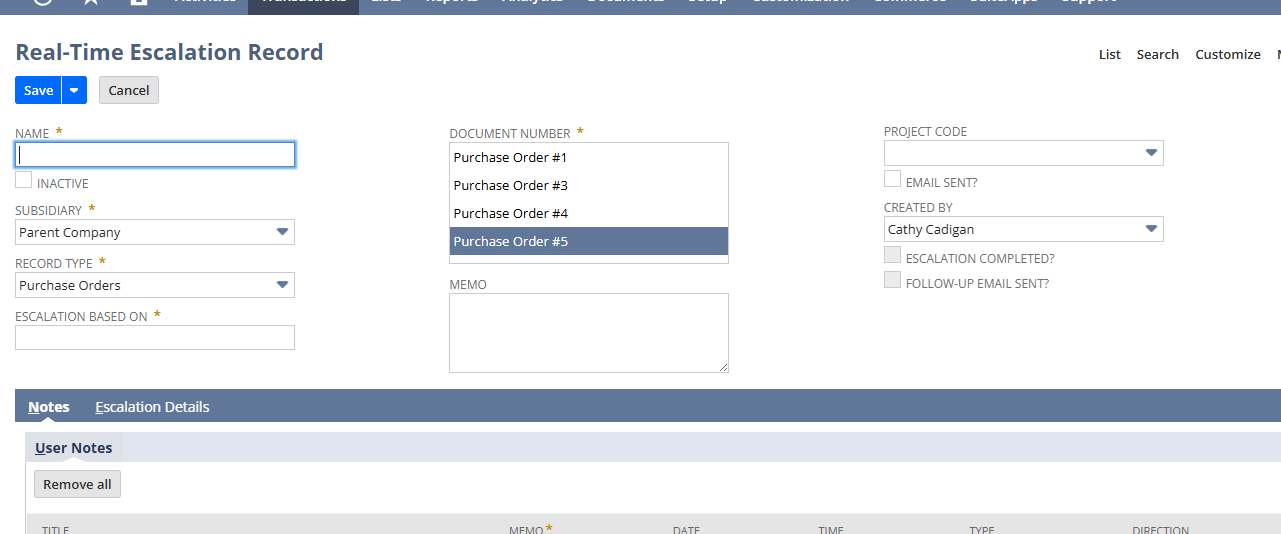
Allows users to initiate escalation records from key transactions and sends automatic emails with follow-ups. It tracks escalation status, ensures role-specific handling, and automates follow-up email reminders, improving accountability and communication.
Escalation Workflow and Follow-Up
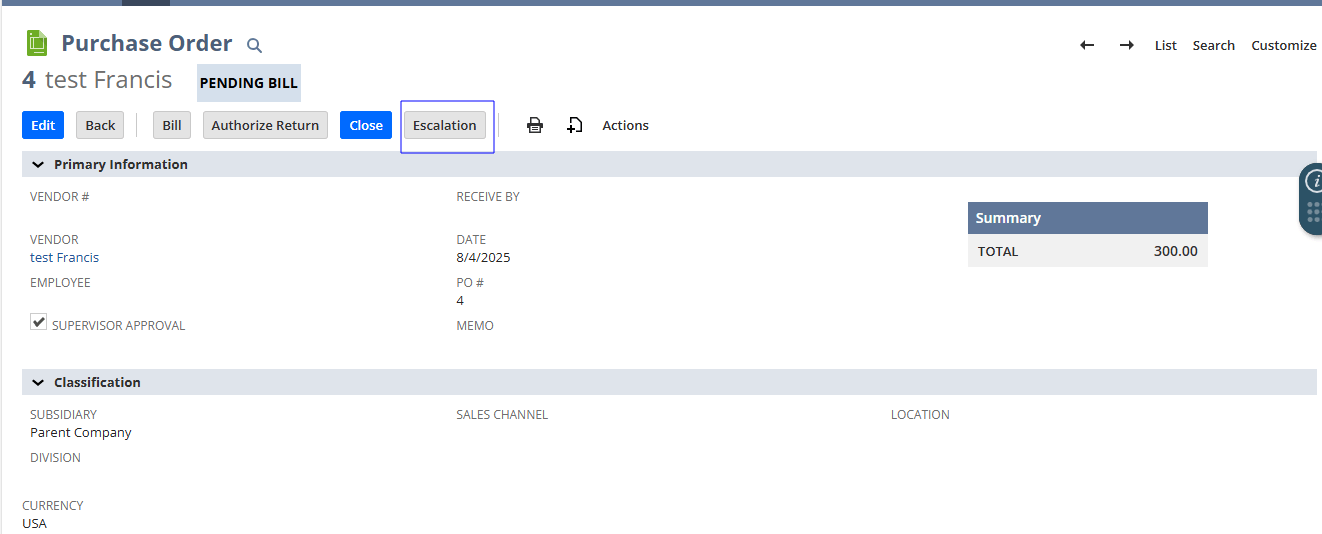
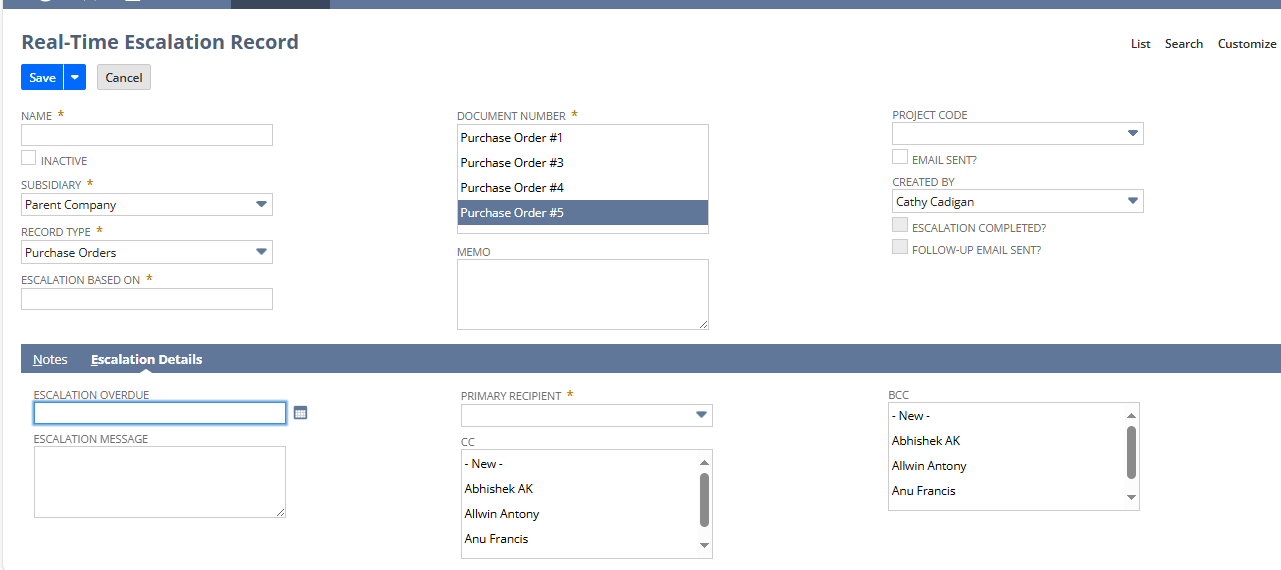
Escalation can be triggered from specific transactions with prefilled contextual data.
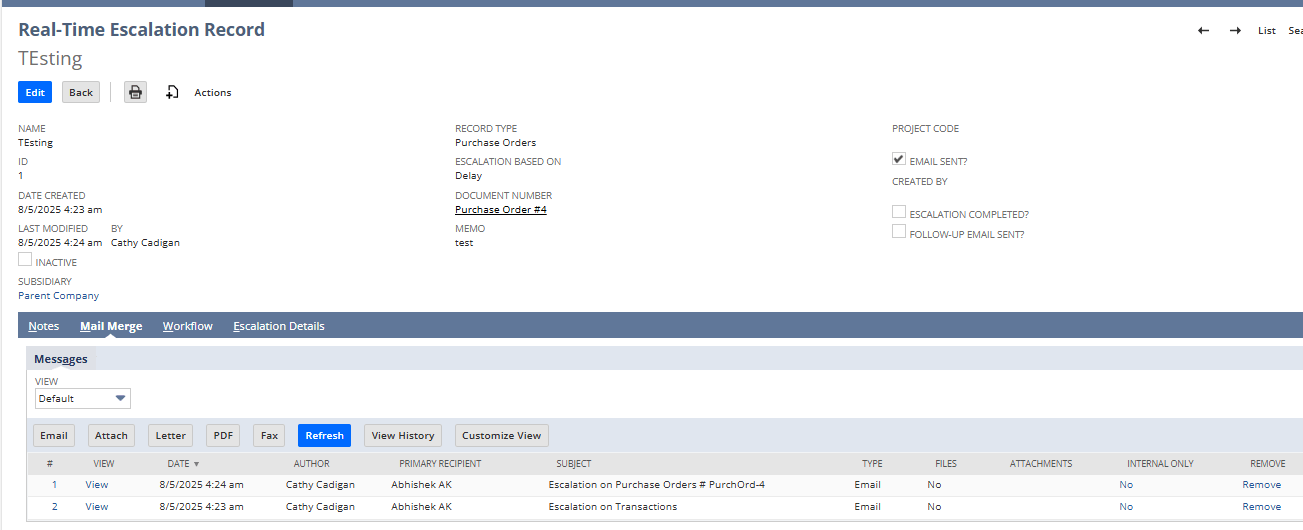
Sends escalation emails only to intended recipients with CC/BCC.
Scheduled follow-up emails are sent until escalation is marked complete.
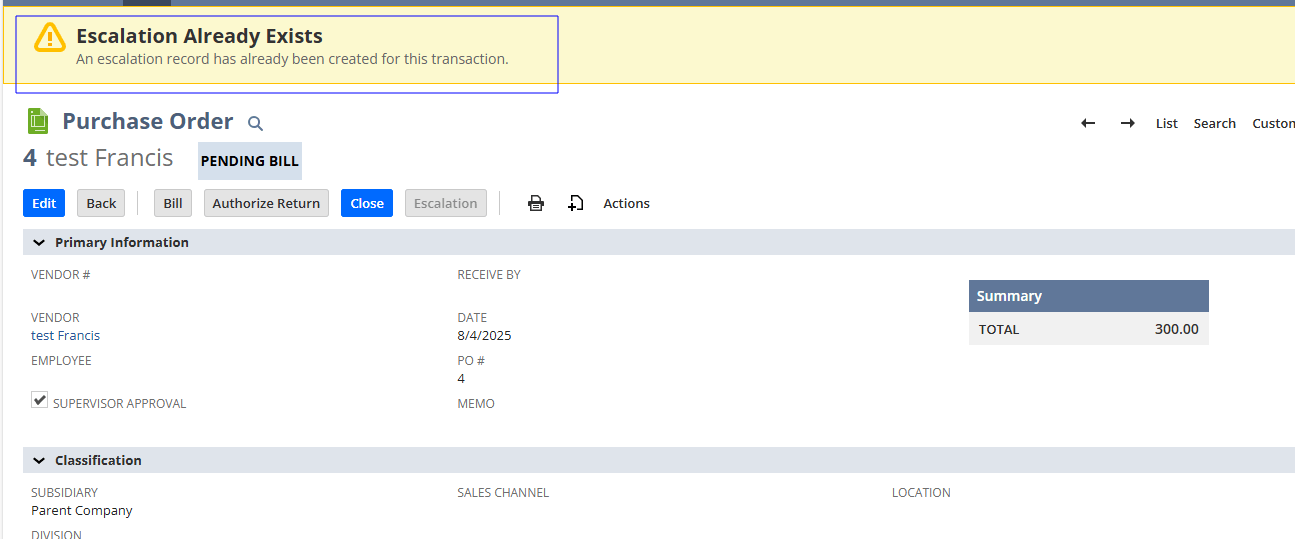
Adds custom buttons and locks the escalation record once sent to prevent edits.
Define business rules to automatically initiate escalations based on priority, transaction type, status changes, or custom criteria, ensuring the right events get escalated without human monitoring.
Email alerts with configurable CC/BCC are sent to designated approvers and stakeholders, with repeat reminders until action is taken, removing manual follow-up tasks.
All escalation events are recorded with timestamps, recipients, and outcomes in NetSuite, enabling audit trails and historical review of how issues were handled.
From trigger to closure, escalation workflows run automatically based on defined rules. Manual steps are reduced or eliminated, accelerating issue handling and reducing operational overhead.
Create saved searches and reports to view escalations by status, age, or owner, offering managers real-time operational insights and accountability metrics.
When conditions are met or actions completed, escalations can be closed automatically or manually through role-based gating, preventing unnecessary reminders.
The solution monitors changes in escalation status and adapts follow-ups or notifications accordingly, ensuring the workflow remains sequence-aware.
Prerequisites for Use
- Required permissions and configuration need to be set up.
- Recipient roles must be defined.
- Escalation cannot be re-sent once marked complete.
- Email templates must exist.
Key Benefits
- Automated escalation from transactions.
- Email-based workflow and status tracking.
- Eliminates need for manual tracking
- Sends reminders automatically.
- Ensures escalation reach the right recipients.
- Tracks user actions on escalation.
- Complete email audit trail ensures accountability by logging all sent emails, including timestamps and recipients.
- Centralized escalation tracking monitors the full lifecycle of escalation in a structured manner.
- Improved response time helps teams identify bottlenecks and respond faster through visibility into escalation stages.
Automating both escalation triggers and reminders significantly reduces time spent on manual monitoring and chasing, leading to quicker issue resolution and SLA adherence.
Role-based notifications, logging, and audit trails make it clear who is responsible at each step of an escalation, helping leadership enforce process discipline and reduce bottlenecks.
Escalation processes become structured workflows within NetSuite, eliminating manual emails, spreadsheets, and ad hoc tracking, streamlining team efforts and reducing operational friction.
Frequently Asked Questions
Escalation can be created from any transactions as required.
No. Once the email is sent, the record is locked unless reopened by Admin.
Yes, the recipient or CC/BCC users of the escalation email will see the “Complete Escalation” button.
Follow-up reminders are sent to escalation that are overdue and still incomplete.
A report view can be customized to track escalation by status, recipient, and age.
Escalations are configured using rule definitions in NetSuite. Set conditions such as priority thresholds, time limits, or transaction triggers, and assign escalation owners. Once activated, the system automatically initiates and manages escalations based on your rules.
Escalation events, notifications, and status changes are logged in NetSuite. You can use saved searches and reports to monitor escalations by owner, age, and status, providing a clear audit trail of actions and responses.
Yes, email templates and escalation rules are customizable, allowing you to tailor messaging, recipients, and workflow actions to your business needs and communication standards.