

Carton Creation and SSCC Label Generation
Quickly create cartons and generate SSCC labels directly from Item Fulfillment in NetSuite. Configure eligible customers, pack boxes with ease, and print compliant labels containing fulfillment and carton details for streamlined shipping accuracy.
- SKU :PDNSCC01
- Last Update :May 2026
- Implementation time :5 Business Days
Carton Creation and SSCC Label Generation
Carton Creation and SSCC Label Generation
This feature lets businesses handle cartonization and SSCC label generation directly in NetSuite from Item Fulfillment records. The “Create Carton” button appears only for customers with SSCC setup, and once cartons are created, the “Generate SSCC Label” button prints labels with fulfillment and carton details. Labels are generated only when cartons exist, ensuring accuracy, customer‑specific configurations, and streamlined shipping.
Carton creation for NetSuite
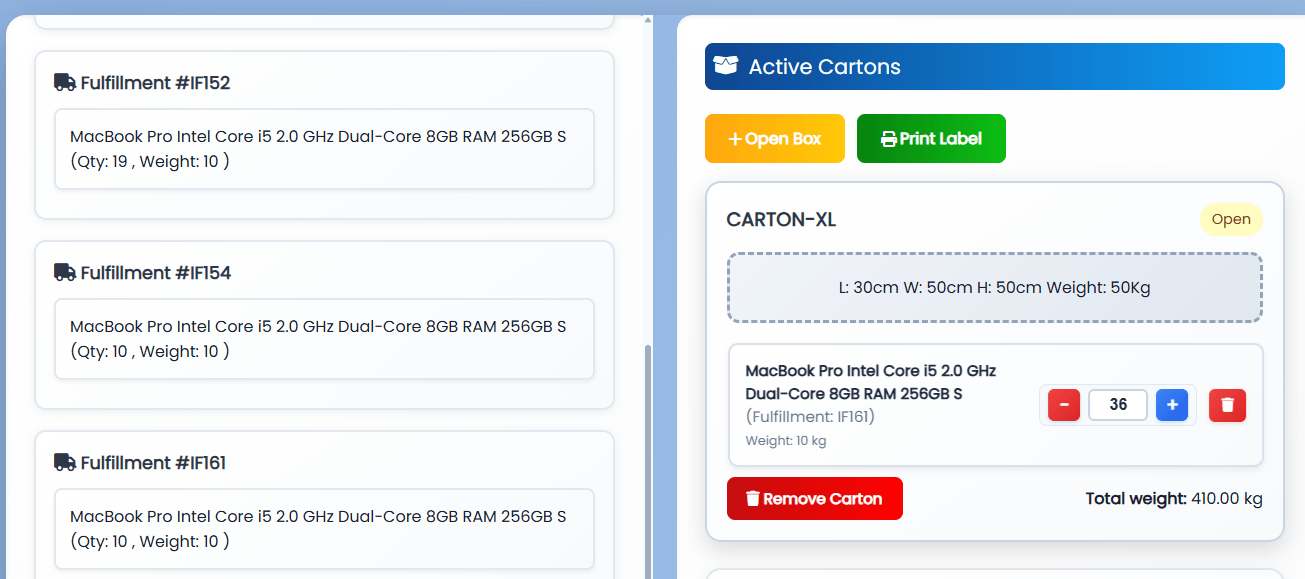
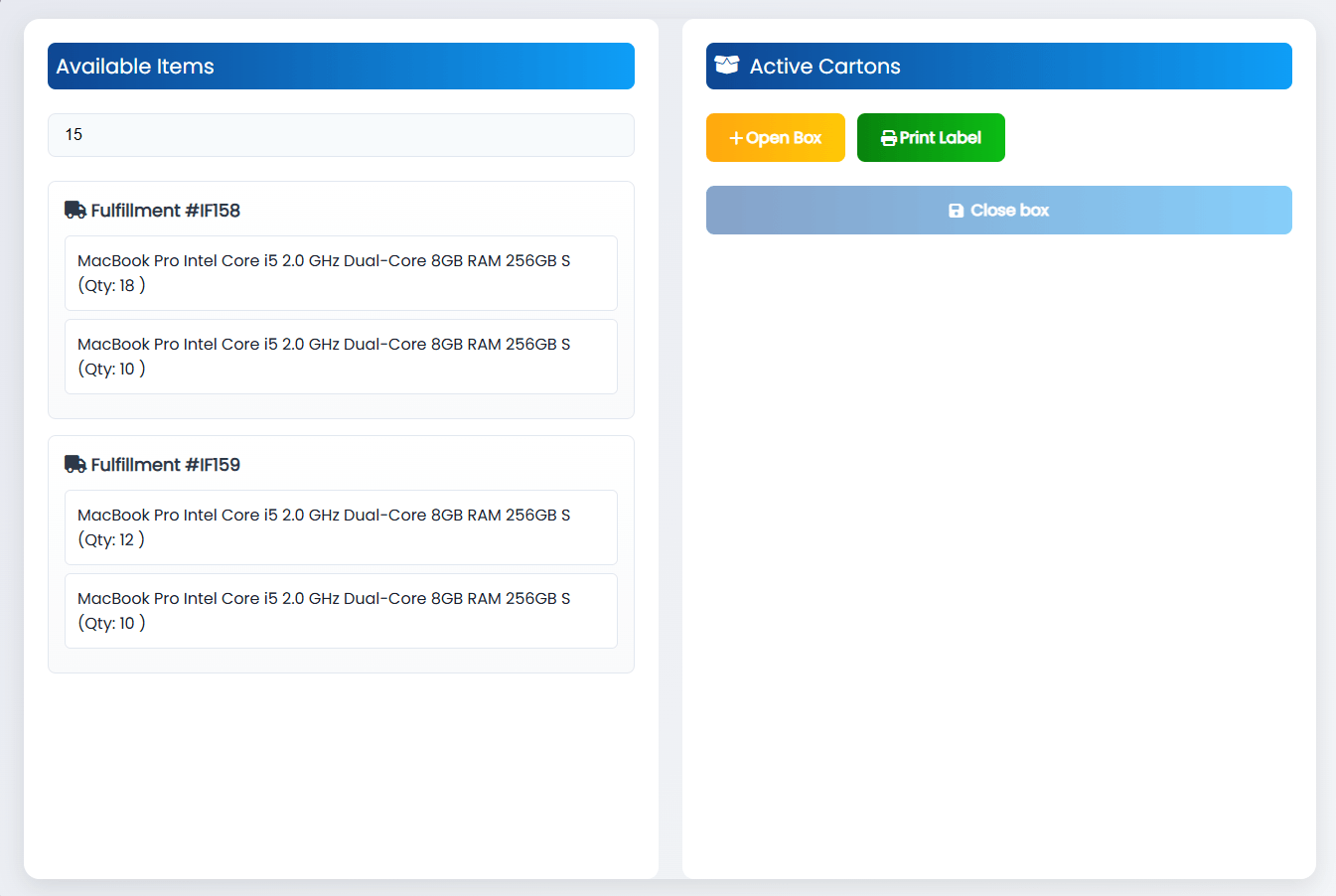
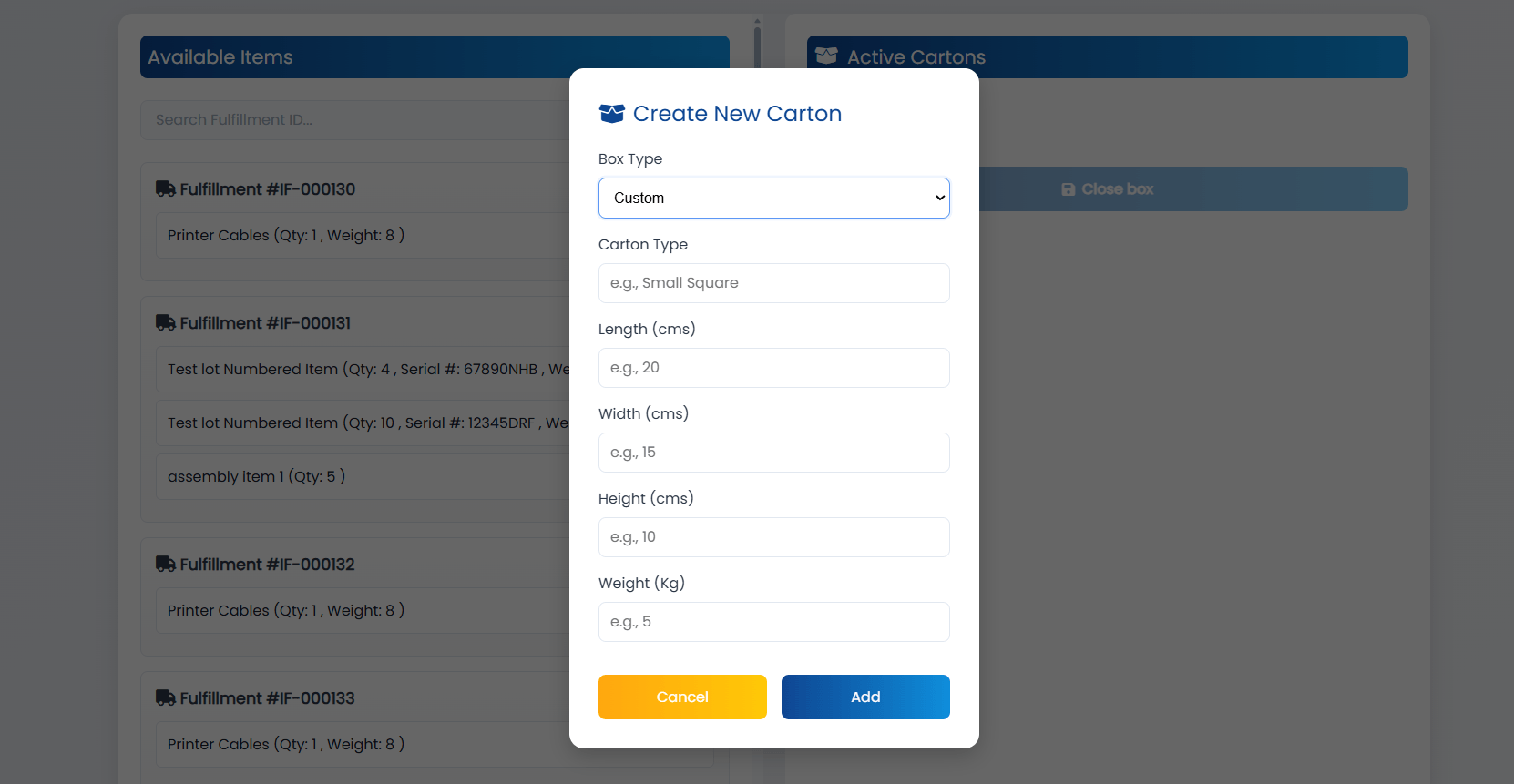
Create cartons from Item Fulfillment using a guided form and preview carton details before label generation.
Only for customers configured in SSCC setup, ensuring targeted usage.
Item and Quantity wise capturing of items in cartons, follows integrity across the Fulfillments.
Allows admin configuration of GS1 Company Prefix and Extension Digit, auto-generates sequential serial references per carton.
Usage Requirements and Limitations
- Carton creation is available only for customers configured in the SSCC setup.
- A carton must be created before the SSCC label can be generated.
- Labels are restricted to valid Item Fulfillment and carton records; incomplete data will block generation.
- Duplicate cartons for the same fulfillment are not allowed.
- Label printing depends on accurate carton details and customer configuration.
Ensure Global Traceability and B2B Logistics Compliance
- Create cartons directly from Item Fulfillment in a few clicks.
- Eliminate manual label preparation with automated SSCC generation.
- Quickly validate carton details before printing labels."
- Ensure labels are generated only when cartons exist.
- Include fulfillment and carton details automatically.
- Reduce errors with built‑in validations.
- Show carton creation only for configured customers.
- Apply SSCC rules tailored to each customer.
- Maintain compliance with customer shipping requirements.
- Generate labels instantly from cartons.
- Integrate carton and fulfillment data seamlessly.
- Speed up dispatch with fewer manual steps.
Frequently Asked Questions
Employees with Fulfilment permission can create cartons.
Each item may be packaged in a separate carton; however, all item fulfillments pertain to the same customer.
Yes, all generated SSCCs are stored in custom records linked to fulfillments and cartons.
Duplicate cartons are not allowed. The system blocks creation to maintain data integrity.
Yes. The carton weight with item weight depending on the quantity is shown.