

External File Cabinet Storage
Automated document‑management solution that generates transaction PDFs, synchronizes NetSuite file attachments with Google Drive, updates records with accurate file links, and ensures complete document traceability with error tracking and reconciliation across the entire system.
- SKU :PRNSEFCO1
- Last Update :April 2026
- Support for :NetSuite
- Implementation time :3 Business Days
External File Cabinet Storage
Automated NetSuite‑to‑Google Drive Document Synchronization
Automates the generation and synchronization of NetSuite transaction documents with Google Drive. It creates required PDFs, uploads them with complete metadata, updates records with Drive links, and ensures accurate, traceable document management across the system.
End‑to‑End Document Automation
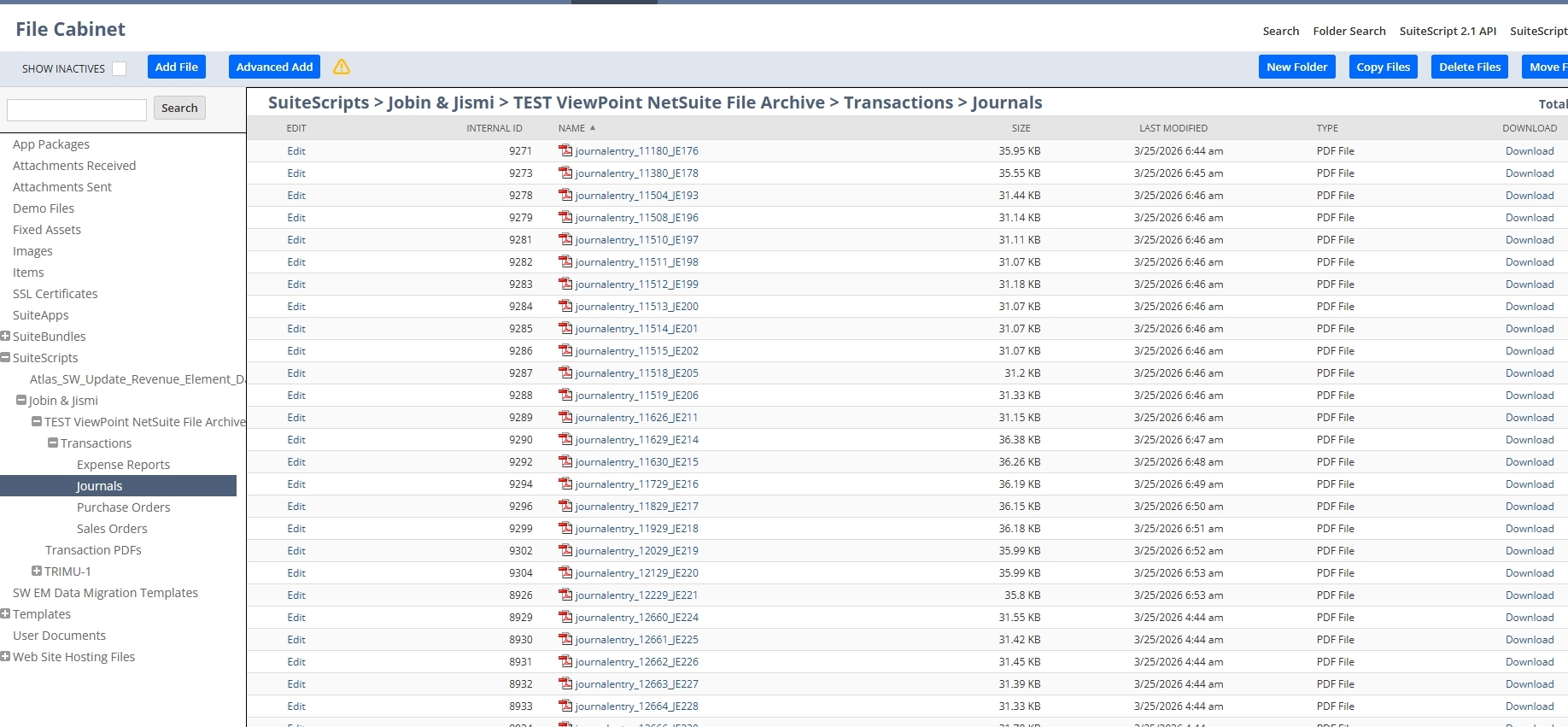
Generates transaction PDFs for invoices, vendor bills, orders, and more using NetSuite’s native rendering engine. Stores them in predefined File Cabinet folders for consistent processing.
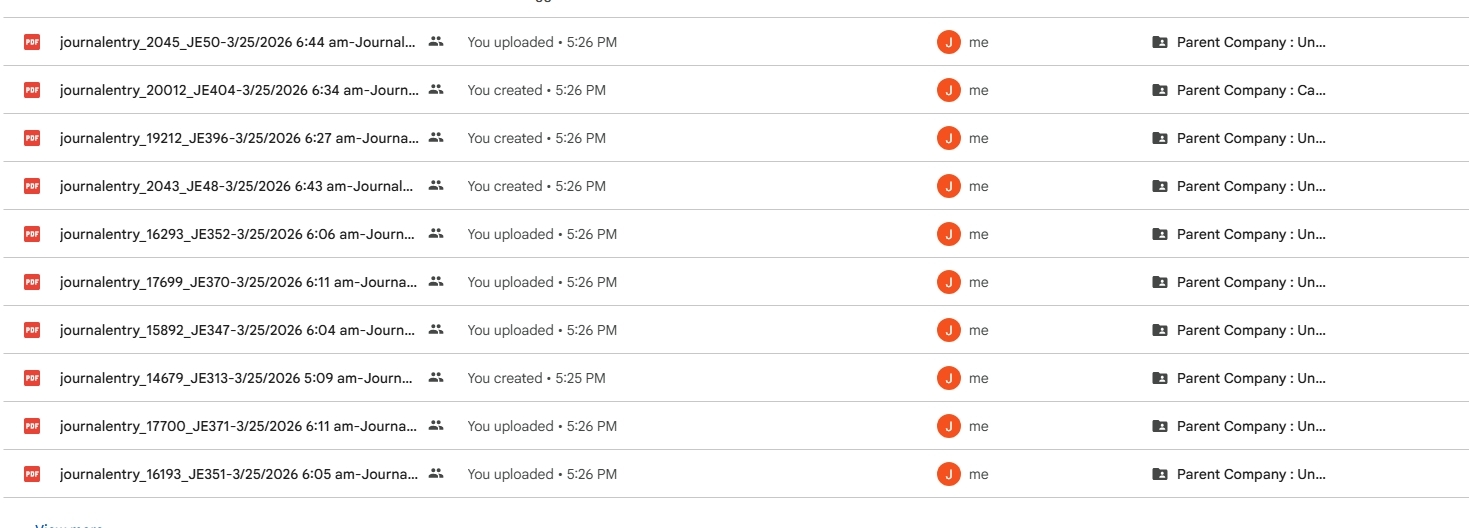
Uploads all NetSuite attachments to Google Drive with correct metadata and structured folder hierarchy. Ensures each file receives a unique Drive link stored for future reference.
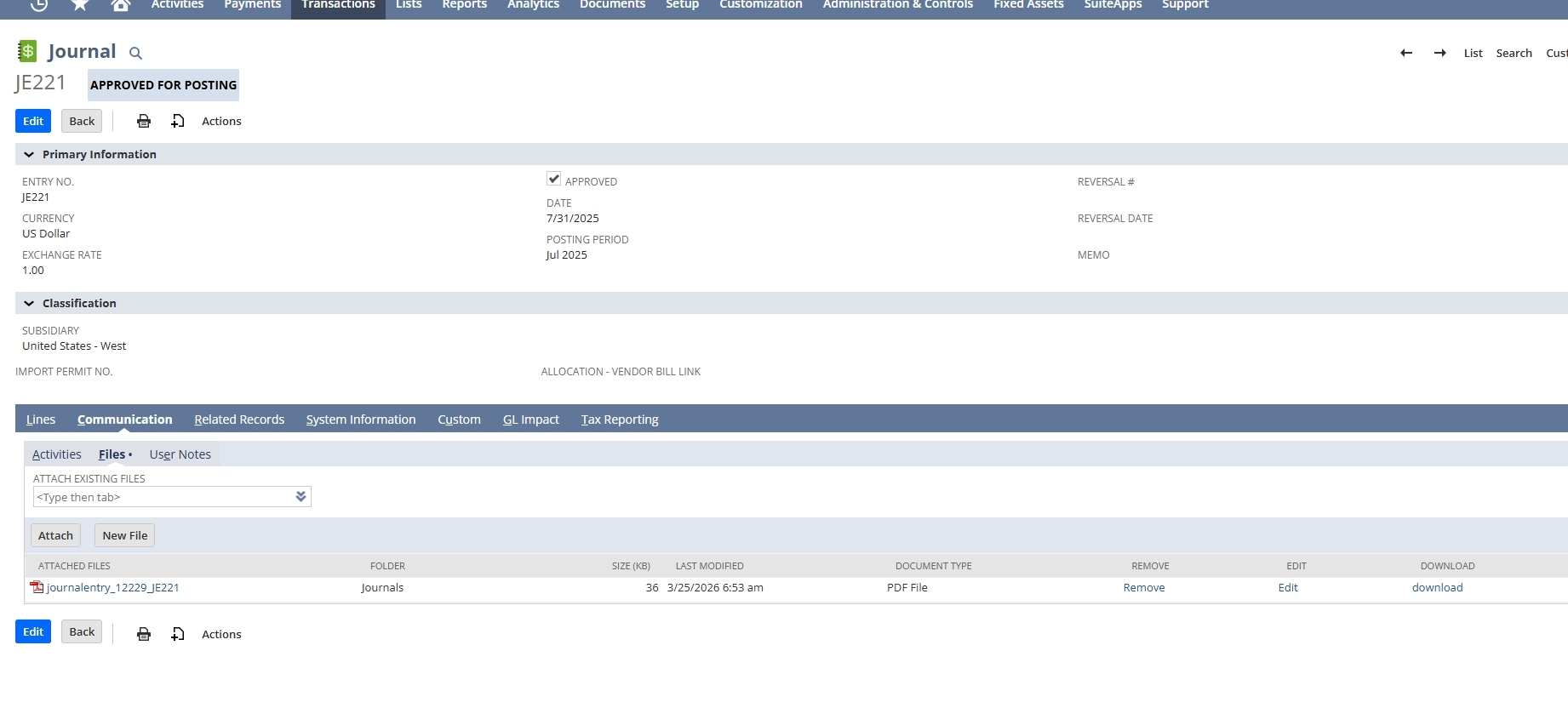
Writes Drive URLs into NetSuite transaction and custom record fields, giving users direct access to documents. Ensures visibility across finance, procurement, and operations teams.
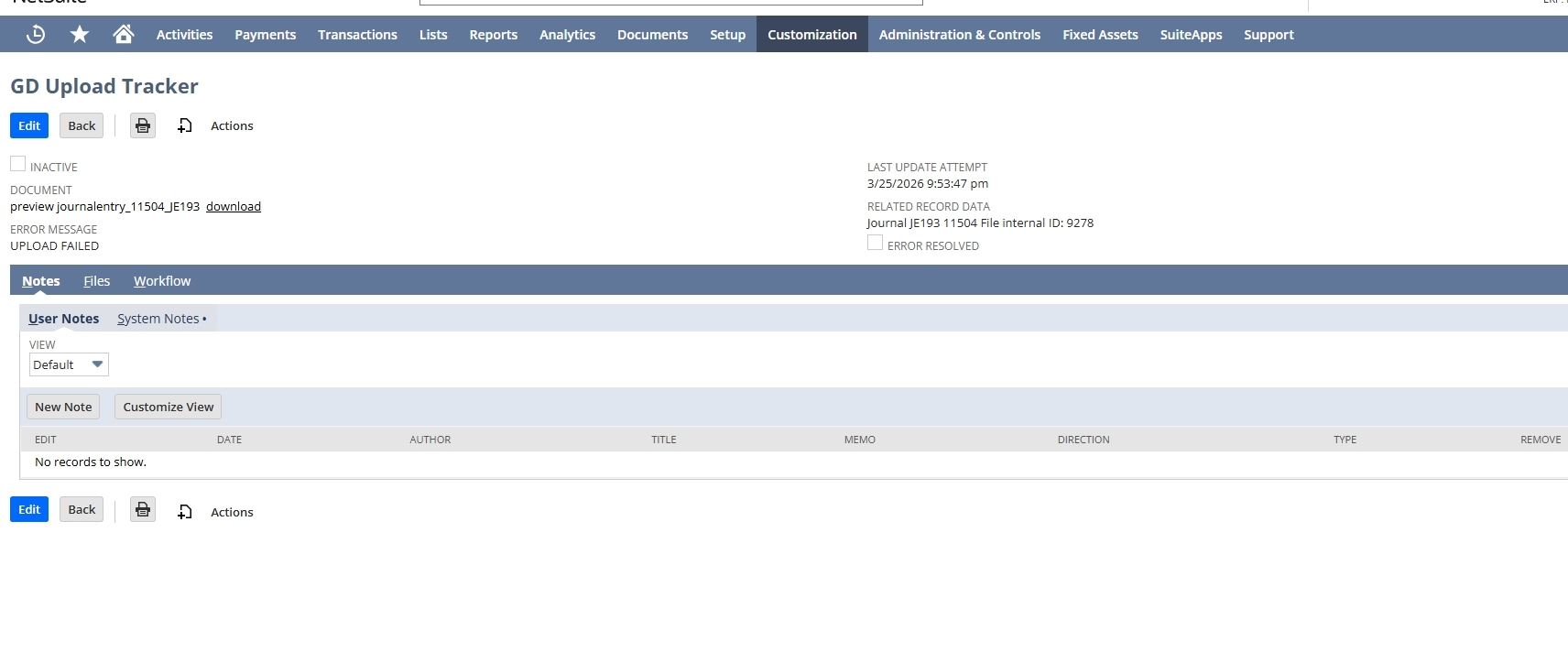
Detects missing, duplicate, or failed document sync cases and resolves them through an automated reconciliation cycle. Logs all errors in a custom record for transparent troubleshooting.
Processing Rules & System Requirements
- Only selected transaction types are included in the process.
- PDFs are created only when they are not already available.
- Files larger than 10MB are placed in a staging folder and then handled manually.
- Google Drive access must be properly authorized.
- Sync accuracy depends on correct metadata from earlier runs.
- Required NetSuite fields and setup must be completed before use.
Reliable, Centralized Document Management
- Ensures documents are always updated and synchronized.
- Prevents duplicates and missing file issues.
- Maintains complete audit trails for compliance.
- Automates PDF creation and Drive uploads.
- Eliminates manual renaming, linking, and file tracking.
- Handles error detection automatically.
- Updates NetSuite records with Drive URLs for instant access.
- Logs sync issues for quick resolution.
- Supports cross‑department transparency.
- Ensures reliable document availability for approvals and audits.
- Improves vendor and customer documentation handling.
- Reduces delays in financial and procurement workflows.
Frequently Asked Questions
By generating missing PDFs, uploading attachments to Drive, and running reconciliation cycles that verify all documents are up‑to‑date and accurately linked.
Yes, duplicate prevention logic checks both NetSuite and Google Drive before uploading any file.
Larger files are managed by keeping them in a temporary folder which then require some manual intervention to be completed.
The system uses the uploaded file’s information to automatically update the correct NetSuite fields with the final Google Drive link.
All errors are logged in a custom record with details, allowing teams to quickly identify and fix issues.