

NetSuite - Steel Cod Integration
Connects NetSuite with Steel Cod for create, update and delete operations for item, orders, invoices and quotes with actions controlled and hidden for closed or expired records.
- SKU :PDNSNSC01
- Last Update :May 2026
- Support for :NetSuite, Steel Cod
- Implementation time :5 Business Days
NetSuite - Steel Cod Integration
NetSuite–Steel Cod Integration
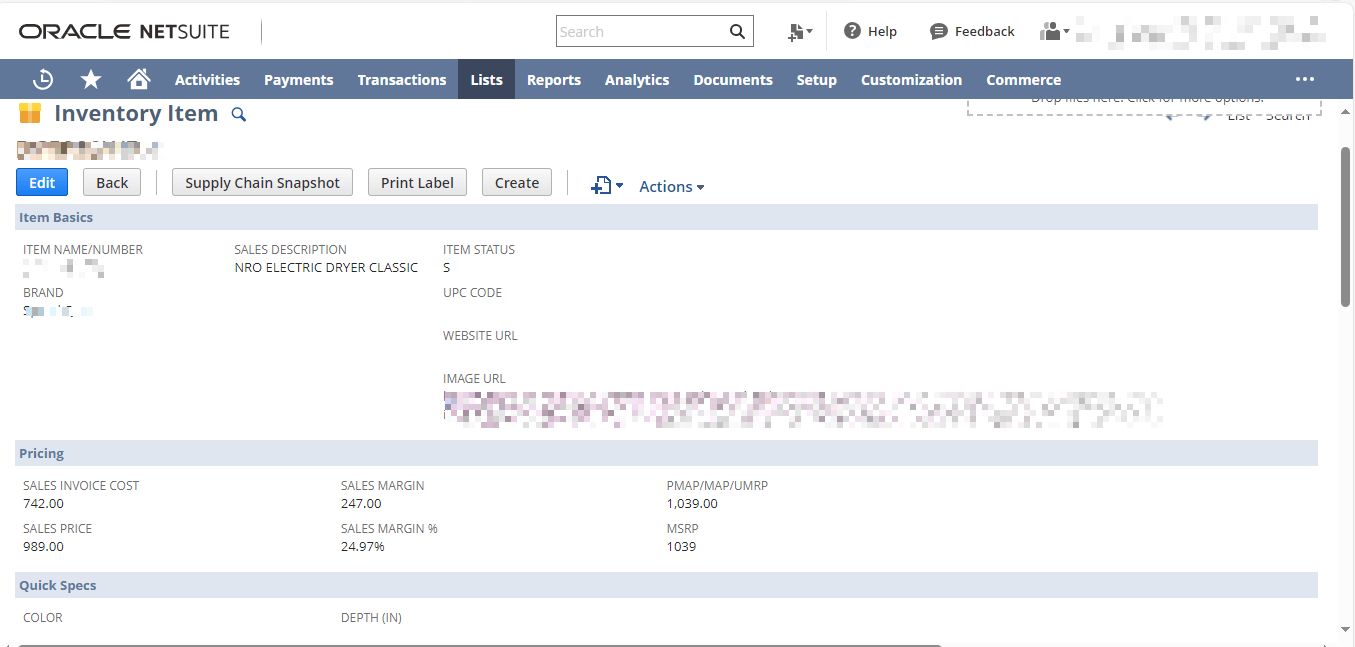
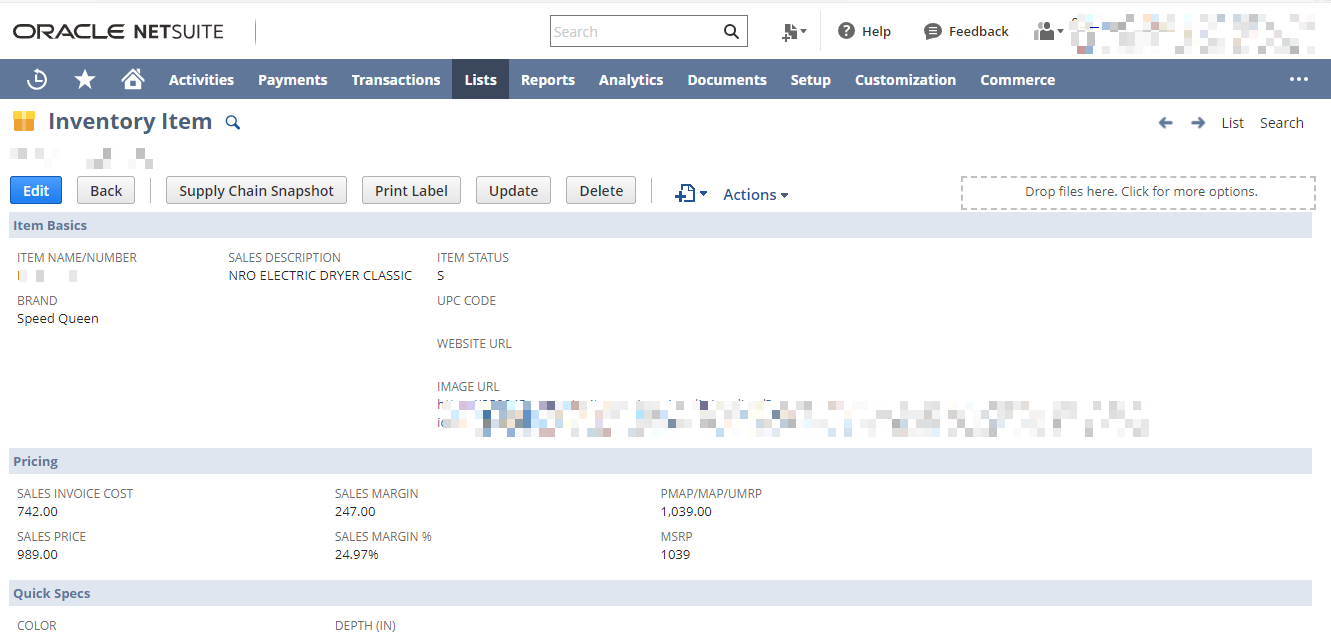
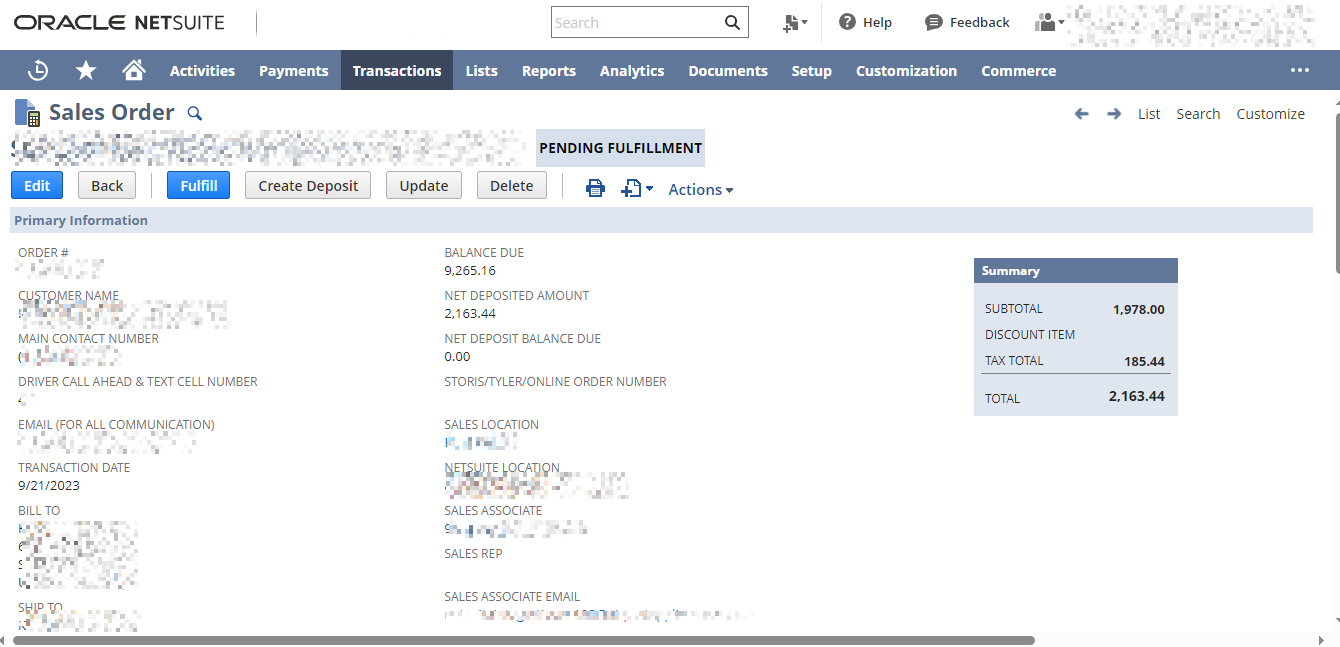
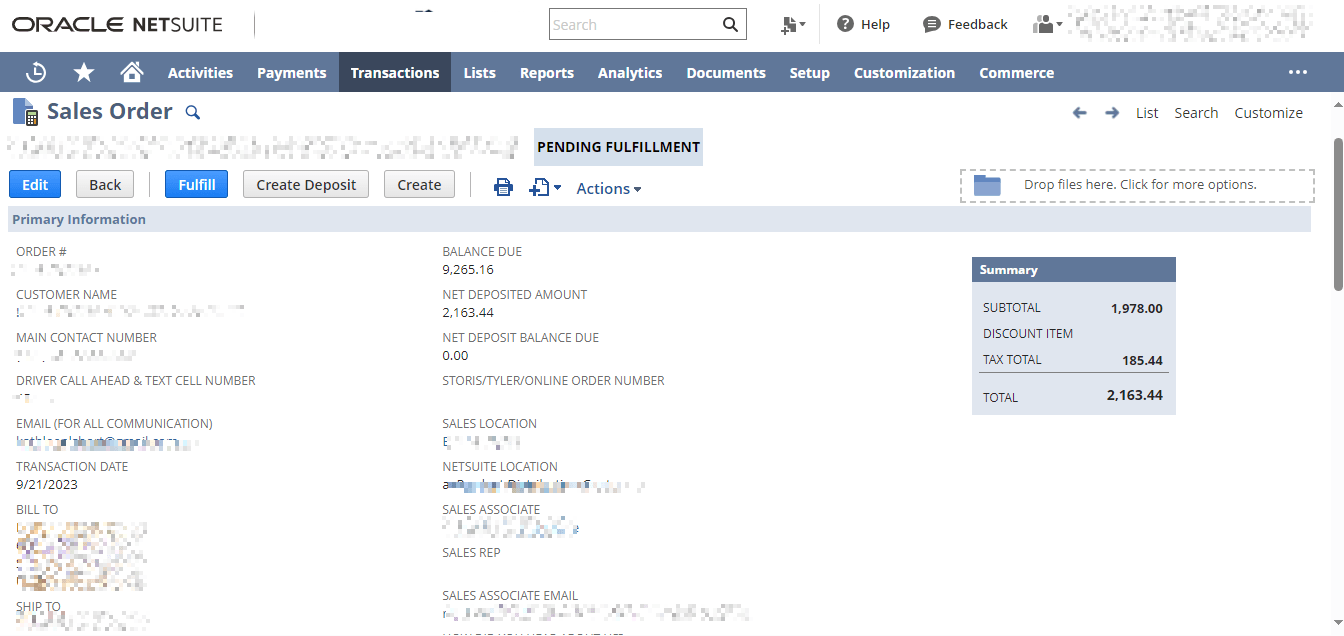
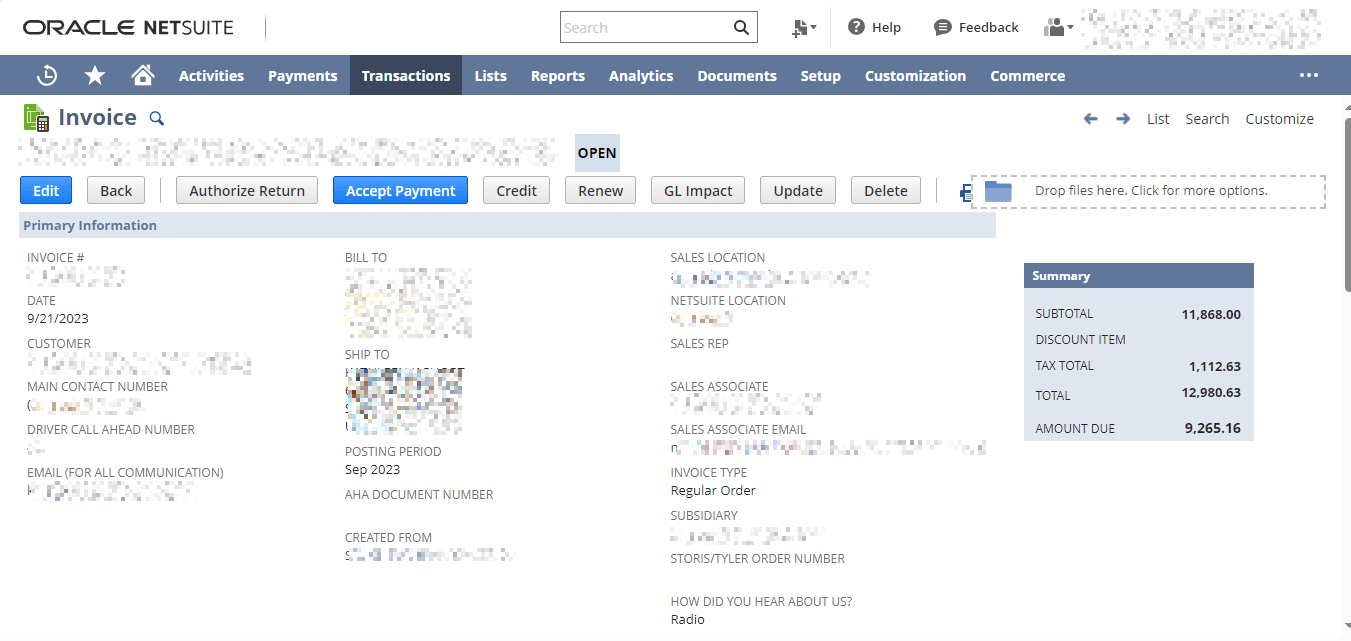
Integrates NetSuite with Steel Cod by adding Create, Update, and Delete buttons to items, sales orders, invoices, and quotes. Actions taken in NetSuite are instantly mirrored in Steel Cod, ensuring seamless synchronization. Visibility rules keep the buttons relevant only showing for default appliance items, active sales orders, and valid quotes.
Custom Action Buttons for Steel Cod Sync
Buttons appear only on items marked with the “Default Appliance” checkbox, ensuring relevance and accuracy.
Buttons are hidden on closed sales orders to prevent unnecessary or invalid sync actions.
Closed or expired quotes will not display buttons, keeping SteelCod data clean and current.
Create, Update, and Delete buttons trigger instant synchronization with SteelCod, reducing manual effort.
Conditions Apply
- Sync operations only run when both NetSuite and Steel Cod return successful API responses.
- Button visibility is restricted to records meeting defined rules (Default Appliance items, active sales orders, and valid quotes).
- User permissions must be verified before allowing any Create, Update, or Delete action to run.
Seamless Data Synchronization
- Eliminates duplicate entries by syncing only valid NetSuite records.
- Reduces errors across sales orders, quotes, and invoices.
- Automates manual sync tasks with one‑click actions.
- Speeds up workflows for sales and billing teams.
- Ensures consistent data flow between NetSuite and SteelCod.
- Keeps appliance sales processes organized and reliable.
- Provides clients with accurate, up‑to‑date quotes and invoices.
- Builds trust through error‑free documentation and faster service.
Frequently asked questions
The product adds Create, Update, and Delete buttons to NetSuite records, which trigger instant synchronization with SteelCod.
Only default appliance items, active sales orders, and valid quotes display the sync buttons.
Yes, multiple items, orders, or quotes can be synced in batches without manual repetition.
No. The sync logic ensures that records are updated or deleted correctly, preventing duplication and avoiding unnecessary actions or changes.
Yes, button visibility rules and sync conditions can be tailored to match business requirements.