

NetSuite TrackTrace Integration
Seamlessly connect your NetSuite system with TrackTraceRX to simplify serialized inventory management and regulatory compliance. Automate receiving and shipping workflows while keeping your records accurate, synchronized, and ready for audits.
- SKU :PRNSTTI01
- Last Update :December 2025
- Support for :NetSuite, TrackTrace
- Implementation time :5 Business Days
NetSuite TrackTrace Integration
Segment TrackTraceRX–NetSuite Integration
Simplify how businesses manage serialized inventory across NetSuite and TrackTraceRX. It automates key workflows for receiving and shipping items, while keeping records synchronized and accurate. Core data like items, locations, vendors, and customers are updated in real time, reducing manual effort and improving traceability. With scheduled syncs and smart matching, the system ensures smooth operations from purchase order to fulfillment.
Serialized Inventory Integration for NetSuite
Keep your item, vendor, customer, and location records aligned between systems with automatic updates. Changes made in NetSuite reflect instantly in TrackTraceRX, minimizing manual adjustments.
Automatically create item receipts in NetSuite by pulling shipment data from TrackTraceRX. The system matches purchase orders and converts quantities for consistent tracking.
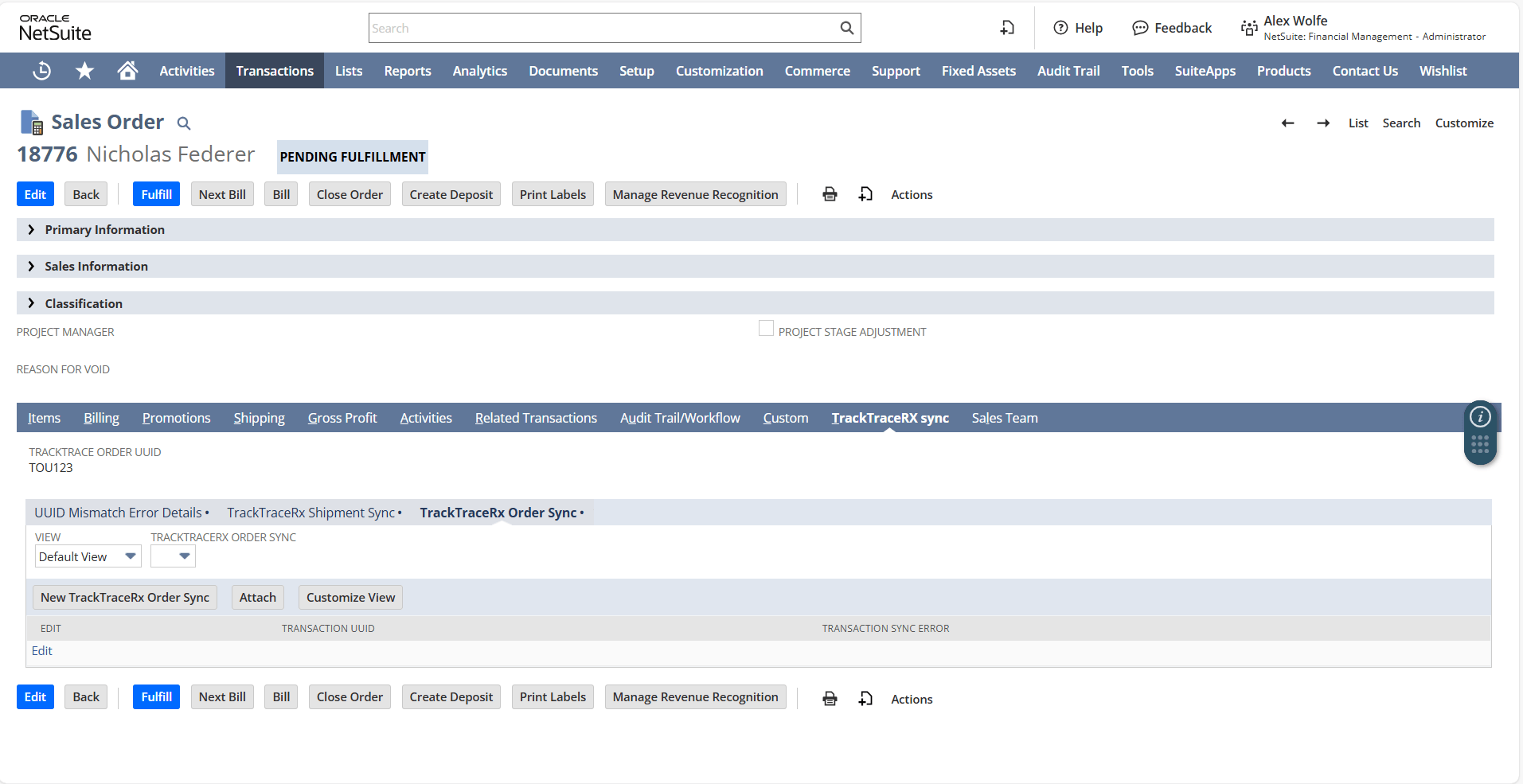
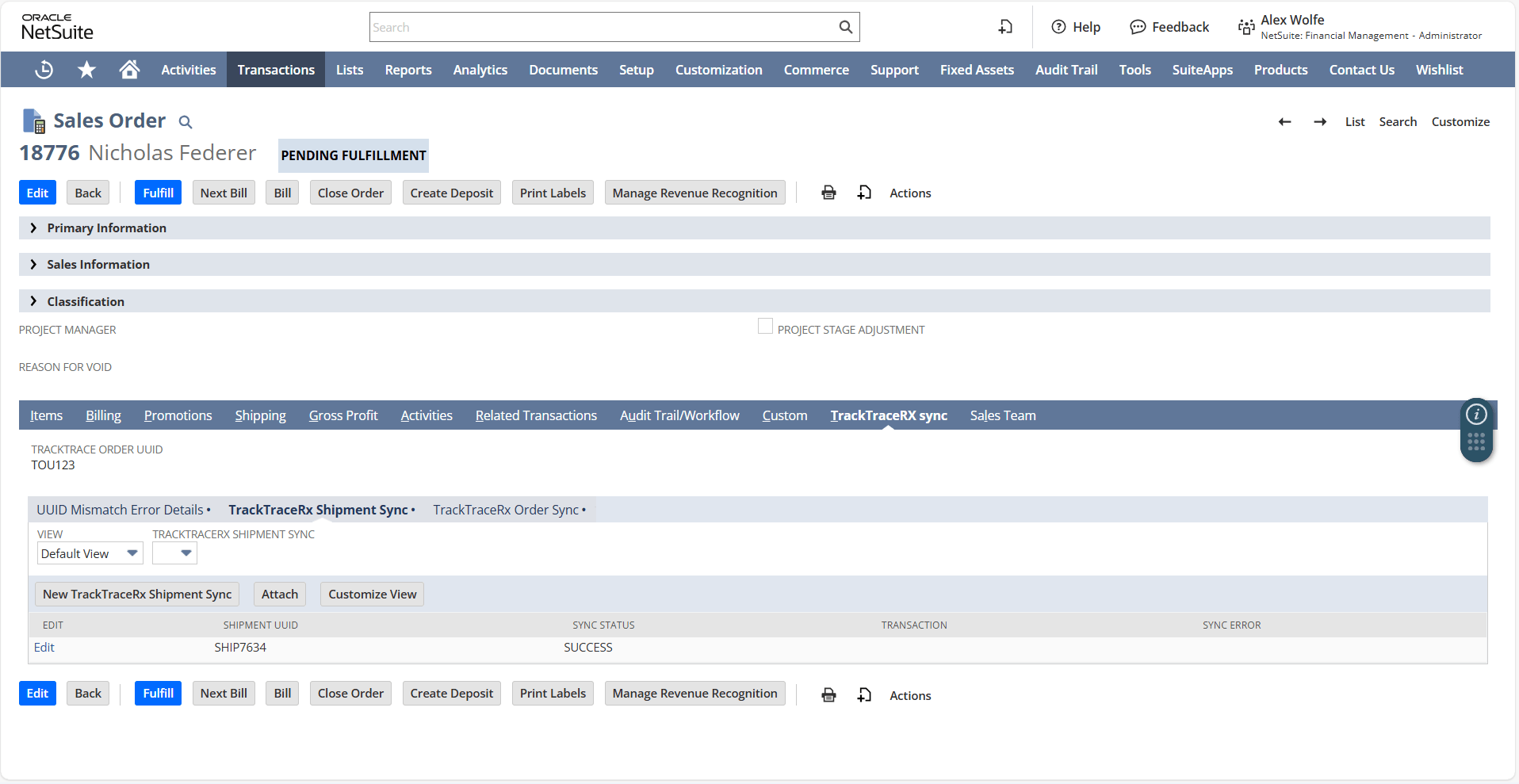
Sales orders with serialized items are synced to TrackTraceRX, and shipment data flows back to NetSuite for fulfillment. This ensures smooth coordination between order processing and delivery.
Highlights issues like missing data or mismatched records with clear messages, helping users resolve them quickly. This ensures smoother syncs and reduces the chance of delays or incorrect entries.
Setup Guidelines & Operational Constraints
All inventory data must be submitted in CSV format. Other file types, such as Excel or PDF, will not be accepted.
Ensure that both the subsidiary and location are selected before proceeding with the upload process.
No Duplicate Entries: Duplicate records for the same subsidiary and location are not allowed. Each entry must be unique.
Inventory Count Validation: Inventory count creation can only proceed if all selected items are valid and properly configured.
Item Display Limitations: Pagination and search filters may limit the number of items displayed per tab, depending on the data volume."
Streamline Operations and Enhance Data Integrity
- Sync item data automatically without manual entry.
- Receive and fulfill shipments with minimal clicks.
- Reduce time spent matching records between systems.
- Validate item details before syncing to avoid mismatches.
- Ensure only approved vendors and customers are included.
- Catch and correct errors with clear system feedback.
- Ensure serialized inventory is tracked and documented accurately across systems.
- Maintain clean records that align with audit and reporting standards.
- Minimize manual errors that could lead to regulatory issues or shipment delays.
- Monitor sync status with custom fields and indicators.
- Link transactions to specific subsidiaries and trading partners.
- Maintain a clear audit trail for every shipment and receipt.
Frequently Asked Questions
The integration automatically syncs inventory, locations, and subsidiary data between NetSuite and TrackTrace in real-time, ensuring consistent and up-to-date information across both systems. Key processes like receiving, shipping, and order fulfillment are streamlined, reducing manual work and improving operational efficiency.
If an error occurs, the system provides clear error messages to help identify and resolve the issue quickly, ensuring smooth synchronization.
Yes, the integration supports syncing inventory data across multiple locations and subsidiaries, ensuring accurate and real-time updates for each.
Only lot-numbered inventory items are supported for synchronization between NetSuite and TrackTrace, ensuring that serialized items are properly tracked. Non-serialized items or those without proper configurations will not be included in the sync process.
Yes, the integration allows you to customize sync settings based on each subsidiary, ensuring that data is synced according to specific requirements and business needs.