

Related Items for Submatrix Items
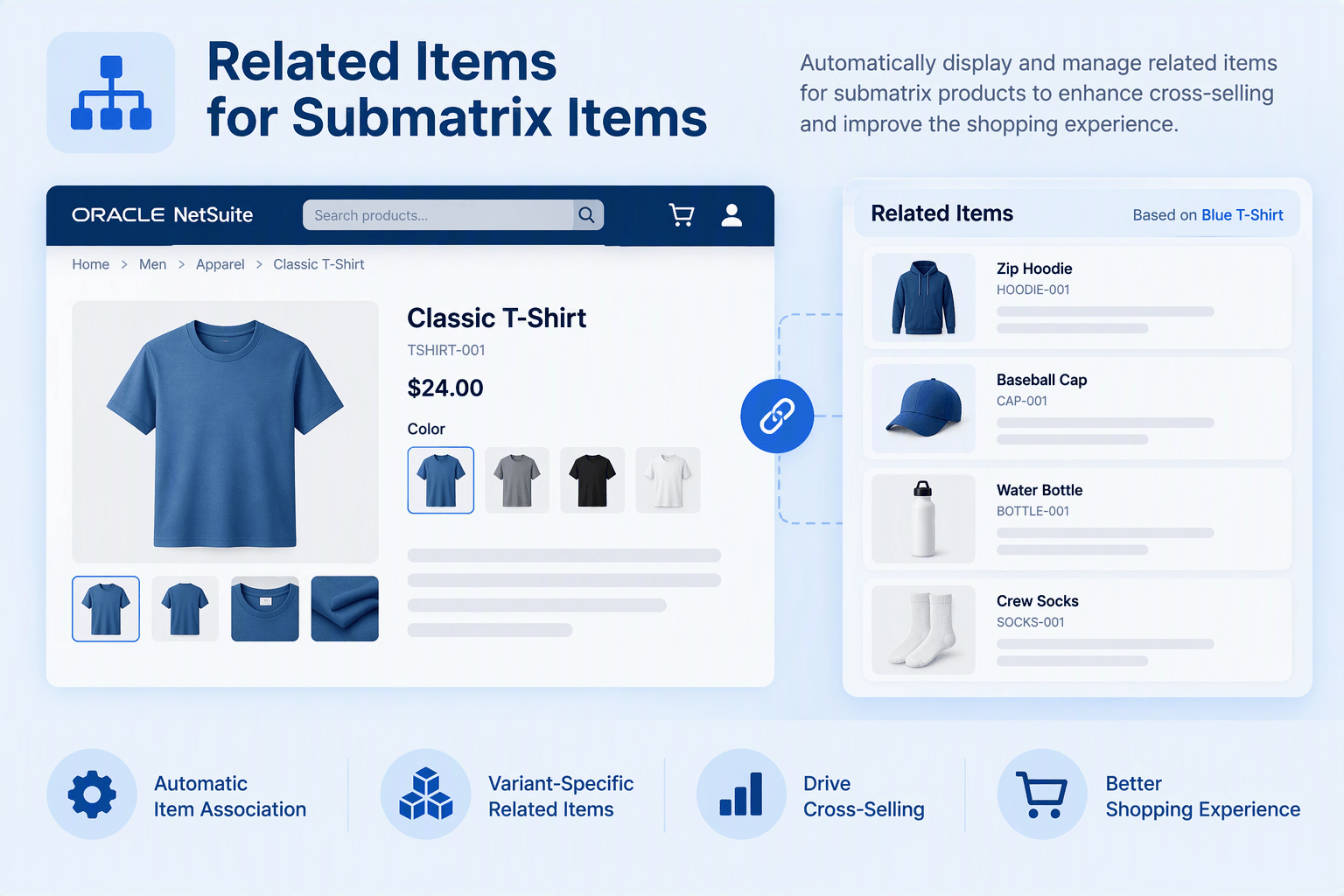
By default, SuiteCommerce Advanced (SCA) displays related items for matrix parent items across all child or submatrix items. This enhancement allows for the display of different related items for submatrix items, providing a tailored experience for customers based on their selection.
- Last Update :October 2026
- Published :31 Oct 2026
- Support for :SuiteCommerce, SuiteCommerce Advanced (SCA)
- Implementation time :1 Week
Related Items for Submatrix Items
Related Items for Submatrix Items Enhancement
The Related Items for Submatrix Items enhancement allows for the dynamic display of different related items for submatrix items, which traditionally inherit the related items of the matrix parent item. By implementing this feature, businesses can offer more relevant and personalized related product recommendations for each submatrix item. The feature includes a responsive carousel to display these items, enhancing user engagement and improving the shopping experience.
Dynamic Related Item Display for Submatrix Items
The related items are displayed in a carousel slider that adjusts based on screen size, ensuring a smooth and optimized display across mobile, tablet, and desktop devices.
The feature integrates with custom fields in the NetSuite record and uses a custom service controller to fetch and display related items specific to each submatrix item.
Administrators can configure and assign different related items for each submatrix item via custom fields in NetSuite, allowing for tailored product recommendations.
The enhancement seamlessly integrates with existing SuiteCommerce Advanced configurations, extending related item functionality to submatrix items without disrupting other features.
Conditions Apply
- Requires SuiteCommerce or SuiteCommerce Advanced platform.
- Admin access to SuiteCommerce setup and configuration is necessary.
- Custom product configurations (matrix items) may require additional adjustments.
- Related items must be configured at the submatrix level in NetSuite for full functionality.
Benefits of the Related Items for Submatrix Items Feature
- Customers receive tailored related item suggestions based on the submatrix item they are viewing.
- Increases the relevance of recommendations, improving customer satisfaction.
- Carousel layout allows customers to easily browse related items.
- Optimized for mobile and desktop devices, providing a seamless shopping experience.
- Admins can easily configure and manage related items for each submatrix item.
- Custom fields in NetSuite allow for flexibility in related item assignment.
- The feature integrates smoothly with existing SuiteCommerce Advanced setups.
- No disruption to other features or customizations within the product page.
Frequently Asked Questions
The enhancement allows for separate related items for submatrix items without affecting the related items for matrix parent items. It only modifies the behavior for submatrix items.
Yes, administrators can configure and assign different related items to each submatrix item using custom fields in the NetSuite item record.
The implementation typically takes 1 week, depending on your existing configurations and the complexity of your matrix items.
The enhancement requires SuiteCommerce or SuiteCommerce Advanced, admin access to SuiteCommerce configuration, and custom matrix item configurations may need additional adjustments for full functionality