

How Does NetSuite CRM Automate Sales Follow-Ups and Mitigate Missed Opportunities?



QUICK ANSWER
NetSuite CRM automates sales follow-ups by giving every lead, opportunity, and task a named owner, a due date, and a reminder. Sales rules and territories route new leads to the right rep, task records send email or popup reminders to the assignee, and SuiteFlow workflows can trigger notifications when follow-ups fall overdue. Because the CRM runs on the same platform as NetSuite ERP, reps see orders and transaction history before they make the next call. Results depend on how closely the configuration mirrors your actual sales process.
A growing sales pipeline does not guarantee that opportunities will progress. When follow-up tasks are scattered across emails, spreadsheets, and personal reminders, sales managers struggle to see which prospects need attention and who owns the next action. Salesforce’s 2026 State of Sales report, based on a survey of 4,050 sales professionals in 22 countries, found that the average seller spends 40% of their time selling. Most of the remaining time goes to non-selling work such as data entry and prospecting, so administrative load and fragmented information directly reduce the time available for customer engagement.
This article is written for sales leaders, CFOs, and operations heads who want fewer missed follow-ups. It explains why follow-ups slip, which NetSuite CRM capabilities address each cause, and what a sound NetSuite CRM configuration and implementation look like.
Why Do Sales Teams Miss Follow-Up Opportunities?
- Manual Tracking: Sales representatives can spend significant time researching prospects and managing follow-up activities by hand. Orum’s 2024 State of Sales Development report, based on a PureSpectrum survey of 1,000 sales leaders, found that 67% of respondents said their reps spend at least 11 hours a week on research and follow-up.
- Delayed Responses: Slow follow-ups give potential customers time to lose interest or evaluate competitors.
- Limited Customer Context: Without access to previous conversations and buying needs, follow-ups can feel irrelevant to the buyer.
- Unclear Lead Ownership: When responsibilities are not defined, leads can sit untouched between teams.
- Disconnected Sales and Marketing: Poor visibility into campaign responses and lead activity makes it harder to prioritize prospects.
- No Consistent Follow-Up Process: Without clear timing, next steps, and escalation rules, sales activity becomes inconsistent from one rep to the next.
What Is NetSuite CRM?
NetSuite Customer Relationship Management (CRM) is a cloud-based solution that helps businesses manage interactions with current and potential customers, partners, and suppliers. Through NetSuite CRM, businesses record leads, track opportunities through the sales pipeline, and monitor expected deal values. NetSuite CRM connects customer information with related orders, inventory, and financial data within the NetSuite environment, according to the system configuration and user permissions.
Because the CRM and NetSuite ERP run on the same platform, NetSuite ERP and CRM integration does not depend on a separate connector between two systems. Oracle NetSuite’s Customer 360 dashboard brings key customer information, activity, and KPIs into one view, giving sales teams real-time visibility into opportunity momentum, customer activity, and follow-up requirements.
What Are the Key Features of NetSuite CRM?
Sales automation: NetSuite CRM sales automation connects opportunity management with quoting, upselling, and order processes, giving sales teams the relevant customer and transaction information when they review active deals. Oracle NetSuite describes this as integrated sales processes running from opportunity, upsell, and quote management through to sales forecasting. Sales managers can use opportunity status and expected deal values to prioritize pipeline reviews and identify deals that need attention.
Revenue Forecasting: Revenue forecasting helps decision makers plan around expected sales rather than relying only on past results. NetSuite builds the sales forecast from opportunities, estimates (quotes), and orders. In standard forecasting an estimate is included only when its probability of close exceeds the minimum forecast probability set in the account’s sales preferences. Forecast accuracy therefore depends on how consistently reps update probability and status.
Quote and Order Management: NetSuite ERP connects quotes and sales-order processes with relevant customer and transaction information. Pricing, discounts, tax calculations, and shipping details depend on the applicable transaction settings, business rules, and configuration. When these processes are configured correctly, connected records reduce duplicate data entry and help maintain consistency from quote to cash.
Performance Reporting and Analytics: Dashboards, reports, KPIs, and saved searches in NetSuite ERP can be configured to surface relevant sales and customer information. Leaders can compare sales results with targets, review forecast variances, assess lead conversion, and track customer service trends. These views help identify missed revenue targets, evaluate campaign performance, and direct resources toward the areas that need attention.
Partner Sales Coordination: NetSuite CRM links partner-generated leads and sales opportunities with customer and sales records. Marketing teams can track leads from joint campaigns, while finance leaders review partner sales, commissions, and referral bonuses, which can be processed at month end or quarter end. This connection shows which partner relationships generate revenue and where marketing and sales investment may need to change.
Mobile CRM Access: Customers, leads, prospects, contacts, opportunities, tasks, phone calls, events, and cases are fully supported record types in the NetSuite mobile app, so authorized users can view or update CRM information away from the desktop interface.
What Business Challenges Does NetSuite CRM Help Address?
Business Challenge | How NetSuite CRM Helps |
Scattered Customer Data | Connects customer records with related orders, transactions, and activity, summarized in the Customer 360 dashboard. |
Limited Sales Visibility | Tracks leads, opportunities, and deal progress, with pipeline and forecast views by stage. |
Unclear Follow-Up Ownership | Sales rules and territories assign new leads and customers to reps or teams, and CRM tasks carry a named assignee for each activity. |
Inconsistent Follow-Up Timing | Task due dates, email or popup reminders, and SuiteFlow workflows keep next steps on schedule. |
Complex Commission Management | Supports commission and referral bonus calculations based on configured rules. |
How Does NetSuite CRM Help Prevent Missed Sales Opportunities?
Missed follow-ups delay decisions and leave promising deals inactive. With appropriate NetSuite CRM configuration, sales teams use reminders, task assignments, and workflow rules to keep follow-ups on schedule. Sales territories built from sales rules distribute new leads, prospects, and customers to the right rep, sales group, or team as soon as the records are created, so no new lead starts life without an owner.
NetSuite CRM sales automation reduces manual tracking by letting teams manage sales activities and monitor opportunity progress in one place. NetSuite CRM workflow automation then standardizes the follow-up process: SuiteFlow workflows can trigger reminders, reassign records, and guide sales representatives through the next steps of the sales cycle.
How Can Sales Teams Improve Follow-Up Consistency with NetSuite CRM?
Consistent follow-up depends on accurate customer records and clear next steps. Salesforce’s 2026 State of Sales report found that 74% of sales professionals are focusing on data cleansing, which includes removing duplicates, correcting errors or omissions, and standardizing formats across siloed systems. The finding does not measure missed follow-ups directly, but it shows how heavily sales teams depend on records they can trust.
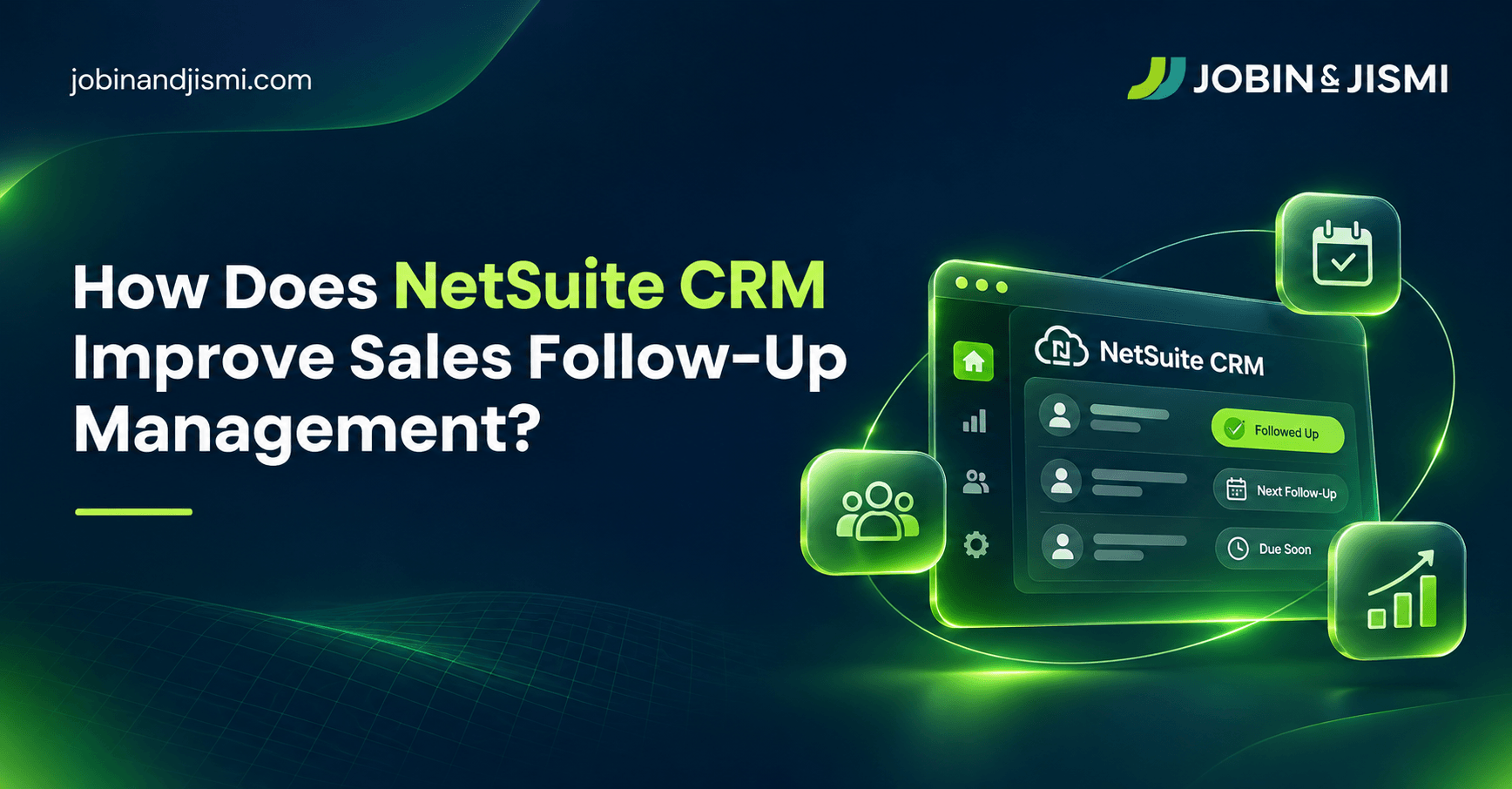
- Set task reminders: A NetSuite task record carries an Assigned To employee, a due date, a priority, and a status. For scheduled tasks, a reminder type (email or popup) and a reminder time alert the assignee before the task is due. For more complex requirements, SuiteFlow workflows can be configured to send notifications or perform other actions according to defined conditions.
- Assign clear ownership: Make sure every new lead and active opportunity has someone responsible for the next step, and that the person can actually see the task in their own view.
- Check stalled deals: Review sales reports and saved searches to find opportunities that have not progressed and may need attention.
- Keep interaction records: Log calls, meeting notes, and agreed actions against the customer record so the next conversation builds on what the customer has already shared.
J&J IMPLEMENTATION OBSERVATION
In one engagement with a US healthcare products company, outside sales reps worked in NetSuite through partner logins, and new tasks defaulted the hidden Assigned To field to the person who created them. Tasks logged by customer service never appeared in the reps’ own task lists. Our team built a SuiteFlow workflow that sets the Assigned To field to the partner record linked to the chosen employee when the task is saved, first for 10 accounts in sandbox and then extended to the 27 partner logins in production. A reminder only prevents a missed follow-up if the person who has to act can see the task.
What Are the Key Steps in NetSuite CRM Implementation?
Jobin & Jismi structures CRM projects around a five-stage sequence. Each stage closes one of the follow-up gaps described above.
1. Assess Business Needs
Review existing sales and customer management processes. Define business goals, reporting needs, and integration requirements.
2. Configure the CRM
Set up sales rules and territories for lead ownership and assignment, task conventions, saved searches, and follow-up escalation requirements.
3. Data Migration
Clean existing customer records, remove duplicates, and validate data before transferring it to NetSuite CRM.
4. Testing and Training
Test sales and reporting processes. Train employees on their role-specific tasks and resolve issues before launch.
5. Go-Live and Review
Launch the system, monitor user adoption and data accuracy, and address issues that arise during initial use.
Can NetSuite CRM Help Your Sales Team Follow Up More Consistently?
When sales representatives rely on personal reminders and scattered customer records, follow-ups depend too heavily on individual habits. NetSuite CRM gives businesses a shared view of lead activity, opportunity progress, and customer interactions, which makes it easier to see which prospects need attention and who is responsible for the next step. The value depends on how well the system reflects the company’s actual sales process, from lead assignment to follow-up reminders and pipeline reviews.
Jobin & Jismi, an Oracle NetSuite Solution Provider Partner, helps businesses assess their requirements and configure sales workflows through NetSuite CRM consulting and NetSuite CRM implementation services, including CRM workflow automation and reporting. Talk to our NetSuite experts to determine the right NetSuite CRM configuration for your business.
Explore our guides on NetSuite CRM and NetSuite CPQ, and our NetSuite CRM implementation services page, to understand how connected business data and the right implementation approach can support your sales processes.
on LinkedIn

Related Blogs

Frequently Asked Questions
You schedule a follow-up in NetSuite CRM by creating a task record with an Assigned To employee, a due date, a priority, and a status. Linking the task to the related company, contact, support case, or transaction keeps the follow-up attached to the customer record. For scheduled tasks, choosing a reminder type (email or popup) and a reminder time alerts the assignee before the task is due, according to Oracle NetSuite’s documentation.
NetSuite CRM helps businesses prioritize leads by bringing lead details, customer interactions, and opportunity status into one record. Its marketing automation can pass a lead to sales as soon as the lead meets predefined criteria. Sales managers then use this information to focus on promising leads and identify prospects that need follow-up.
Yes. NetSuite workflow customization through SuiteFlow supports reminders, task assignments, field updates, and notifications based on defined business rules. In one our client engagement, a SuiteFlow workflow automatically assigned new tasks to the correct outside sales rep, so customer service could hand off follow-ups without manual rerouting. The available options depend on the business configuration and requirements.
Yes, when the process is configured for it. Task records can send email or popup reminders before a scheduled task is due, and SuiteFlow workflows or saved search alerts can notify reps and managers when tasks pass their due date. Managers use these alerts to identify delays and make sure promising leads receive timely attention.
Yes. NetSuite Customer Relationship Management records phone calls, events (meetings), and tasks as activities linked to customer, lead, and prospect records, and Oracle NetSuite lists phone calls, events, and tasks as fully supported record types in its mobile app. Emails sent from NetSuite are kept in the record’s communication history, while capture from external email clients depends on how communication tools and activity tracking are configured.
Sales teams identify leads without recent contact by reviewing lead records, activity history, and assigned tasks, typically through a saved search that filters leads with no logged activity in a set period. NetSuite CRM consulting and NetSuite CRM implementation services help businesses establish suitable tracking rules and reports based on their sales process.