

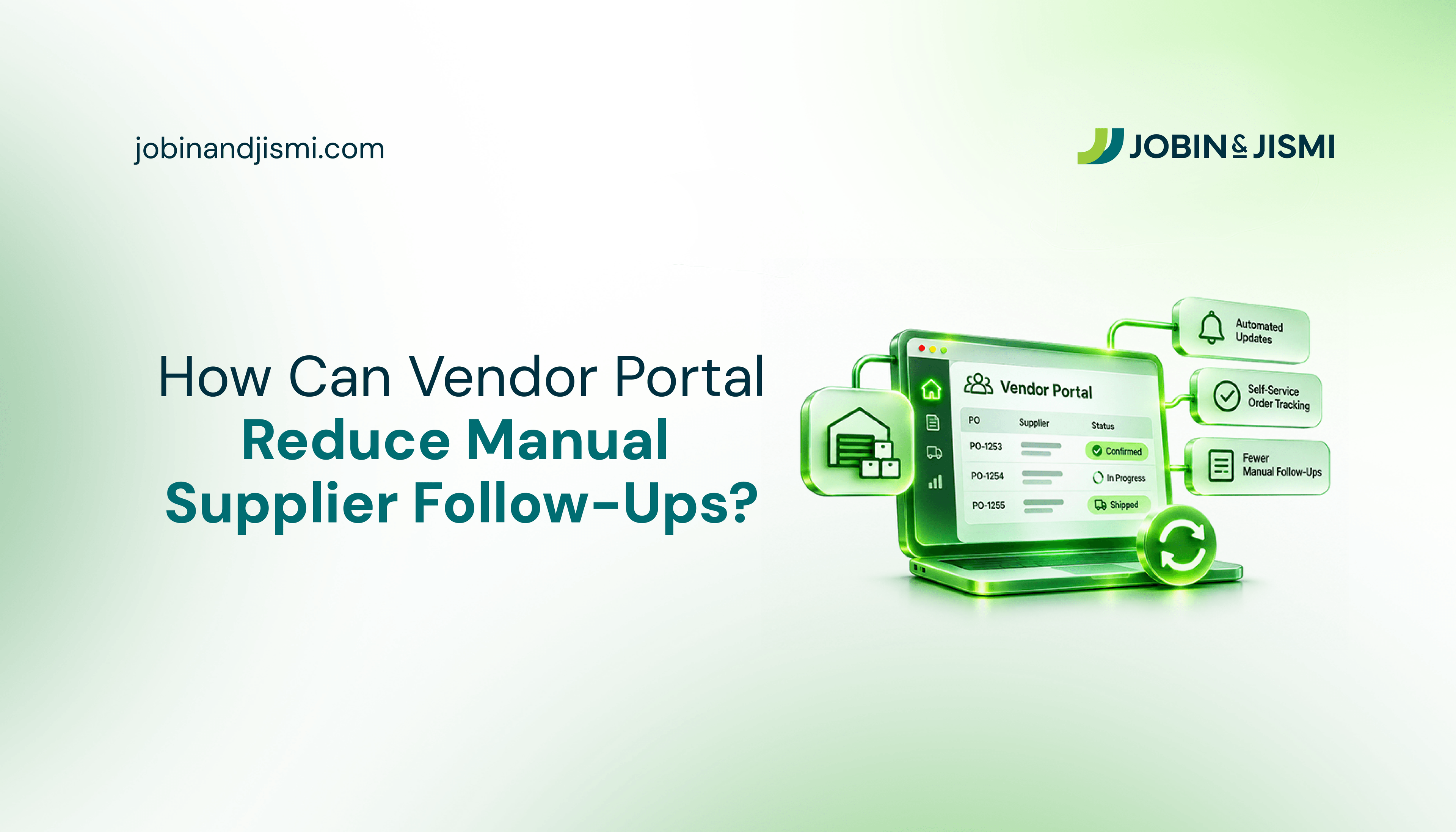
How Can a Vendor Portal Help Businesses Reduce Manual Supplier Follow-Ups?



QUICK ANSWER
Vendor portal software reduces manual supplier follow-ups by giving suppliers one place to see their purchase orders, respond to requests, upload documents and message buyers, with every update recorded against the right order. Buyers check the portal instead of chasing emails and follow up only where an action is still pending. Jobin & Jismi's Vendor Portal connects this workspace to NetSuite, so purchase orders, receipts, quality reports and bills stay consistent with the ERP.
Supplier follow-ups are a recurring part of procurement. Tracking purchase order responses, shipment updates and missing documents across dozens of suppliers takes real time, and much of it goes into asking questions a shared record could have answered. This article is for procurement heads, operations leaders and finance teams who want fewer status-chasing emails and clearer supplier accountability. It covers what a vendor portal is, why follow-ups pile up, which features reduce them, and what to check before choosing vendor portal software.
What Is a Vendor Portal?
A vendor portal is a secure, shared digital workspace where a business and its suppliers manage procurement activity: onboarding, requests for quotation (RFQs), purchase orders, documents, bills and support queries. Vendor portal software replaces scattered emails and spreadsheets with one record that both sides can see. Giving vendors an online portal to collaborate, communicate and stay connected is a great way to improve efficiencies and reduce back-and-forth communication via email.
Jobin & Jismi's Vendor Portal is built around three roles. Admins and managers govern vendors, buyers, settings and the NetSuite integration. Buyers manage their assigned vendors, RFQs, orders and tickets. Vendors get a self-service workspace for their own RFQs, orders, documents and messages, and cannot see records that belong to another supplier. That separation is what makes supplier response tracking possible without exposing internal procurement data.
Why Do Businesses Spend So Much Time Following Up with Suppliers?
Supplier follow-ups consume procurement time because orders cannot move until several suppliers respond, and those responses rarely arrive together. A purchase order may need an acknowledgement, a clarification or a change. Buyers then need to know which suppliers have replied and which actions are still open.
The workload grows when updates arrive through different channels. One supplier answers by email, another by phone, a third on a messaging app. With no common reference for pending actions, buyers reread old threads, work out who still owes a response and ask the same question twice. Deloitte's 2025 survey shows the same pattern at the level of the whole function: 57% of surveyed CPOs cited siloed ways of working among the top barriers to delivering value.
What Are the Common Vendor Management Challenges in Procurement Operations?
Without effective vendor management software, scattered records and manual processes make it difficult to maintain visibility, track supplier commitments and manage procurement activity. These are the challenges that show up most often.
- Limited Visibility into Vendor Activities: Vendor records spread across spreadsheets, inboxes and separate files make it hard to see supplier information, commitments and performance in one view.
- Vendor Compliance and Documentation Risks: When nobody tracks document validity and renewal dates, certificates expire, suppliers fall out of eligibility and compliance issues surface late.
- Inconsistent Supplier Quality and Delivery Performance: Variations in product quality, delivery timelines and supplier responsiveness disrupt operations and put customer commitments at risk.
- Administrative Burden of Manual Vendor Management: Handling vendor information, quotations, purchase order follow-ups and document collection by hand adds workload, particularly when teams lack vendor follow-up automation.
- Vendor Billing Discrepancies and Payment Delays: Mismatches between purchase orders, received quantities and vendor bills hold up financial processing and require extra verification.
- Fragmented Vendor Communication: Discussions spread across email and messaging channels make it hard to track decisions, pending issues and supplier responses.
- Supplier Dependency and Supply Continuity Risks: Heavy reliance on a few suppliers increases exposure to supply disruption and makes qualified alternatives harder to find.
- Vendor Data Security and Confidentiality: Uncontrolled document sharing and unclear access permissions raise the risk of exposing sensitive vendor and commercial information, which is why access control matters in any vendor portal.
What Features Help Businesses Automate Supplier Communication?
A vendor portal brings vendor onboarding, purchase orders, shipments, compliance documents, bills and supplier support into one environment. These are the features of Jobin & Jismi's vendor management software that carry most of the follow-up load.
Vendor Onboarding and Registration
New suppliers register through a guided form that includes a questionnaire and document upload. Admins review each application and approve it, decline it or request an update. Approval creates the vendor in NetSuite automatically, so the procurement team does not re-key supplier details into the ERP. Admins and buyers can also assign vendors to buyers, offboard and reactivate suppliers without losing their history, check each vendor's sync status, and bulk-import existing vendors from a CSV file.
Purchase Order Management and Acknowledgement
Purchase orders sync from NetSuite into each vendor's workspace, where the vendor can acknowledge, accept or reject the order, or request a modification. Buyers see purchase order status updates alongside the related conversation, so they can tell which suppliers have responded and which orders still need attention, and act on change requests without searching for the original email.
Shipment Management and Delivery Visibility
Procurement teams need accurate delivery updates to plan purchases and keep operations running. The Vendor Portal tracks shipment milestones, estimated time of departure (ETD) and estimated time of arrival (ETA), and flags potential delays through notifications, so teams can follow up with a supplier before a late delivery affects production or a customer order. Vendors can upload shipping notices against the order. Once goods arrive, item receipts (GRN) and quality reports from NetSuite appear in the vendor's view, so the supplier can see whether goods were received and whether they passed inspection without asking the buyer.
Vendor Bills Management
Bills sync from NetSuite to the portal as read-only records, and each vendor sees only its own. Suppliers can check billing status without emailing accounts payable, and teams can export bill data for reporting and analysis. Because the portal reflects NetSuite rather than holding a separate copy, vendors and the finance team work from the same figures.
Compliance Management and Document Expiry Monitoring
Vendors upload certificates, specifications, invoices and shipping notices through the portal. Administrators track supplier documents, check compliance status and see which renewals are due. Automated expiry monitoring and renewal reminders prompt follow-up on missing or outdated documents before they affect supplier eligibility or purchasing.
Support, Ticket Management and Vendor Dispute Resolution
Purchase order discrepancies, delivery concerns and billing questions need a clear route to resolution. In the Vendor Portal, tickets are raised against a specific purchase order, with categories, replies, attachments and an open or closed status. The portal also supports SLA monitoring for response and resolution times, an escalation workflow and a dispute management process. Procurement teams can review open issues, track progress and pick out the matters that need a decision.
Vendor Communication, Reporting and Accountability
All supplier communication runs through portal messages tied to the relevant order, so buyers and vendors share one history instead of parallel email threads. Email and WhatsApp alerts notify users when there is new activity. This is the practical core of vendor follow-up automation: people are prompted when something changes rather than checking manually. Activity logs and audit trails record important actions, and reporting covers operational KPIs, vendor performance, compliance, shipments and open issues, with global search, saved views, filters and data export.
J&J PROCESS NOTE
In Jobin & Jismi's Vendor Portal, NetSuite stays the system of record. Approving a vendor application creates the vendor in NetSuite, and purchase orders, item receipts (GRN), quality reports and bills flow back into the portal as read-only records. The portal is the shared window onto NetSuite data, not a second database that procurement and finance have to reconcile.
How Does a Vendor Portal Reduce Manual Supplier Follow-Ups?
A vendor portal reduces repetitive supplier follow-ups in two ways. Suppliers get direct access to the information they would otherwise ask for, and buyers get one place to see what is still pending. With vendor management software, suppliers can review purchase orders, respond to them, check delivery and billing records and raise issues without waiting for a buyer to forward each update. Alerts draw attention to new activity, and order-linked records show buyers exactly which actions need a follow-up. The table below maps common follow-up tasks to how the portal handles them.
Follow-up task | Without a portal | With the J&J Vendor Portal |
Purchase order acknowledgement | Buyer emails or calls each supplier to confirm the order was received | Vendor acknowledges, accepts, rejects or requests a change in the portal; status is visible to the buyer |
Quotation collection | Buyer gathers quotes by email and compiles a spreadsheet | Vendors submit quotations through the portal; buyer compares price, lead time and vendor performance side by side |
Delivery status | Buyer asks suppliers for dispatch and arrival dates | Shipment milestones, ETD and ETA are tracked, with delay notifications |
Receipt and inspection | Supplier asks whether goods arrived and passed inspection | Item receipts (GRN) and quality reports sync from NetSuite to the vendor's view |
Billing status | Supplier emails accounts payable about a bill | Bills sync from NetSuite as read-only records the vendor can check |
Missing documents | Buyer chases certificates as they lapse | Expiry monitoring and renewal reminders flag documents in advance |
Issue resolution | Complaints spread across inboxes | Tickets raised against the purchase order, with replies, attachments and status |
How Can a NetSuite Vendor Portal Simplify Supplier Management?
A NetSuite vendor portal simplifies supplier management by keeping NetSuite as the single source of transaction records while giving suppliers controlled visibility into the records that concern them. In Jobin & Jismi's Vendor Portal, approved vendors are created in NetSuite automatically, and purchase orders, item receipts (GRN), quality reports and bills sync from NetSuite as read-only records. Vendors track delivery, inspection results and billing on their own, and buyers continue to work in the NetSuite ERP they already use.
This strengthens purchase order management because supplier responses and NetSuite transactions stay linked. Oracle NetSuite's own vendor management capabilities, included with NetSuite Procurement, cover vendor records, vendor scorecards and a vendor portal hub where buyers and suppliers collaborate. Businesses that want a buyer-and-vendor workflow shaped around their own onboarding rules, RFQ process and ticketing usually work with a NetSuite implementation partner on vendor portal development and NetSuite customization that extend the platform for their procurement model.
What Should Businesses Look for in a Vendor Portal?
Choosing a vendor portal takes more than reviewing a feature list. Businesses should assess how the solution fits their procurement process, supports supplier interactions and connects with their existing ERP. We group these checks into the Seven-Point Vendor Portal Evaluation, a set of questions decision-makers can use to judge whether a vendor management software solution meets their operational requirements.
1. Compatibility with the Existing ERP Environment
Evaluate how the portal connects with your ERP and which vendor and purchasing records move between them. For businesses on NetSuite ERP Solutions, look for clear data flows that keep NetSuite as the primary source of transaction records, plus a visible sync status so admins can spot a record that has not updated.
2. Role-Based Access and Permissions
Check whether administrators, buyers and vendors each get access that matches their responsibilities. Suppliers should be able to view and manage their own records without seeing confidential internal procurement information. Jobin & Jismi's Vendor Portal separates admin and manager, buyer and vendor roles for this reason.
3. Vendor Onboarding and Administration
Assess whether the software supports structured supplier registration with a questionnaire and document upload, a review step to approve, decline or request an update, automatic vendor creation in the ERP, bulk import from a file, and offboarding that keeps the supplier's history.
4. RFQ and Quotation Management
Check whether buyers can send RFQs to selected suppliers, receive quotations through the portal and compare them side by side on price, delivery lead time and supplier performance. In Jobin & Jismi's Vendor Portal, the buyer chooses the winning quotation manually; the comparison screen informs the decision rather than making it. Supplier response tracking at this stage removes the need to chase quotes one email at a time.
5. Purchase Order Management and Transaction Visibility
Review how vendors access and respond to purchase orders. Relevant capabilities include purchase order status updates, acknowledgement workflows, the ability to accept, reject or request modifications, and access to communication history. Together these let buyers separate completed supplier actions from purchase orders that still need attention.
6. Communication and Issue Tracking
Review how the portal handles supplier messages, document exchange and order-related queries. A shared communication history tied to each order, alerts through channels suppliers already use, and tickets raised against specific purchase orders give buyers a dependable record of supplier interactions and make vendor follow-up automation practical.
7. Vendor Performance Evaluation and Reporting
Review which performance measures the portal tracks and where the data comes from. Jobin & Jismi's Vendor Portal scores vendors on delivery, quality, quantity, price and responsiveness, using RFQ, order, receipt and ticket history. The scores support buyer decisions; they do not make them.
Conclusion
Reducing manual supplier follow-ups takes more than sending reminders more often. It depends on clear communication, information suppliers can reach on their own and a shared view of what is still pending. The right vendor portal software fits your procurement process and your ERP, so buyers and suppliers work from the same records and follow up only where something is outstanding.
Jobin & Jismi is an Oracle NetSuite Solution Provider Partner and NetSuite implementation partner. Our team handles vendor portal development, configuration and NetSuite customization services, so the portal matches how your procurement team works and stays connected to NetSuite.
Contact our team to discuss how the J&J Vendor Portal can support your supplier management processes.
on LinkedIn

Frequently Asked Questions
Yes. Jobin & Jismi's Vendor Portal sends email and WhatsApp alerts to notify users of new activity, and purchase orders sync from NetSuite into each vendor's own workspace, where the vendor can review and respond. Messages about an order are tied to that order, so the supplier sees the alert and the full conversation in one place.
Yes. In Jobin & Jismi's Vendor Portal, vendors upload certificates, specifications, invoices and shipping notices directly, and bills sync from NetSuite as read-only records that each vendor can view. Compliance documents are monitored for expiry with renewal reminders, and teams can export bill data for reporting and analysis.
Yes, where supplier coordination has started to take up significant buyer time. Suitability depends more on procurement complexity, the number of active suppliers and the volume of orders to track than on company size. Guided supplier registration and CSV bulk import of existing vendors reduce setup effort, and the J&J Vendor Portal works in a web browser, on mobile devices and on tablets.
Vendor portal software reduces procurement workload by letting suppliers respond to purchase orders, submit quotations, upload documents and raise tickets in one place, while order, receipt, quality and billing records are visible to them directly. Buyers monitor pending actions, delivery updates, compliance status and open issues without relying on repeated emails or individual status checks.
Businesses can reduce delays by making supplier actions and status updates visible in a shared system. Purchase order acknowledgements, shipment tracking with delay notifications, document expiry alerts, order-linked messages and ticket tracking help procurement teams spot missing responses early and follow up only where action is required.