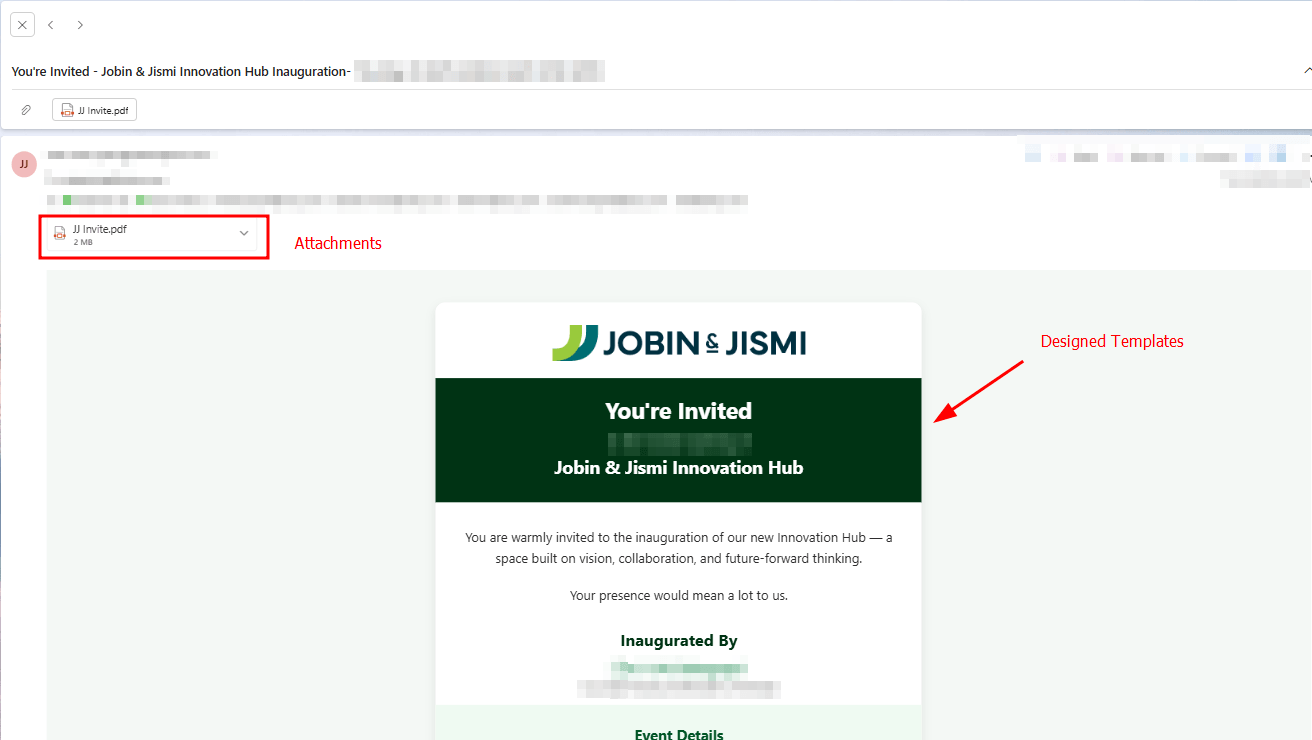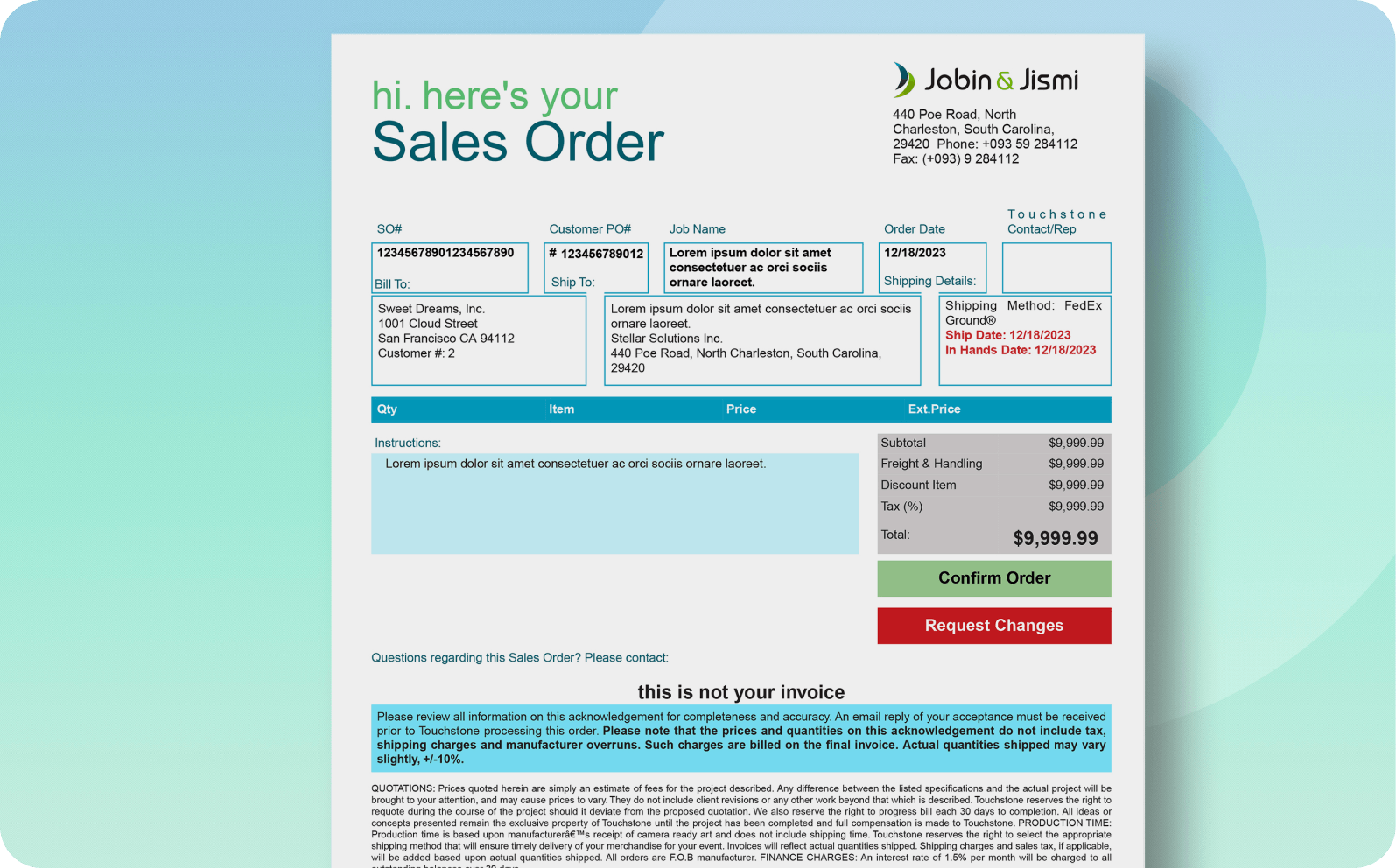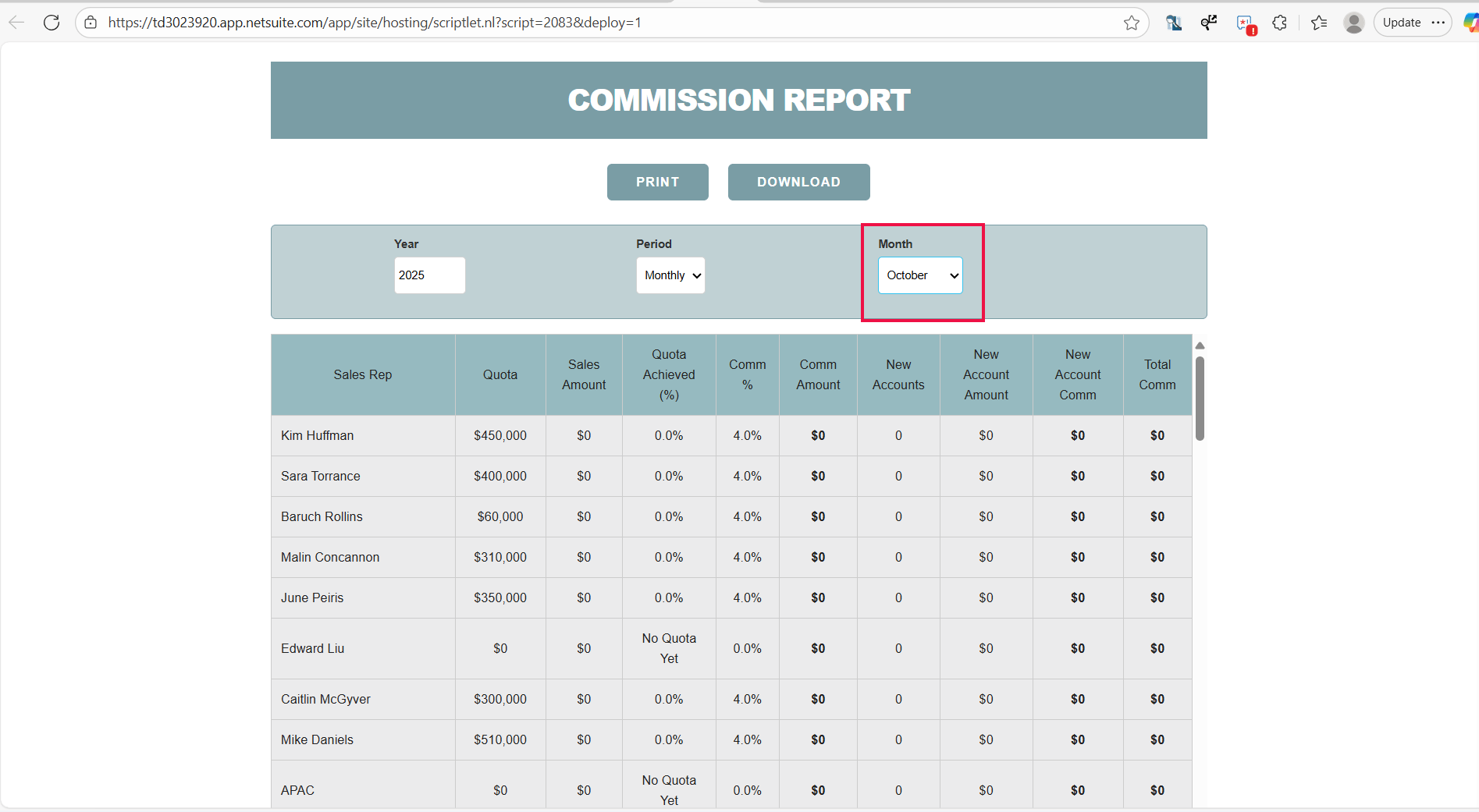
Return Authorization PDF
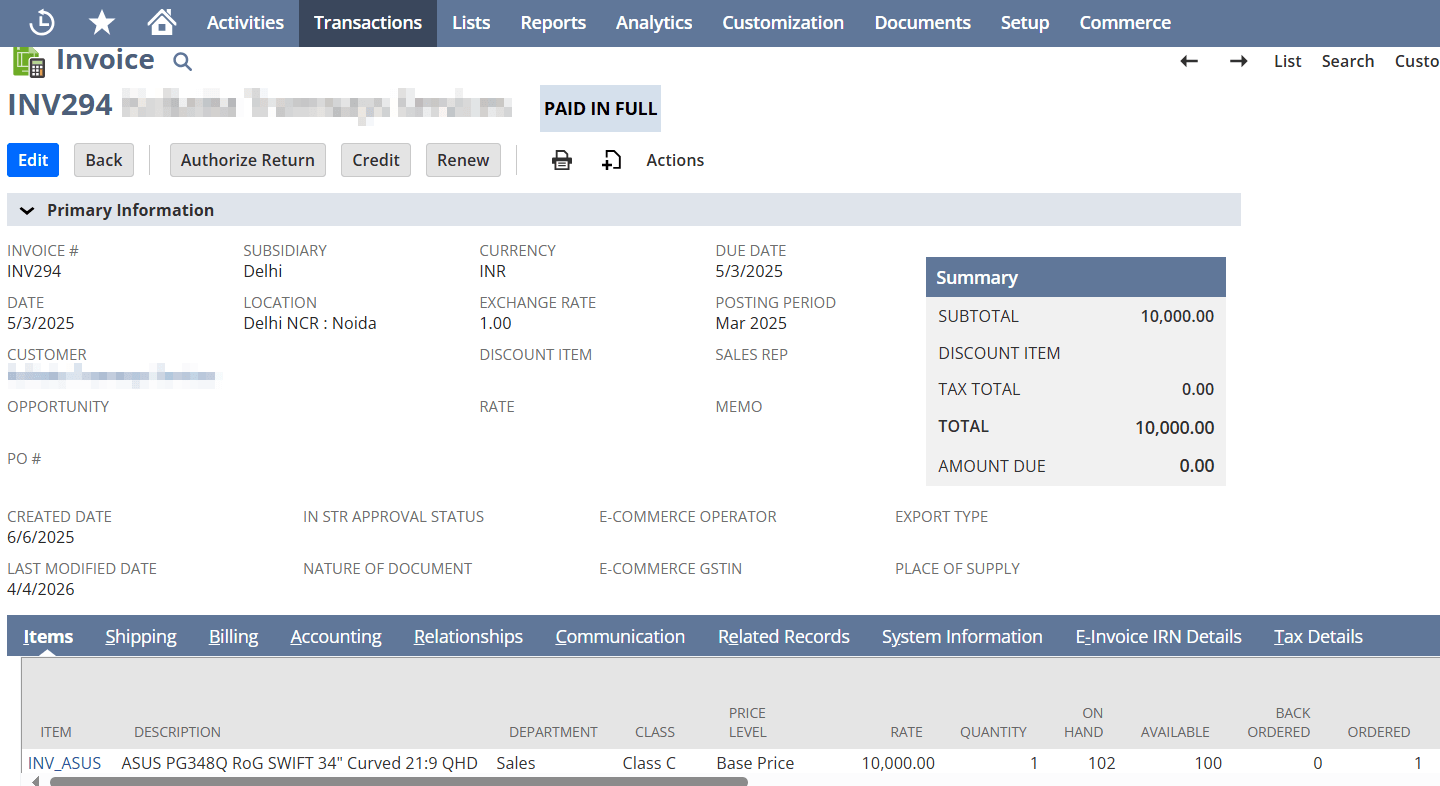
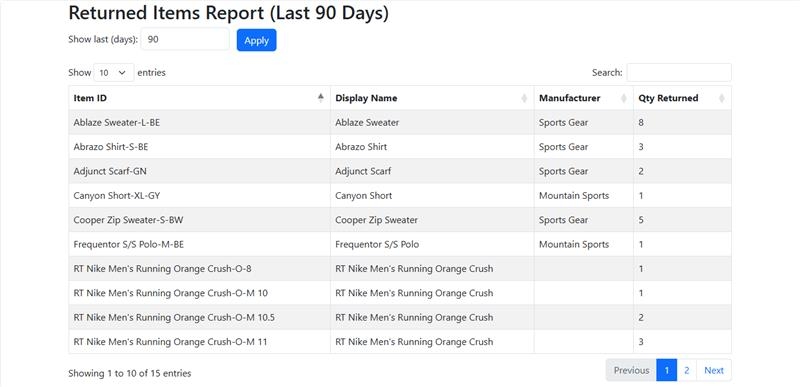
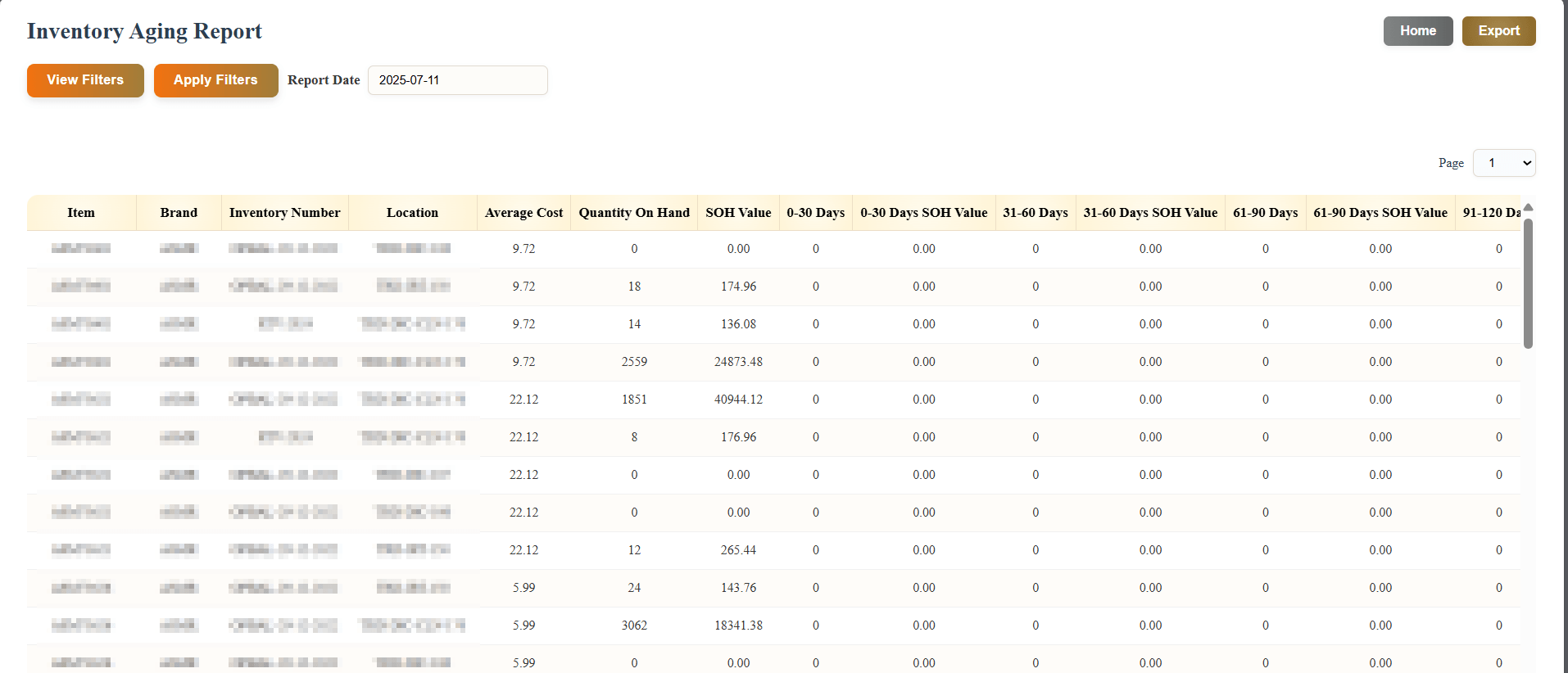
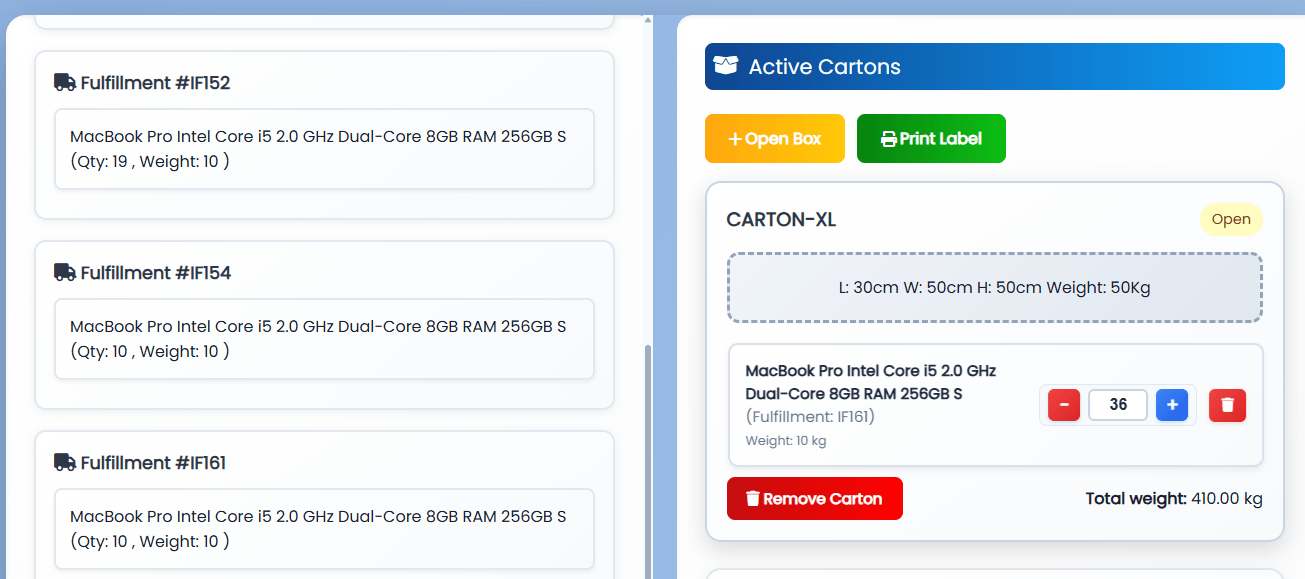
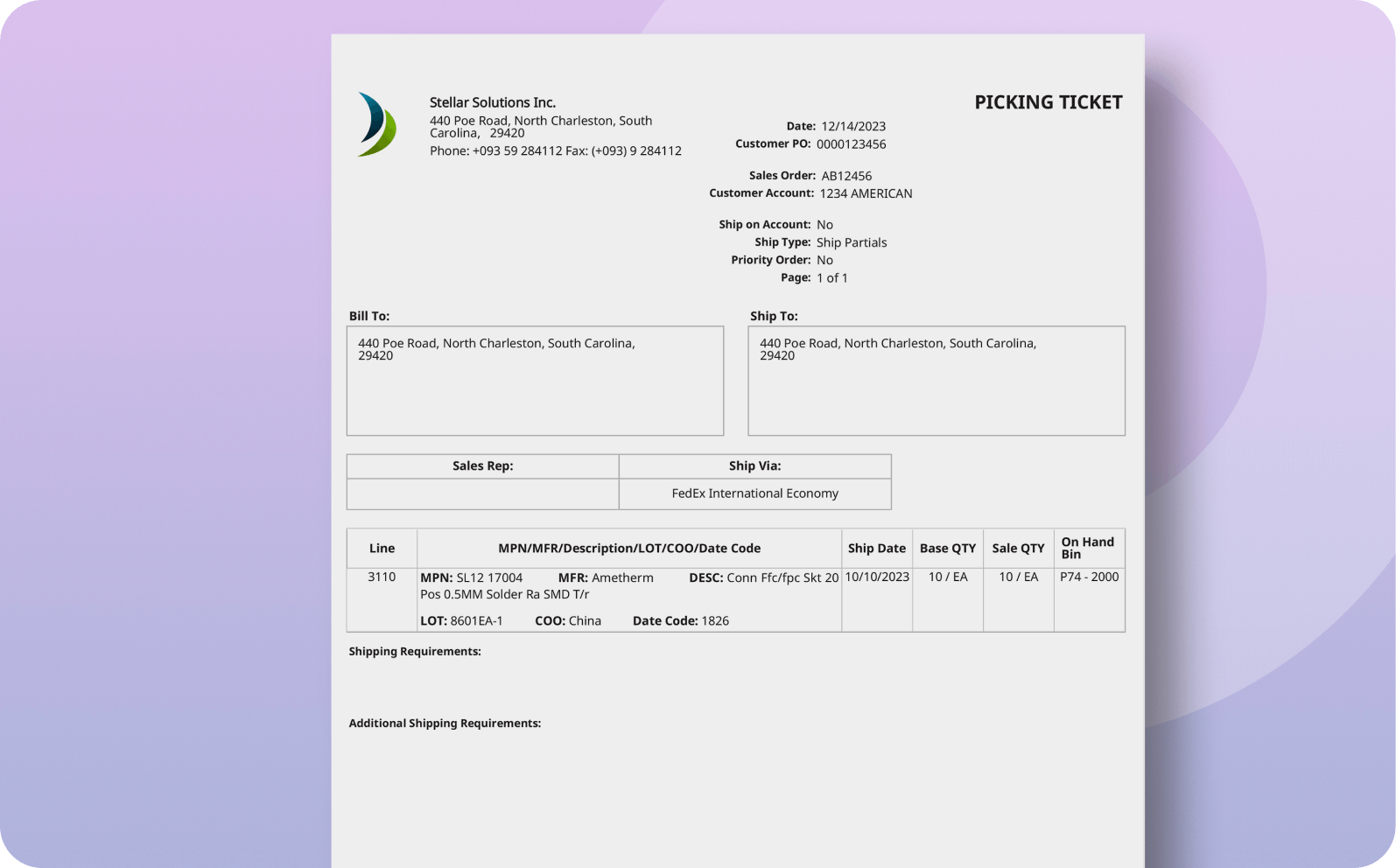
The Return Authorization PDF of NetSuite swiftly tracks and processes return requests with critical details like customer info, order specifics, and reasons for return.
- SKU :PDFNSRA01
- Last Update :September 2025
- Support for :Advanced PDF
- Implementation time :2 Days
Return Authorization PDF
Streamline Returns with NetSuite's Return Authorization PDF
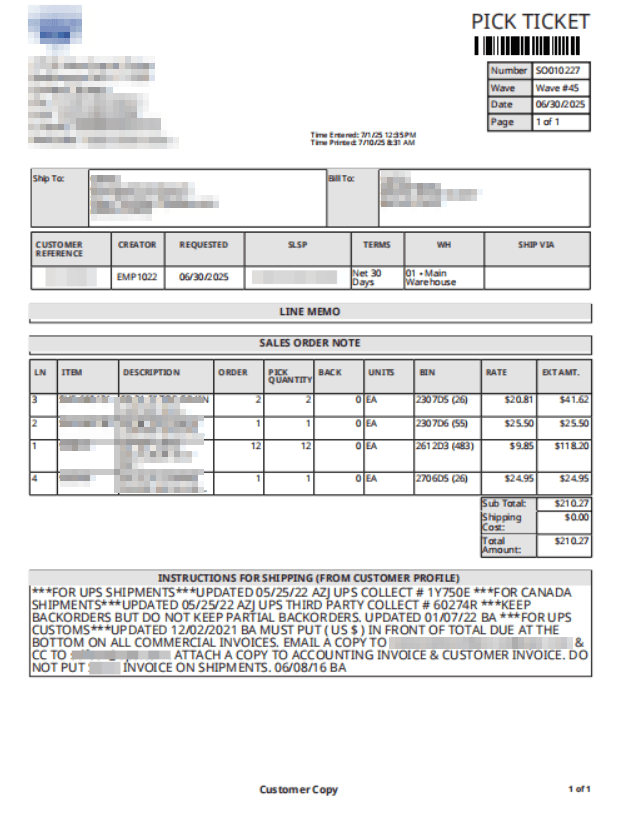
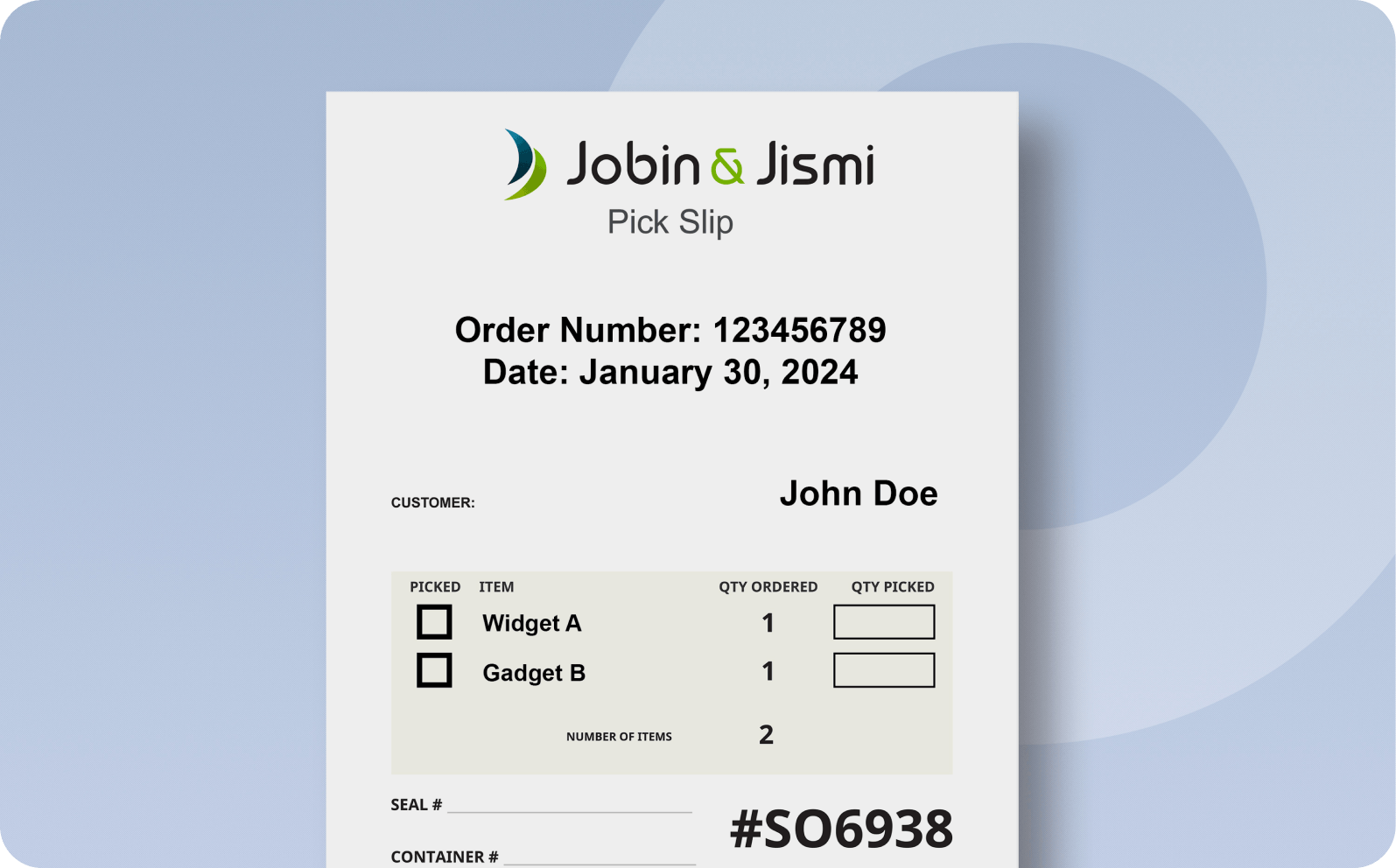
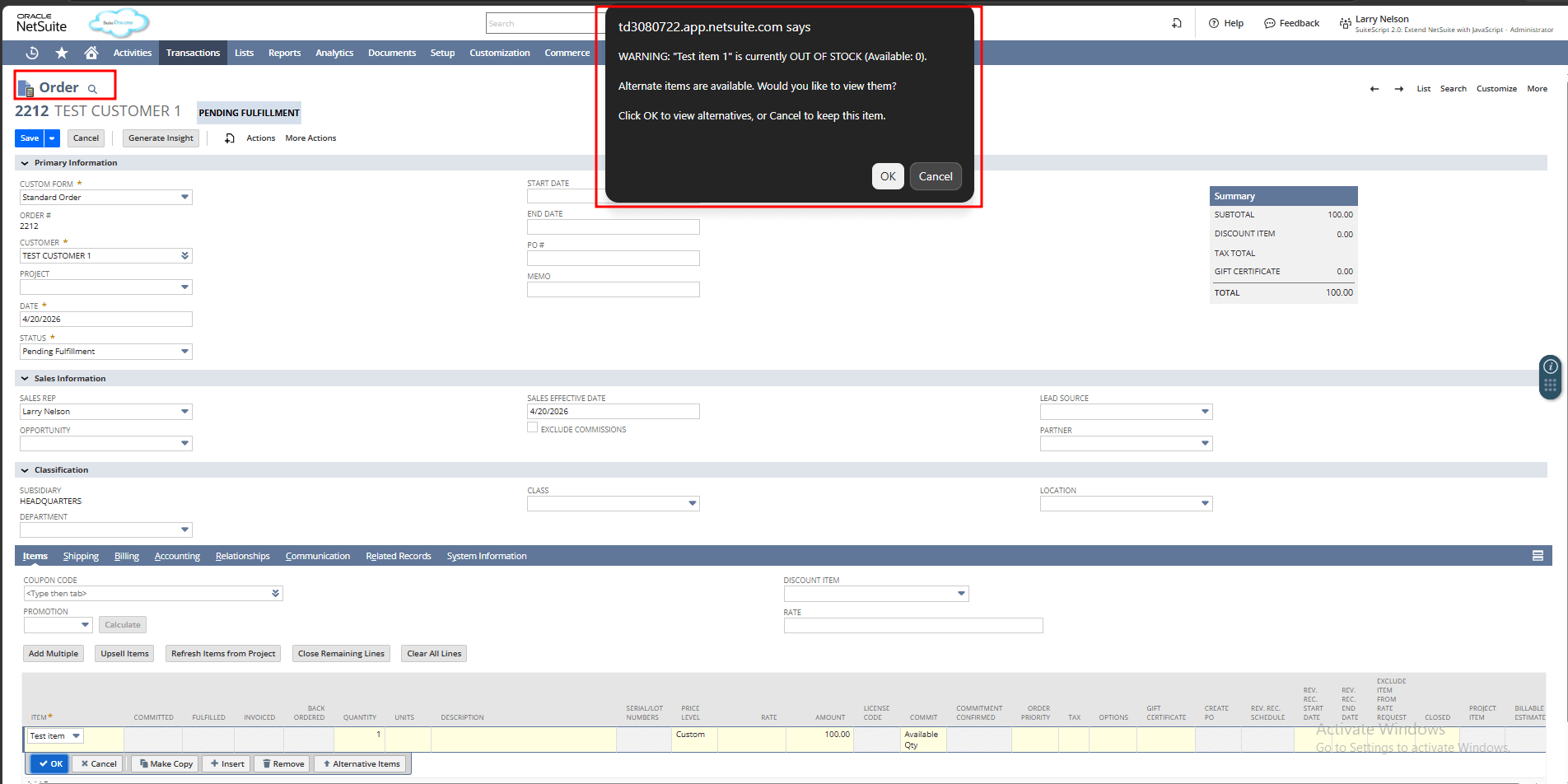
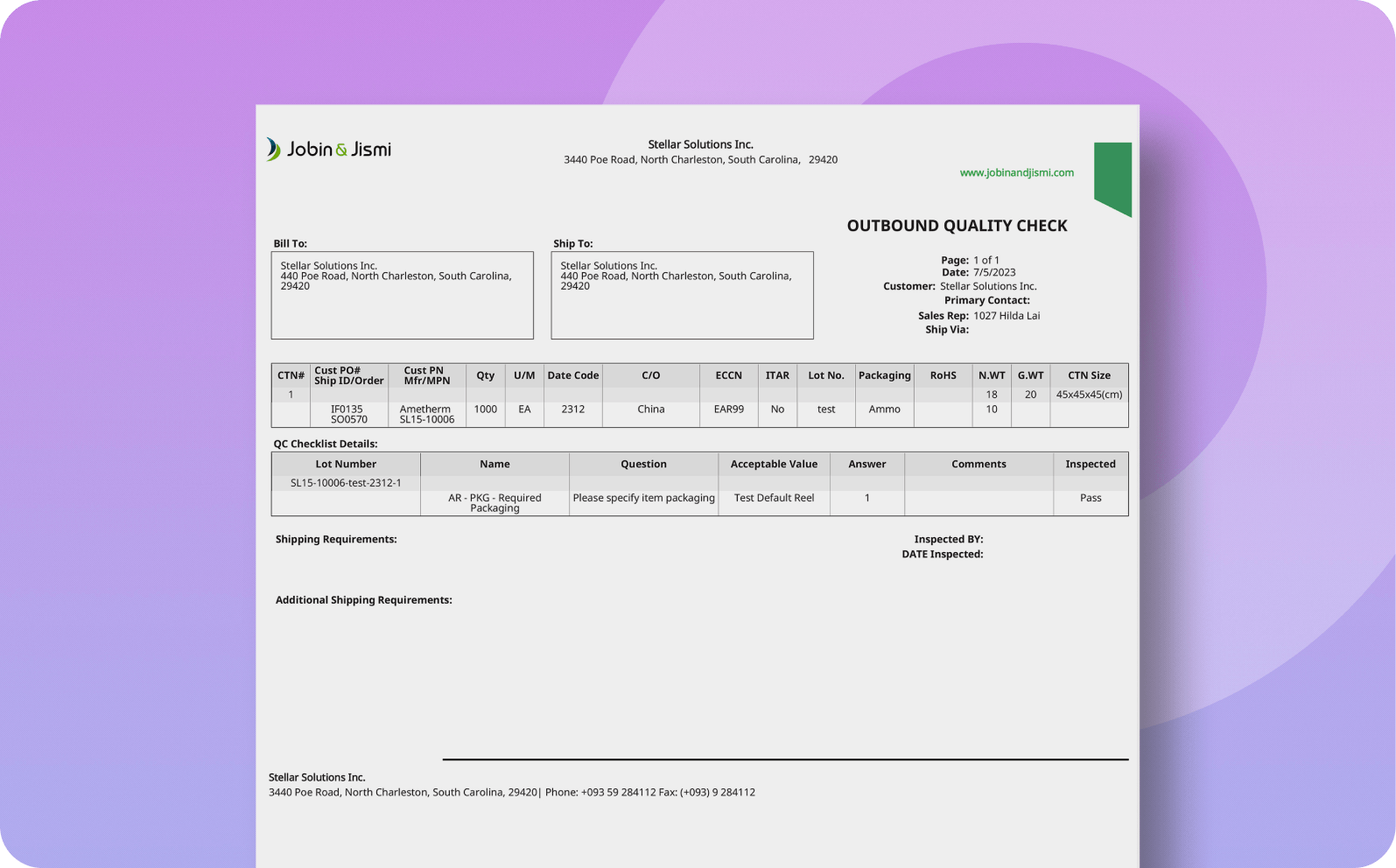
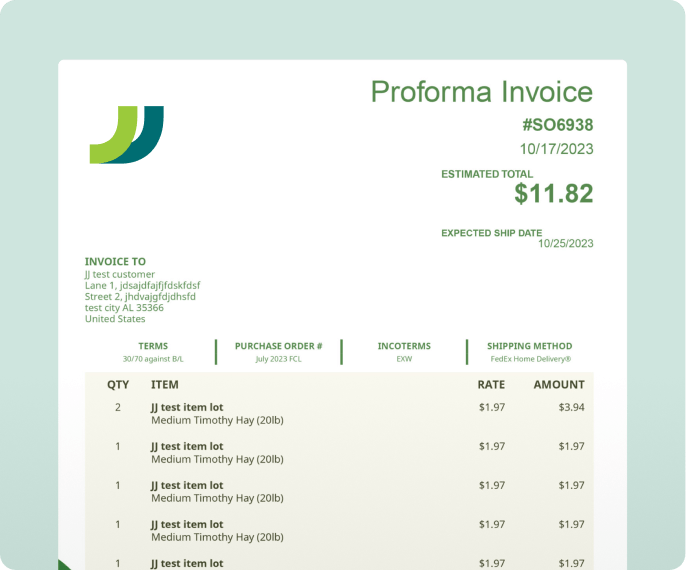
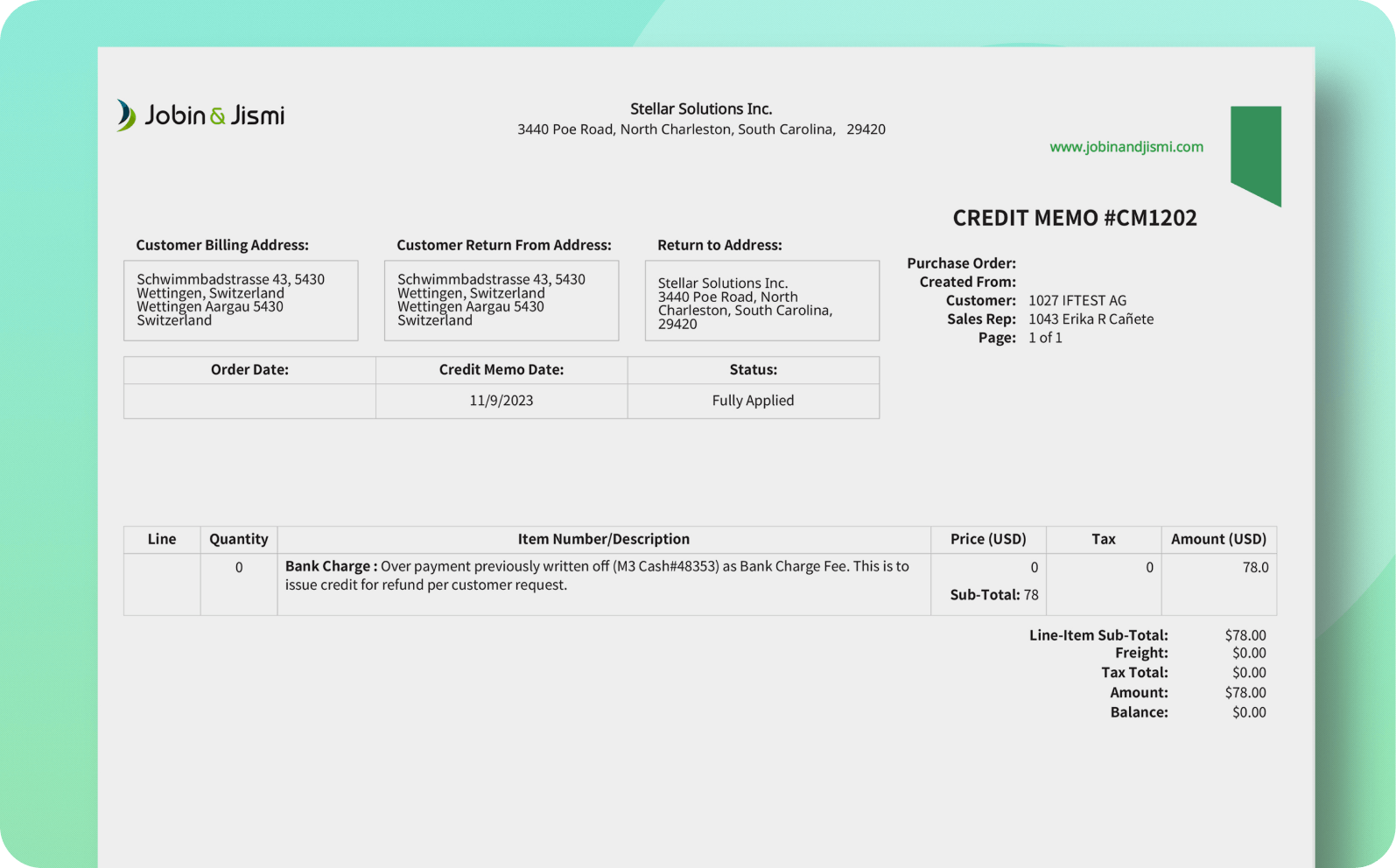
This customizable Return Authorization PDF helps businesses manage return transactions efficiently by consolidating all key return information into a printable, easy-to-use document.
Why choose our Return Authorization PDF
The PDF serves as a formal document to record, track, and process return requests in NetSuite, improving visibility into return operations.
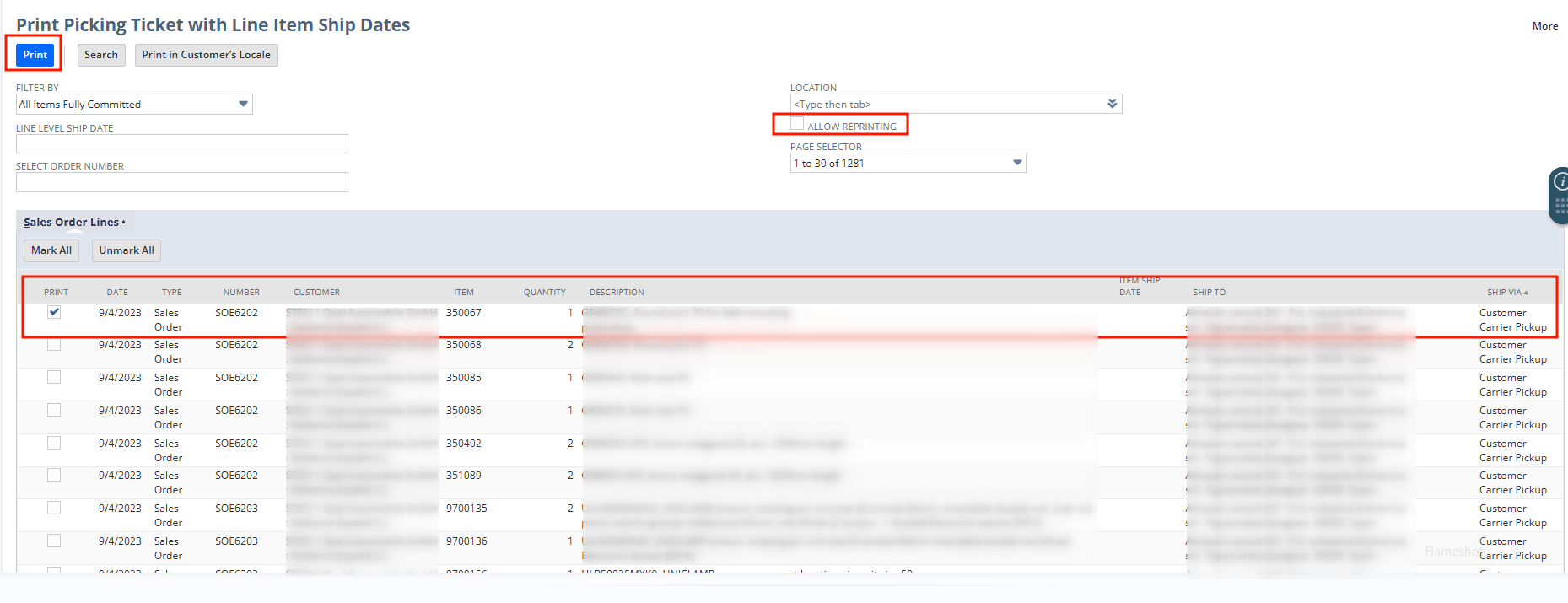
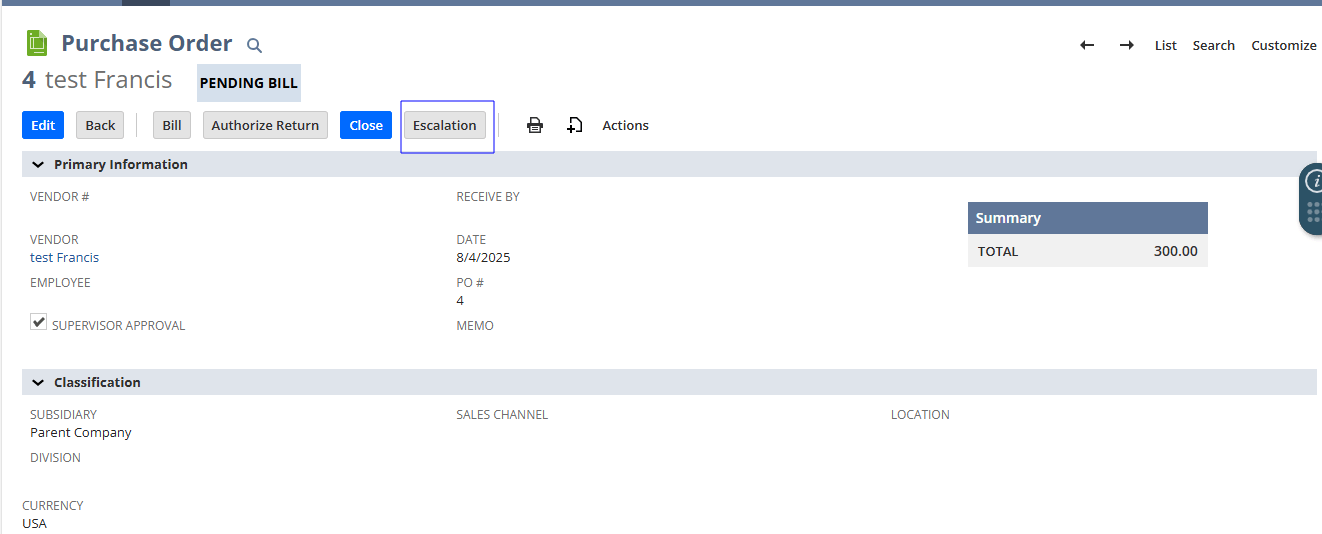
Easily print the Return Authorization PDF using NetSuite's standard print button or a dedicated action button.
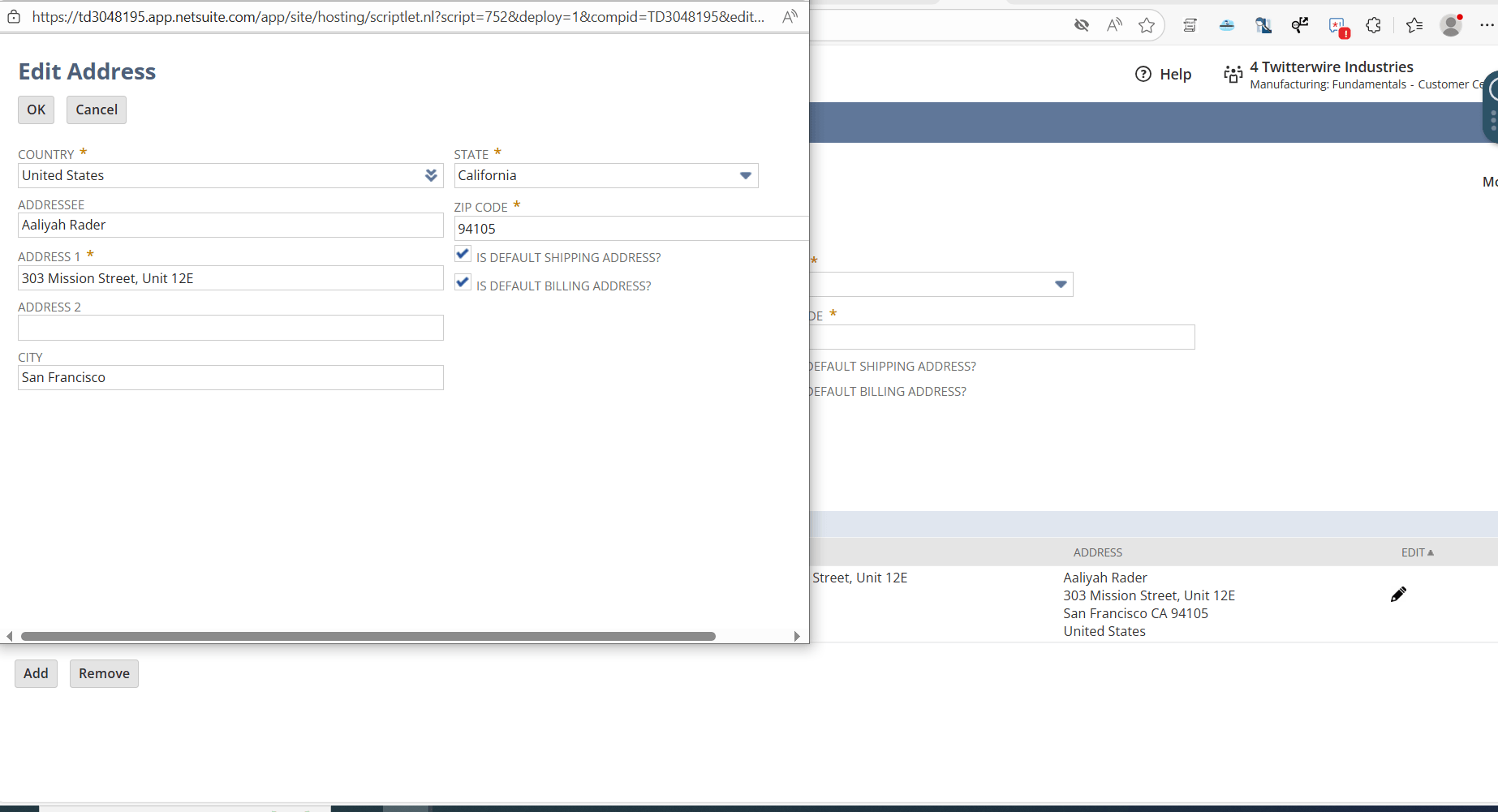
Enables clean and professional alignment of customer and business addresses within the header and footer for compliance and visual clarity.
This PDF template is customized to meet the specific return workflow of your business, ensuring it reflects your branding and process requirements.
The PDF layout can be tailored to match specific business needs, including the arrangement of fields, sections, and labels, without altering core NetSuite functionality.
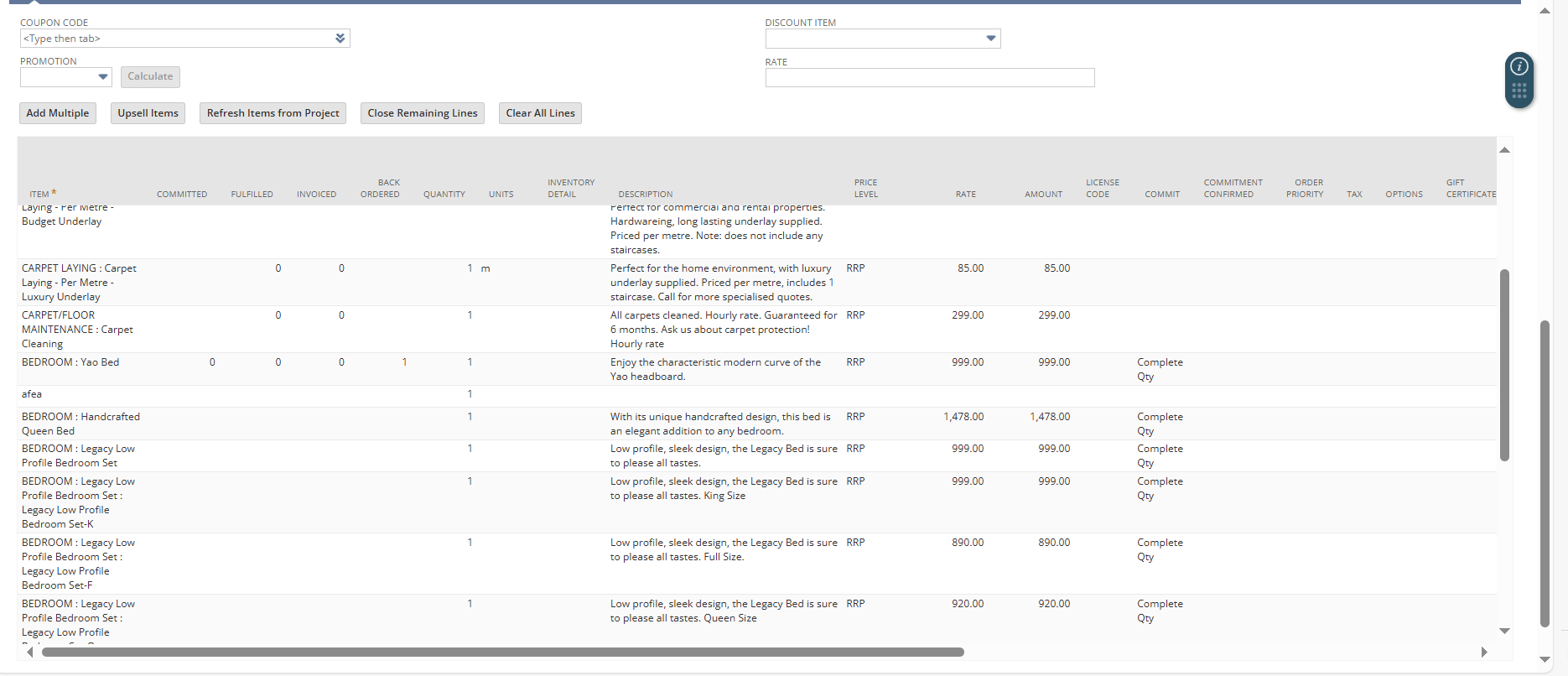
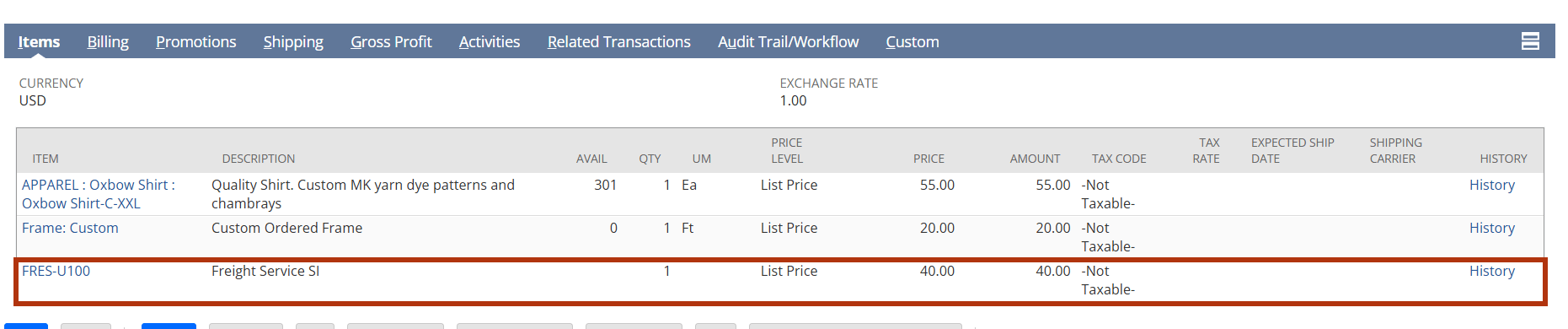
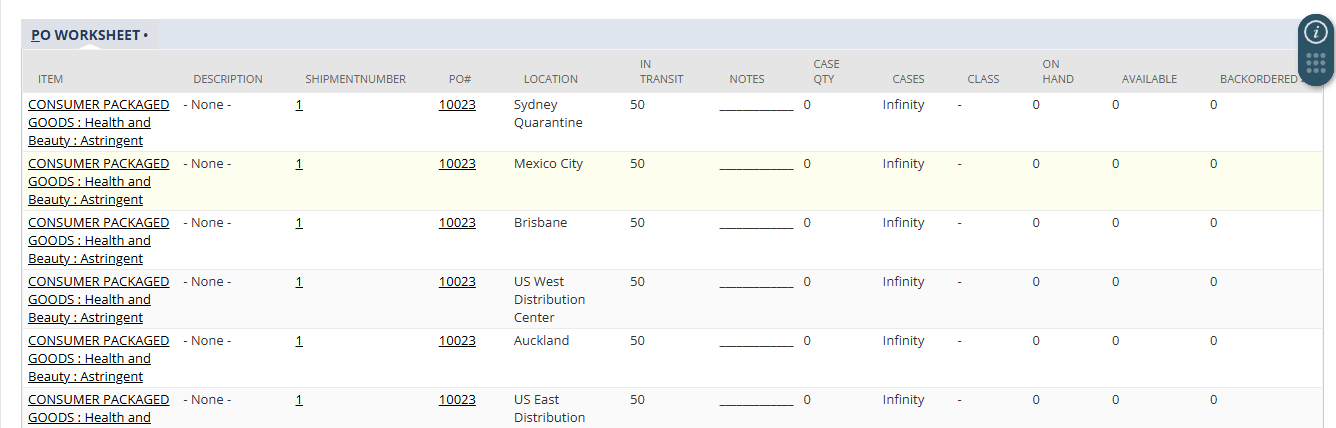
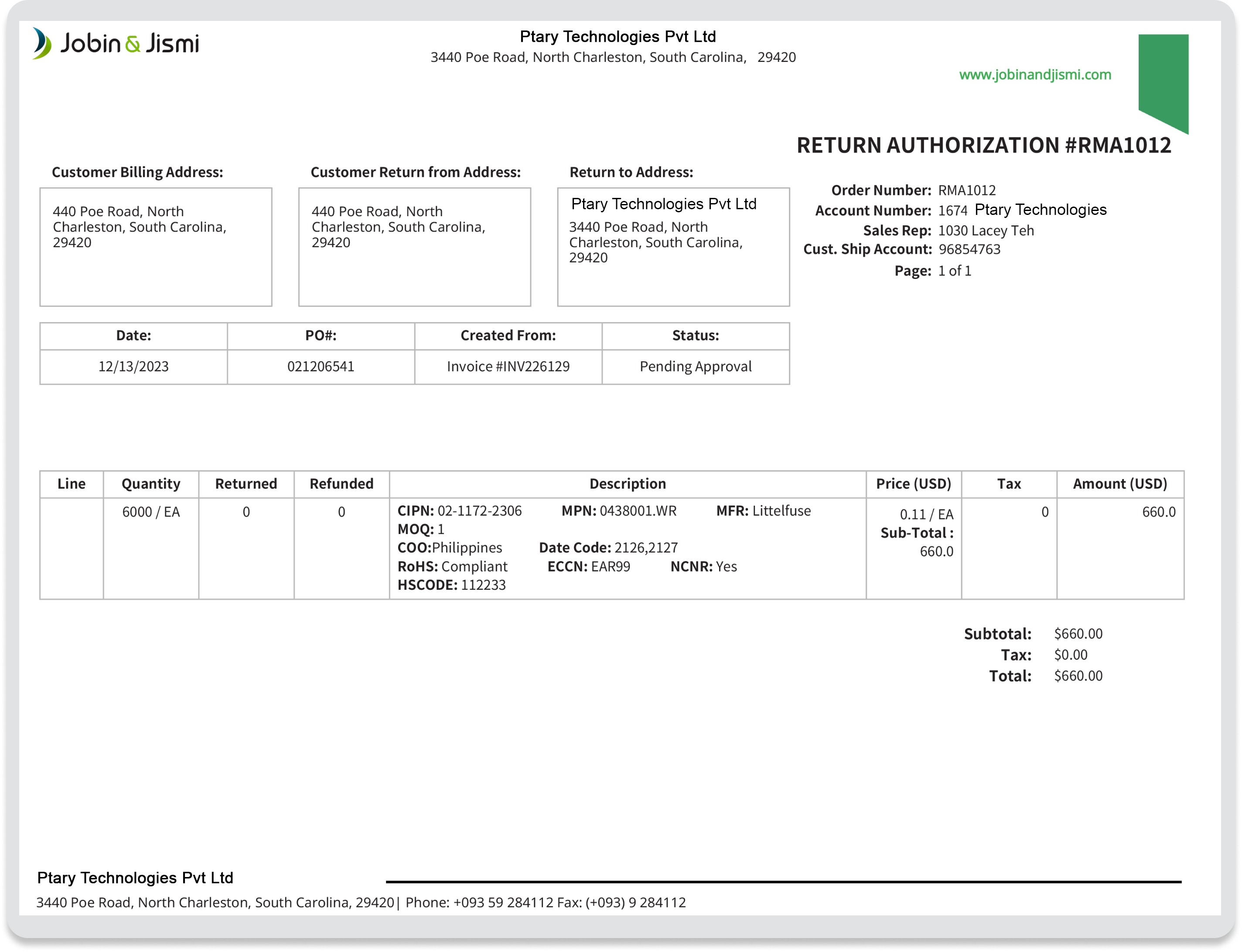
Each return line item is clearly displayed with relevant details such as item name, quantity, rate, and amount, ensuring complete transparency of returned goods.
The PDF includes key transaction details such as customer information, return reason, reference numbers, and dates, providing full context for every return.
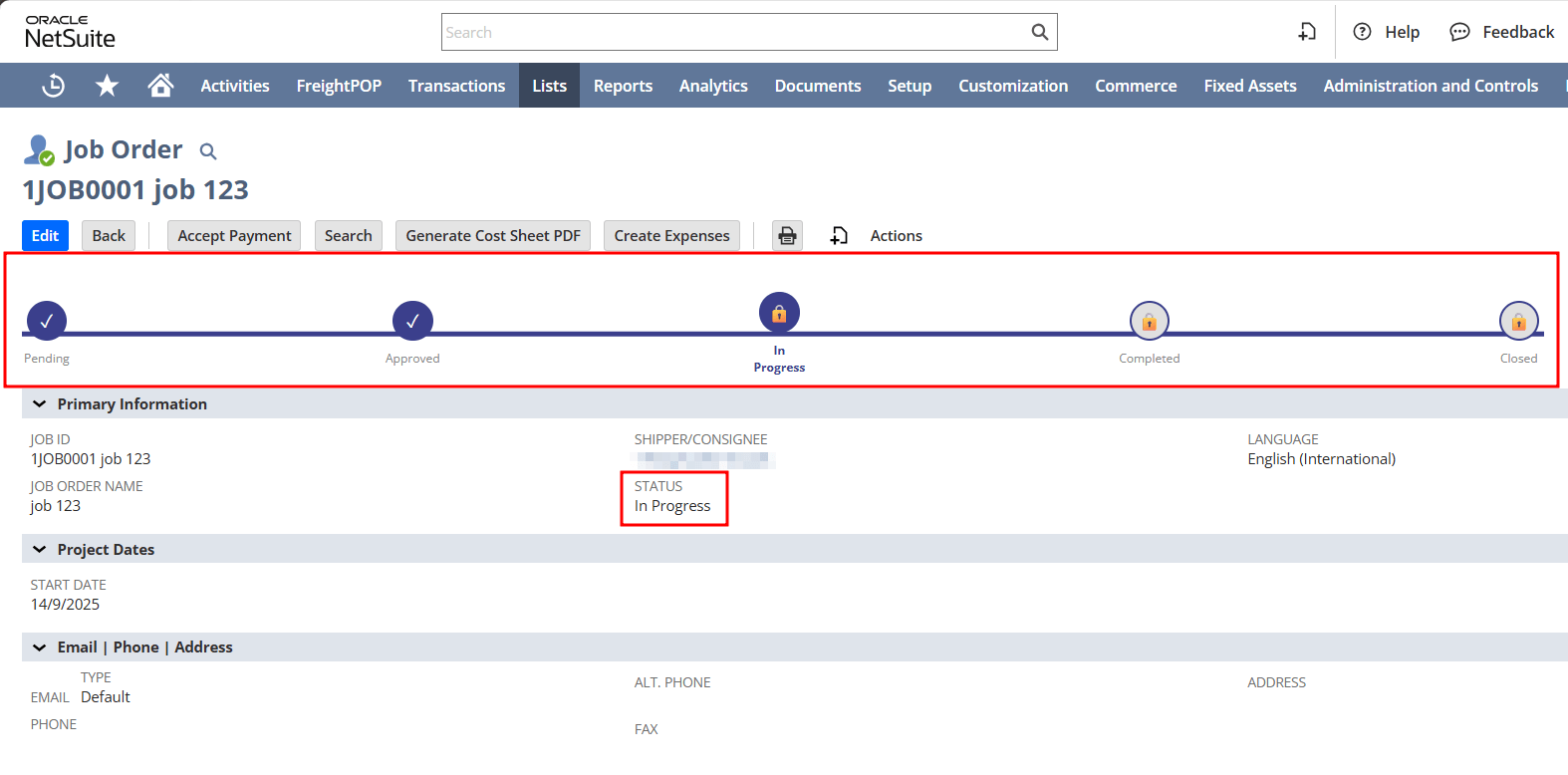
Return Authorization PDFs reflect the current status of the transaction, helping teams quickly identify whether a return is pending, approved, or completed.
Leverage FreeMarker scripting within Advanced PDF templates to tailor logic and content dynamically for your return documents.
Logos, fonts, and formatting can be aligned with brand guidelines.
Custom Handling for Returns & Restocking
Simplify Returns, Enhance Customer Experience
- Provides a standardized document that captures all return-related information, reducing manual entry.
- Enables faster internal processing by offering a clear and organized layout.
- Supports immediate access via print buttons, saving time in handling customer returns.
- Minimizes errors by pre-populating critical data such as customer info, order details, and return reasons.
- Ensures proper alignment of addresses and item fields for professional and consistent output.
- Reduces misunderstandings or miscommunication with customers and internal teams.
- Speeds up response times for return requests, making the process more transparent and customer friendly.
- Reinforces brand identity through customizable templates featuring logos and company styles.
- Demonstrates professionalism with clear, structured communication during returns.
- Tailor the PDF layout, fields, and formatting to align with your company’s return policy and workflow.
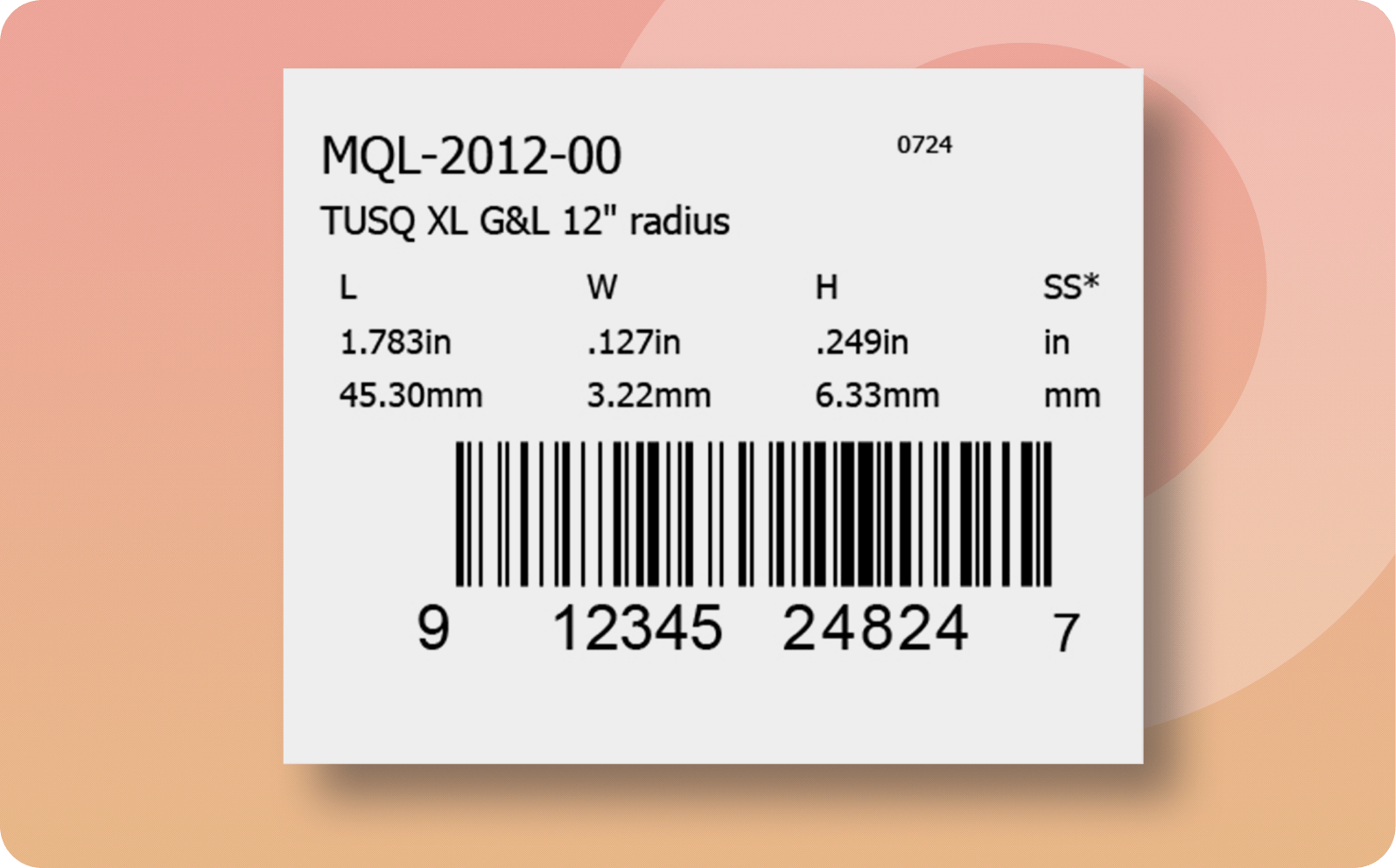
- Add custom elements like barcodes, multilingual text, or department-specific information as required.
- Easily scalable for different business sizes or industries, ensuring flexibility as your operations grow.
- Automated generation of Return Authorization PDFs reduces manual effort and ensures consistent documentation across return processes.
- By minimizing manual formatting and rework, teams can lower operational overhead and focus on higher-value tasks.
- Clear, structured PDSs provide better visibility into return transactions for finance, operations, and customer-facing teams.
Frequently Asked Questions
Yes, it can be triggered automatically via workflows or manually through the standard print button.
Absolutely. Custom branding, including logos and specific color themes, can be integrated into the PDF.
Yes, the layout can be adapted to support various regional or customer-specific address formats
Yes, the Return Authorization PDF can be configured to display multiple return reasons and include item-specific notes or comments, giving your team more context and control during the return evaluation process.
Yes, post-deployment changes are supported as additional customizations and may incur extra charges depending on the complexity.
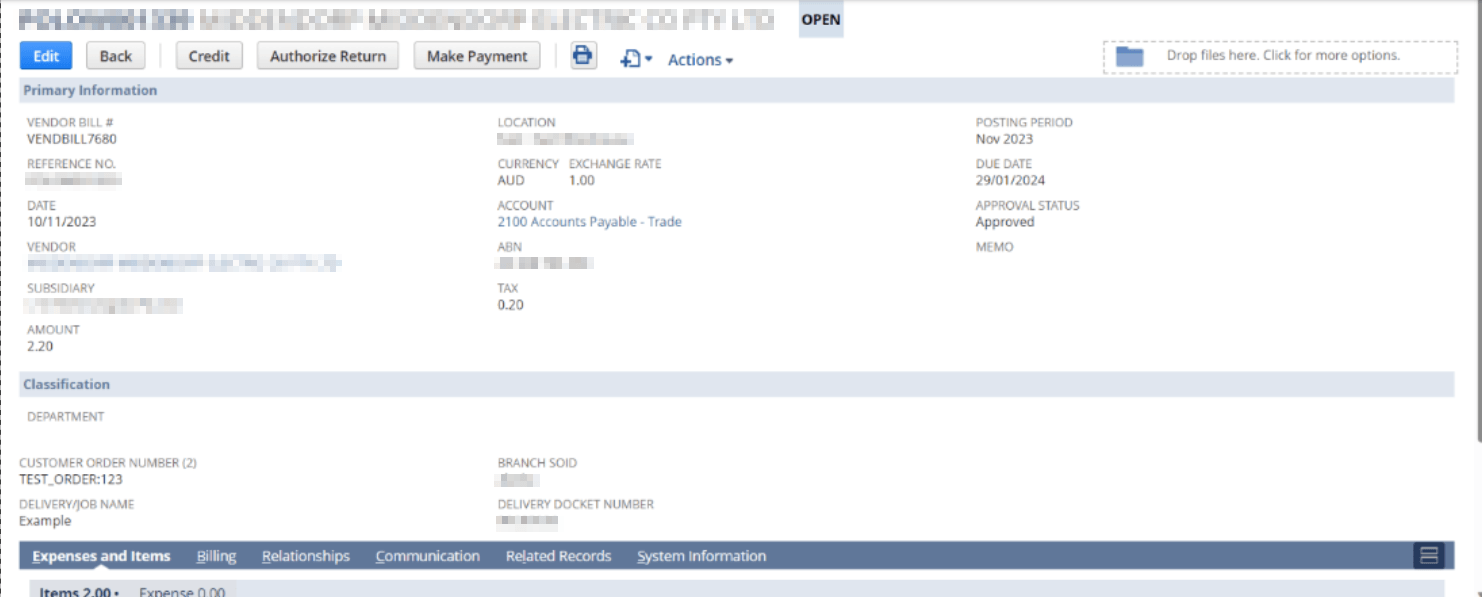
You can print a Return Authorization PDF directly from the Return Authorization record in NetSuite using the standard Print or Print PDF option configured for the transaction.
A Credit Return Authorization results in a credit memo for future use, while a Cash Return Authorization leads to an immediate refund to the customer.
Common statuses include Pending Approval, Approved, Pending Receipt, and Closed, depending on how the return is processed within NetSuite.
See what all the talk is about

It has been a pleasure working with the Jobin and Jismi team. Your professionalism, responsiveness, and commitment to delivering high-quality services have been commendable. Your team has consistently delivered outstanding results with efficiency and attention to details. The support has added real value to our operations. We look forward to continuing our collaboration on future projects.


The team responded thoroughly and in a detailed way to understand our needs. Their communication was excellent throughout, keeping us consistently updated from start to finish. They provided expert-level NetSuite development tailored to our complex business use cases, while also customizing a new Magento instance to meet our unique requirements. The new website now handles high traffic and provides greater visibility. We found Jobin & Jismi to be easy to work with, highly knowledgeable, and incredibly professional.


We have been working with Jobin & Jismi since 2023. What began as a project for customizing our NetSuite Advanced PDF forms has evolved into a full-service development partnership.
J&J has extended the functionality of many of our existing customizations, as well as created many new customizations across the spectrum of complexity. They have always delivered what was requested. Regular communication, a skilled team, and always being willing to work with us on improving our collaboration processes are the reasons it's easy for me to recommend J&J.


Jobin & Jismi's outstanding project management skills are a unique aspect of their service. What stood out most about Jobin and Jismi was their exceptional commitment to excellence and customer satisfaction. Their level of expertise and professionalism in handling our NetSuite ERP implementation was truly impressive. The team was consistent in meeting project milestones, and their commitment to deadlines allowed us to experience the benefits of the new system sooner than anticipated.


We have worked with Jobin and Jismi IT on a few projects involving NetSuite and Celigo integrations, and our experience has been very positive. The projects were delivered within our budget and aligned well with our expectations. Their team is highly knowledgeable, responsive, and easy to work with. They helped us implement solutions significantly faster than we would have been able to accomplish internally. We would not hesitate to work with them again in the future.


Pure Care has partnered with J&J for over 10 years for NetSuite/IT support. They are a great company to work with, providing timely solutions. They are always available to hop on a call in the late hours of night or early hours of the morning when something needs resolving urgently.


We have been working with Jobin and Jismi for several years now, and their support for our NetSuite environment has been consistently reliable and high-quality. Their team is consistently responsive, knowledgeable, and professional. Whether it's day-to-day troubleshooting or assistance with new developments, they always deliver timely and effective solutions. Their deep understanding of NetSuite and commitment to client success have made them an invaluable partner in our business operations.


Jobin & Jismi came on board at a critical moment — two system integrations were in final UAT when our SuiteSuccess contract expired and NetSuite proposed a significant cost increase to continue. Their team ramped up quickly, resolved outstanding issues, managed retesting, and shepherded both projects through sandbox-to-production migration without missing a beat. Both integrations went live successfully and on time.
What began as a rescue engagement has grown into an ongoing partnership we rely on. From automations and custom reporting to feature rollouts and release impact analysis, J&J consistently delivers detailed, high-quality work with transparent project management. Our lead engineer and primary point of contact, Anila George, exemplifies everything we value in a partner — organized, thorough, and genuinely responsive.
For any NetSuite team evaluating support partners, I'd recommend Jobin & Jismi without hesitation.


We have worked with Jobin and Jismi consultants since November of 2024. They have served as a crucial technical expert in the customization of our NetSuite invoicing and integrated pdf creation. Even more importantly, they were crucial in the development of a tariff tracking tool that allowed us to implement line-item surcharges. Their work was quick and timely enough for us to have a system of capturing added fees in a stressful time frame. We could not have done this on our own and were not prepared to pay the cost of added contracts with our ERP provider. Jobin and Jismi have a great team who can drill into the details of a production account and do the work without disrupting the rest of the work environment.

Similar products