Overdue Invoice Management
Automate overdue invoice follow-ups with scheduled email reminders directly from NetSuite—boost collections, reduce DSO, and free up your A/R team.
- SKU :PRNSOIM01
- Last Update :April 2025
- Support for :NetSuite ERP (All Editions), A/R Module, OneWorld Compatible
- Implementation time :3 Business Days
Overdue Invoice Management
Let NetSuite Follow Up on Invoices So You Don’t Have To
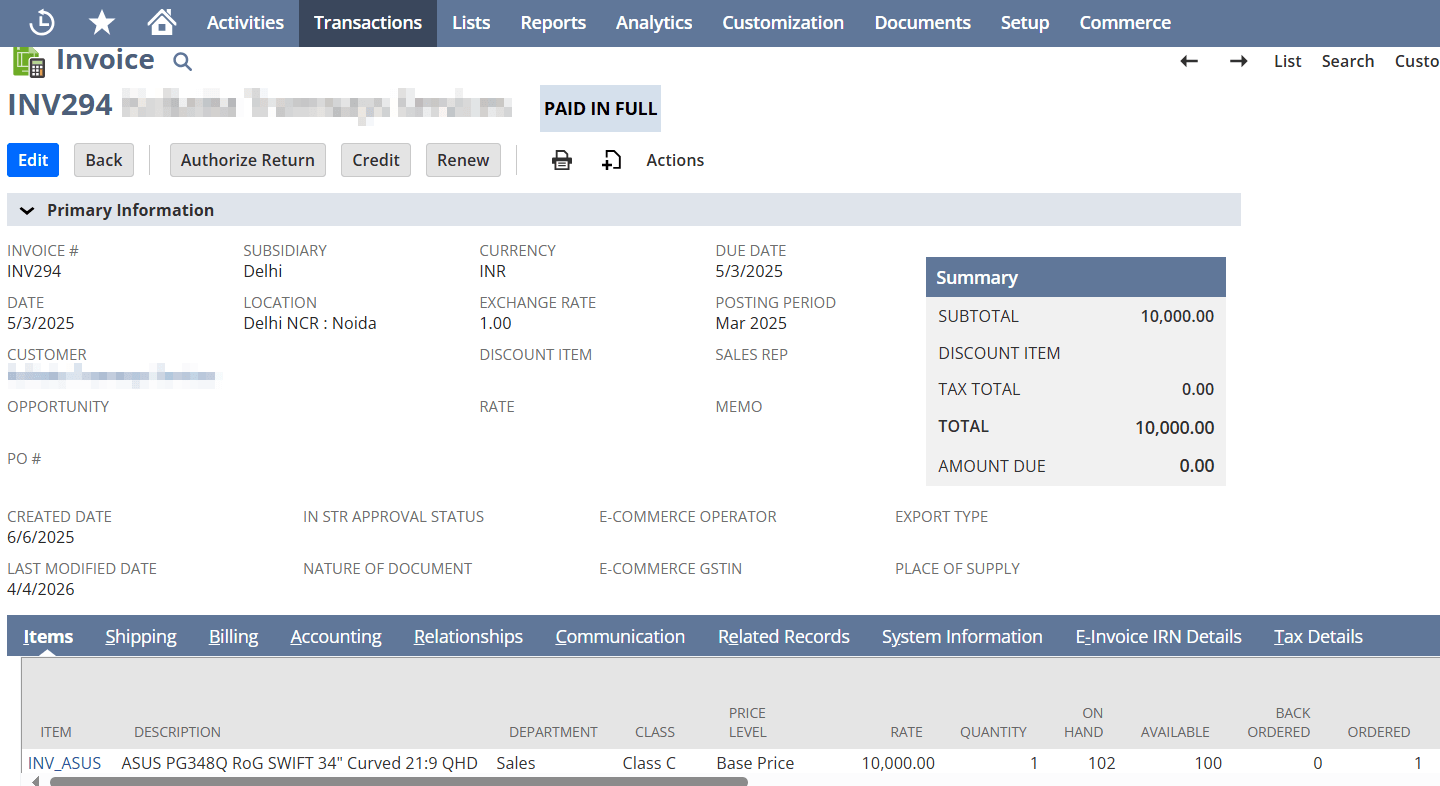
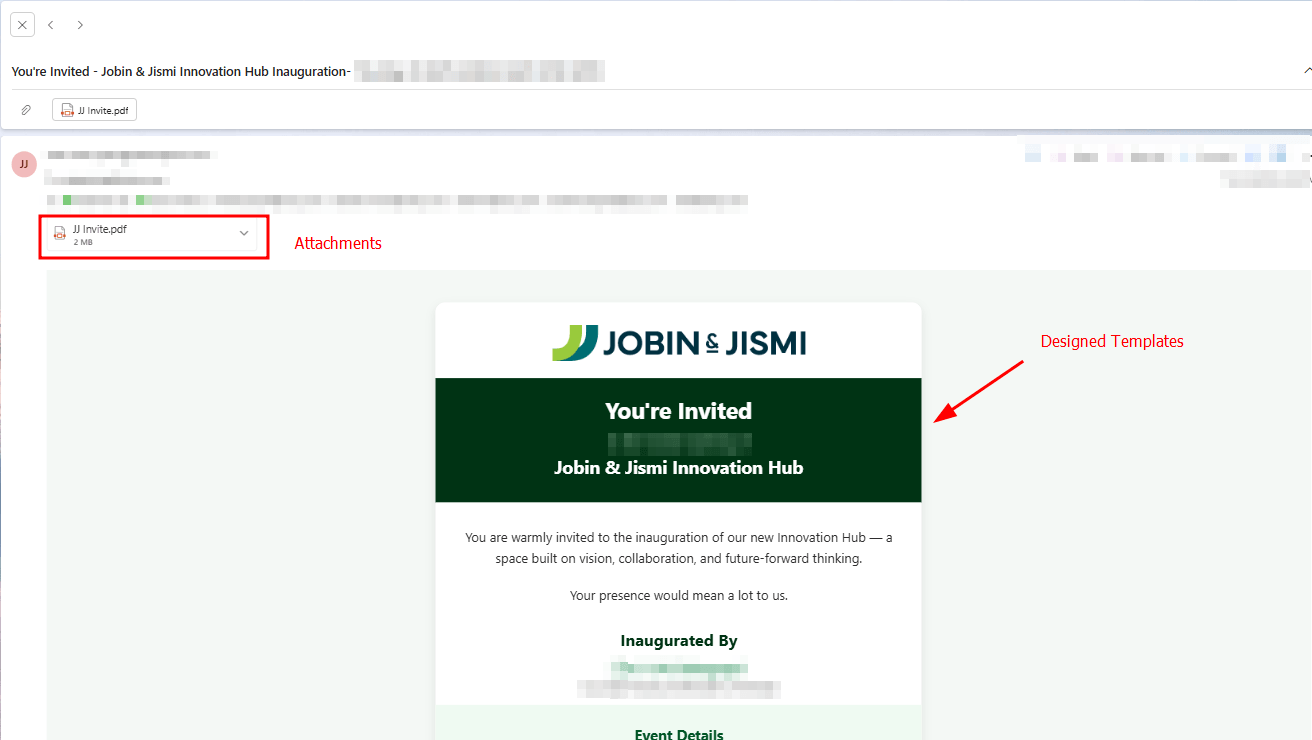
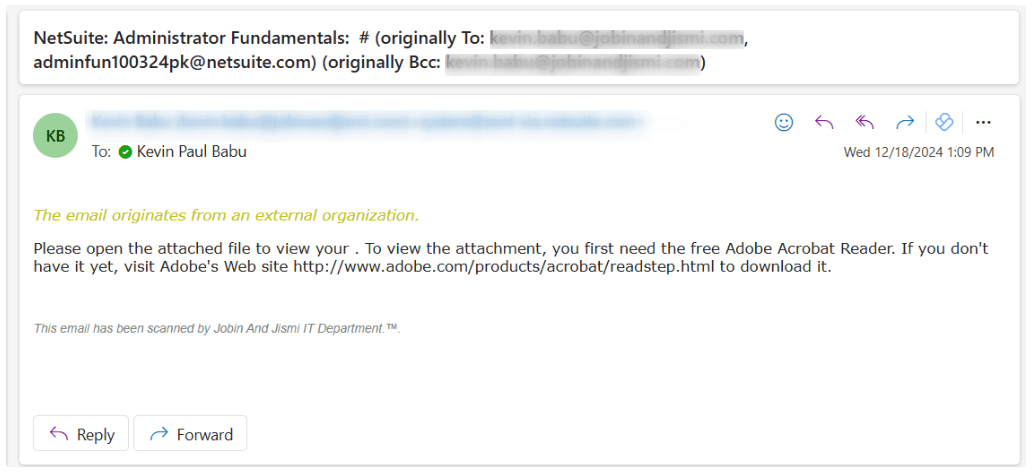
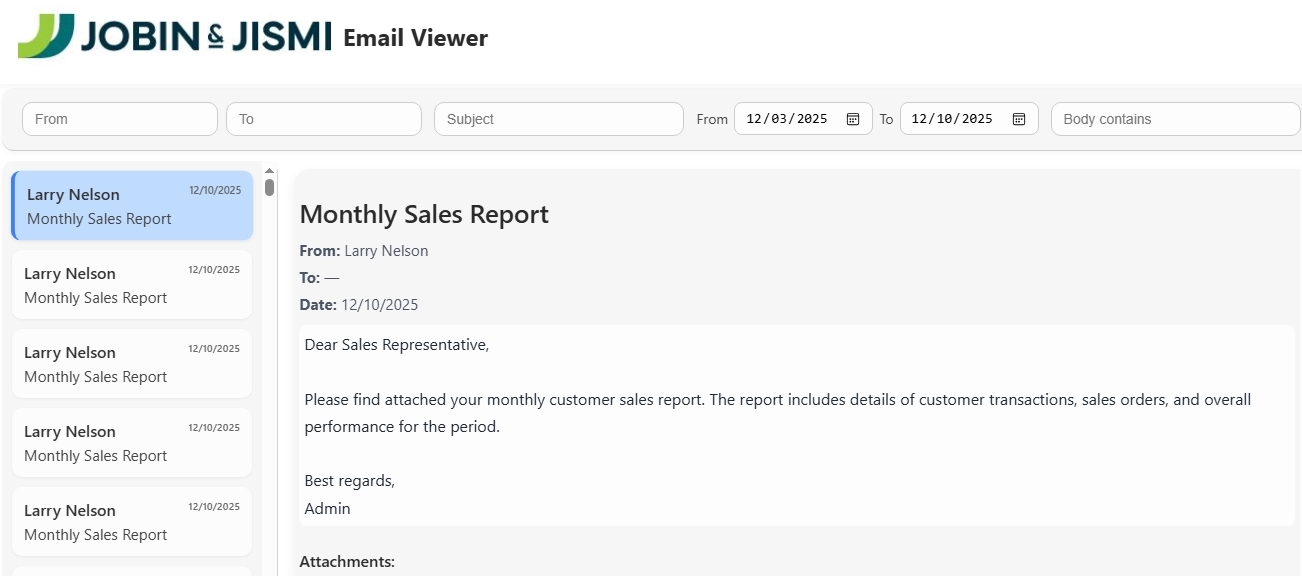
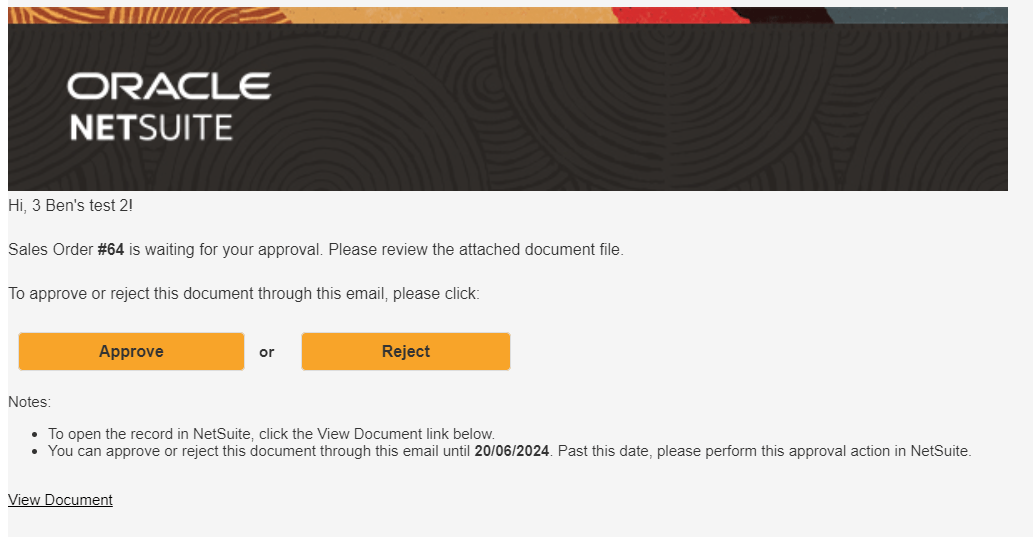
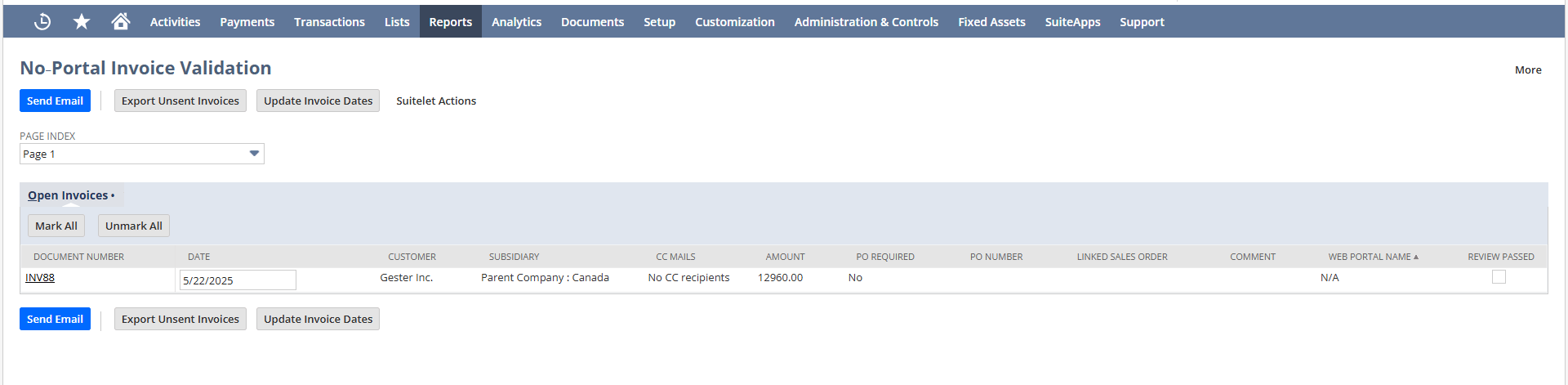
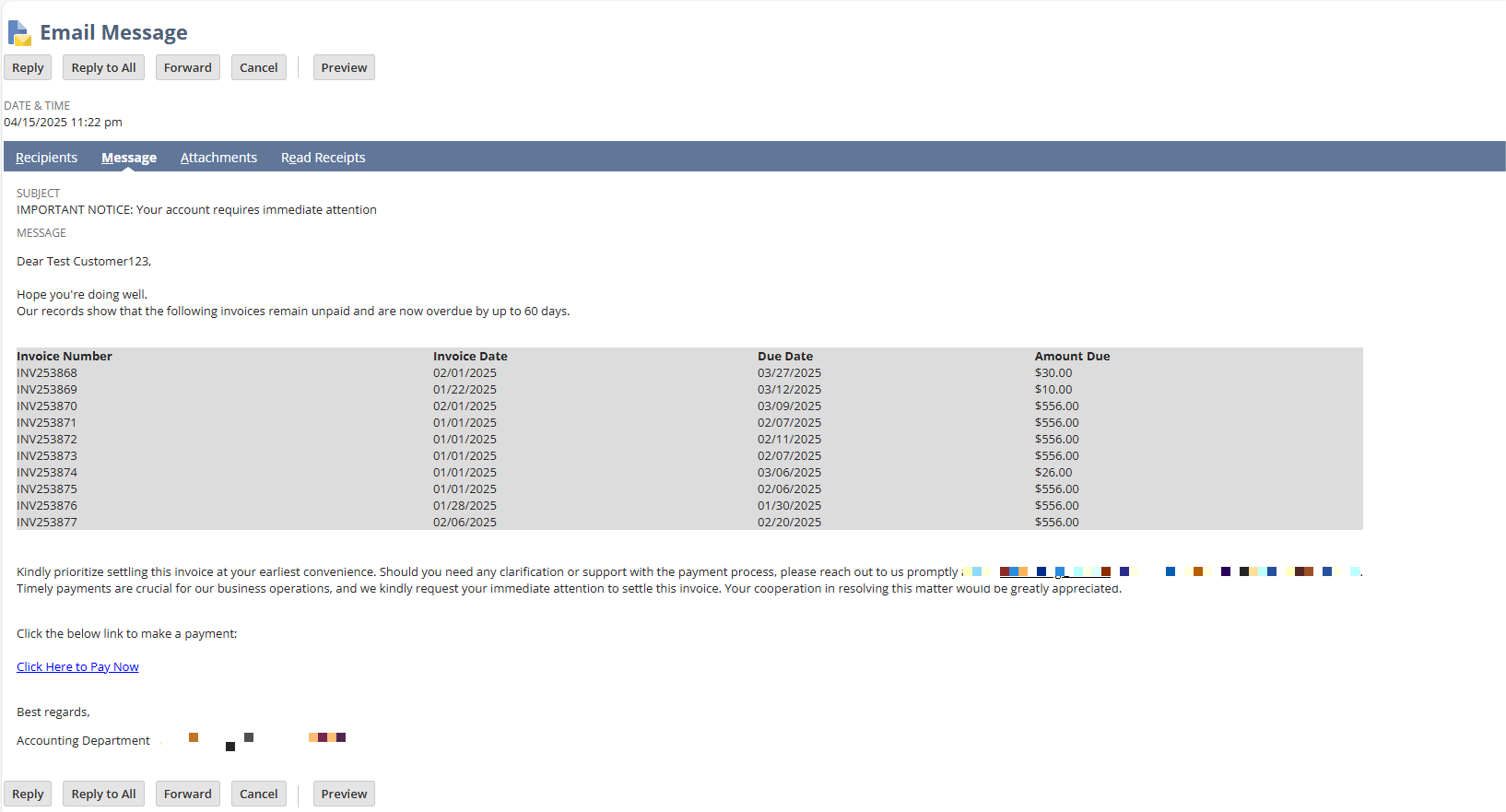
This plug-and-play automation script sends follow-up emails to customers with overdue invoices at predefined intervals (e.g., 7, 14, 30 days past due). With no manual effort needed, your finance team gets consistent, branded reminders sent directly from NetSuite—keeping collections on track and customers in the loop.
Hands-Free Collections with Scheduled Email Workflows
Scheduled emails go out based on overdue aging—7, 14, 30, or any custom threshold you define.
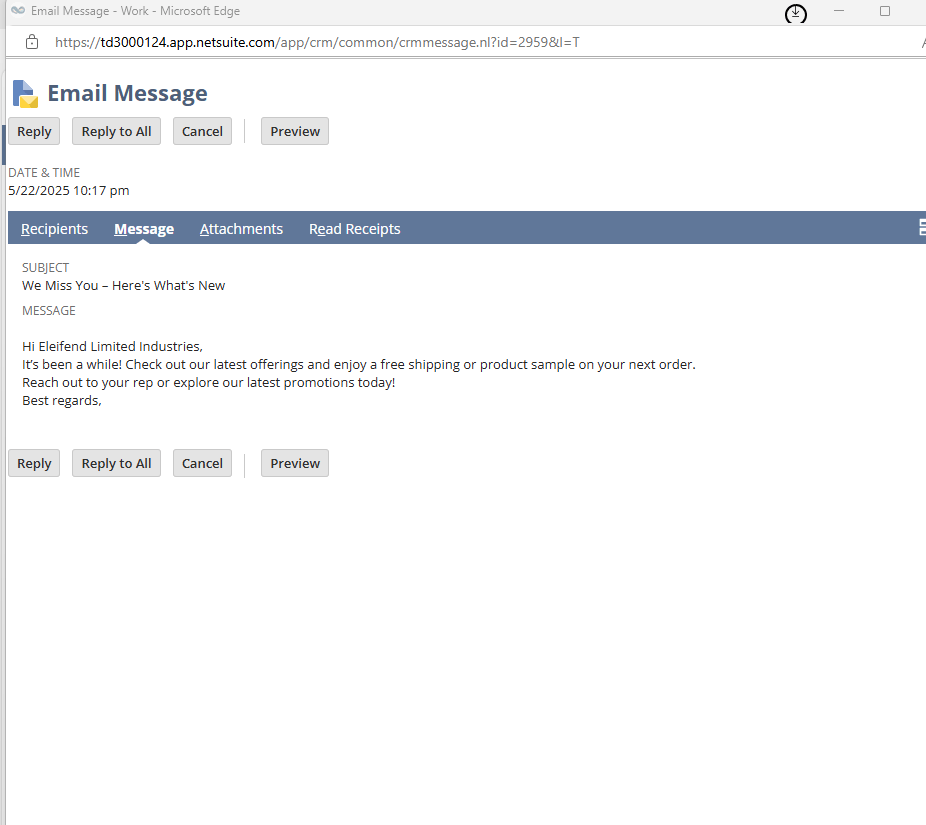
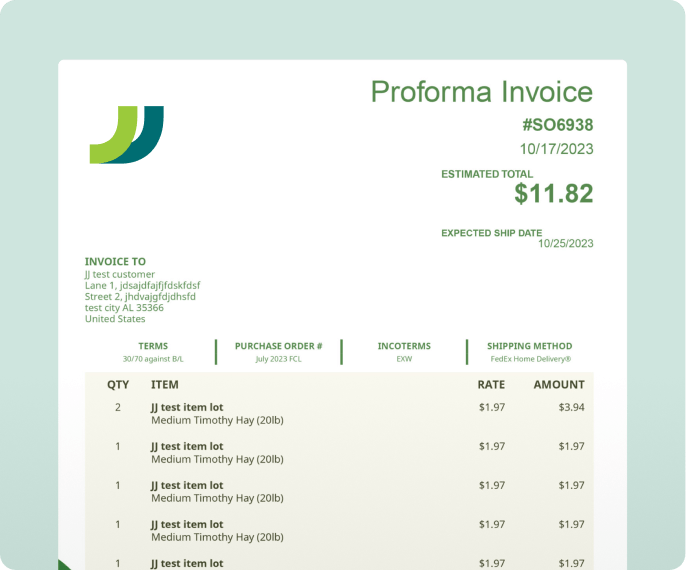
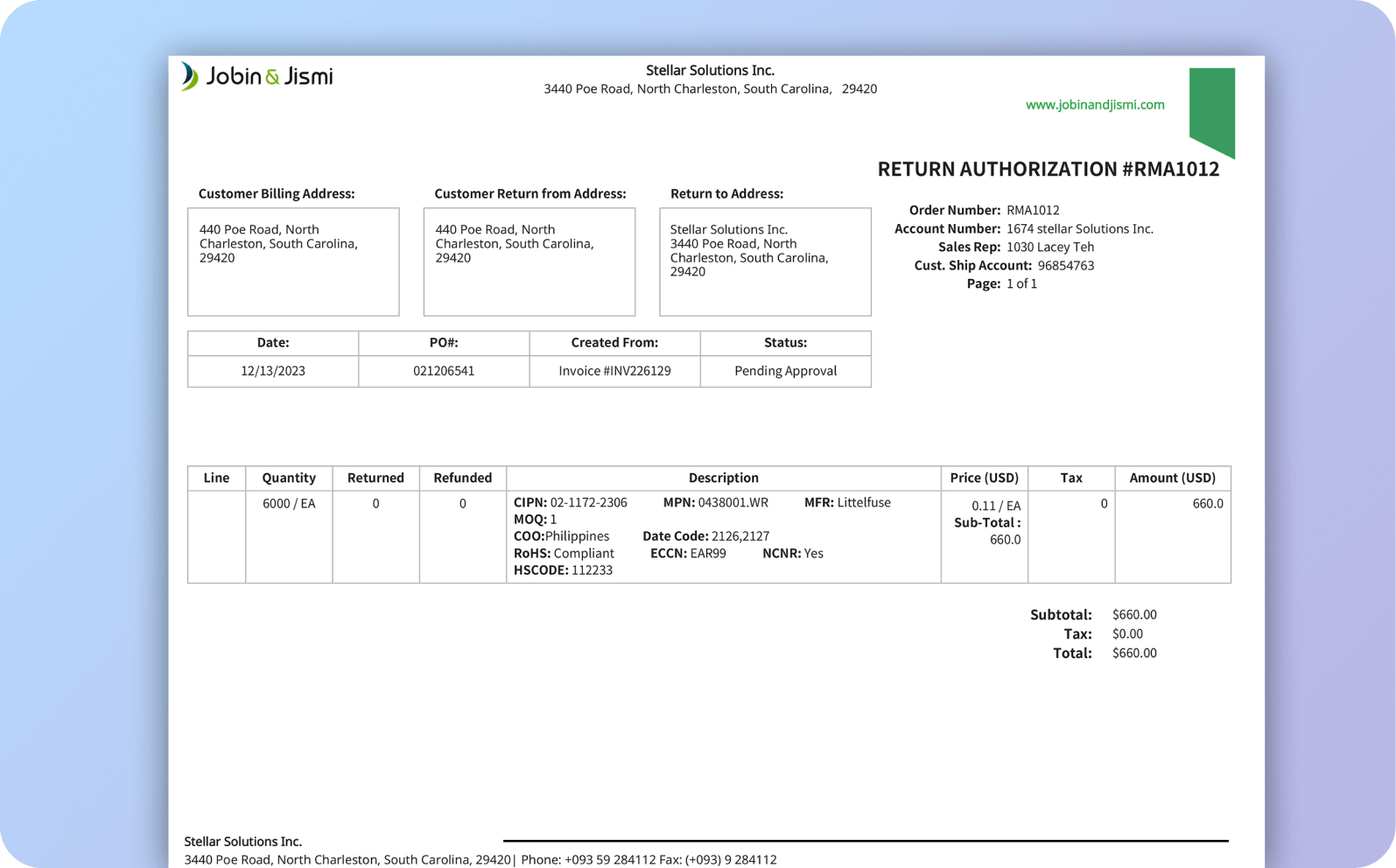
Each email includes the correct invoice details—optionally as a PDF or embedded summary—so customers can act immediately.
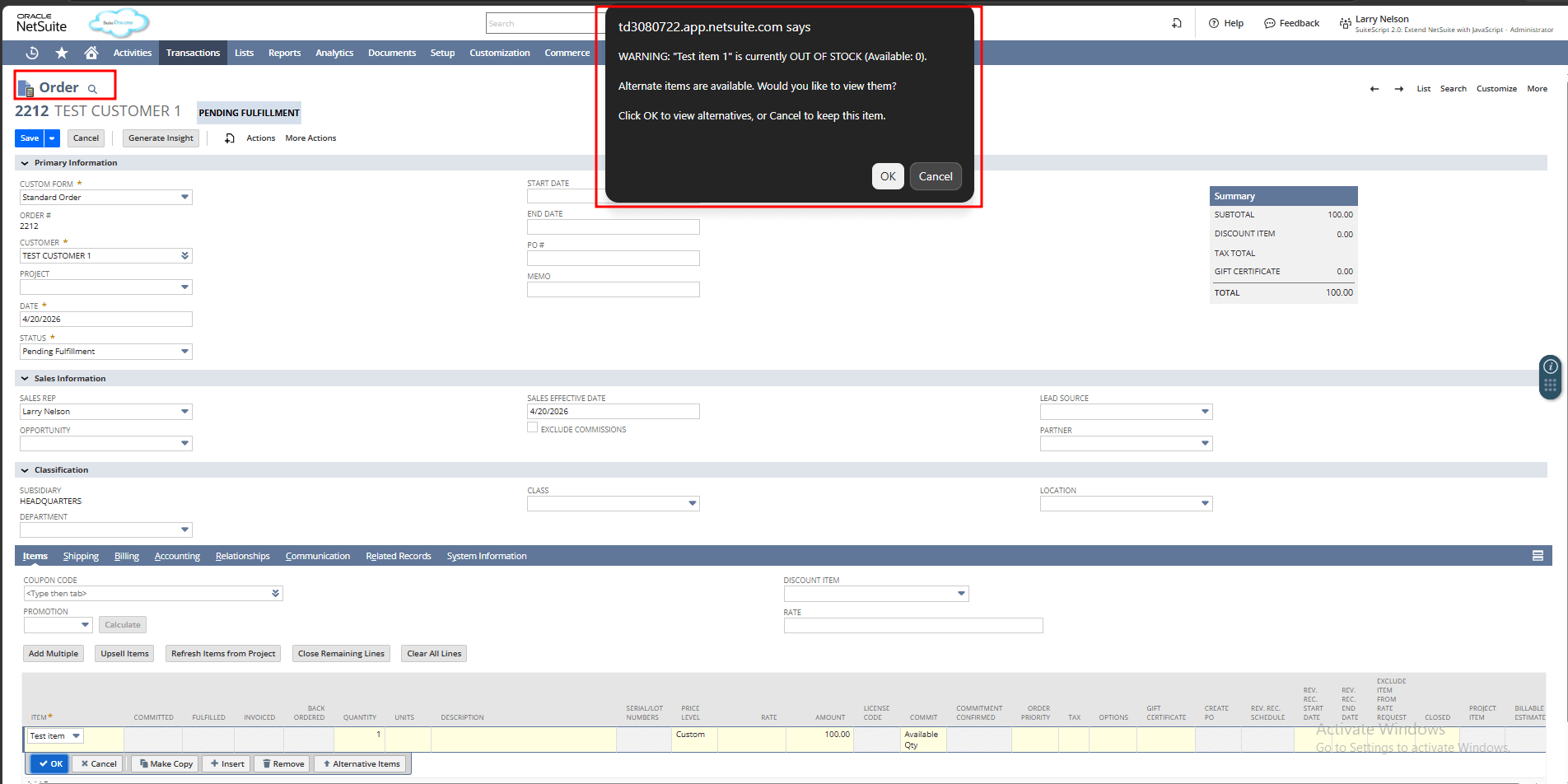
Only unpaid invoices are targeted, and logic can exclude internal customers, zero balances, or disputed transactions.
You define how often the script runs and what logic determines who gets notified and when.
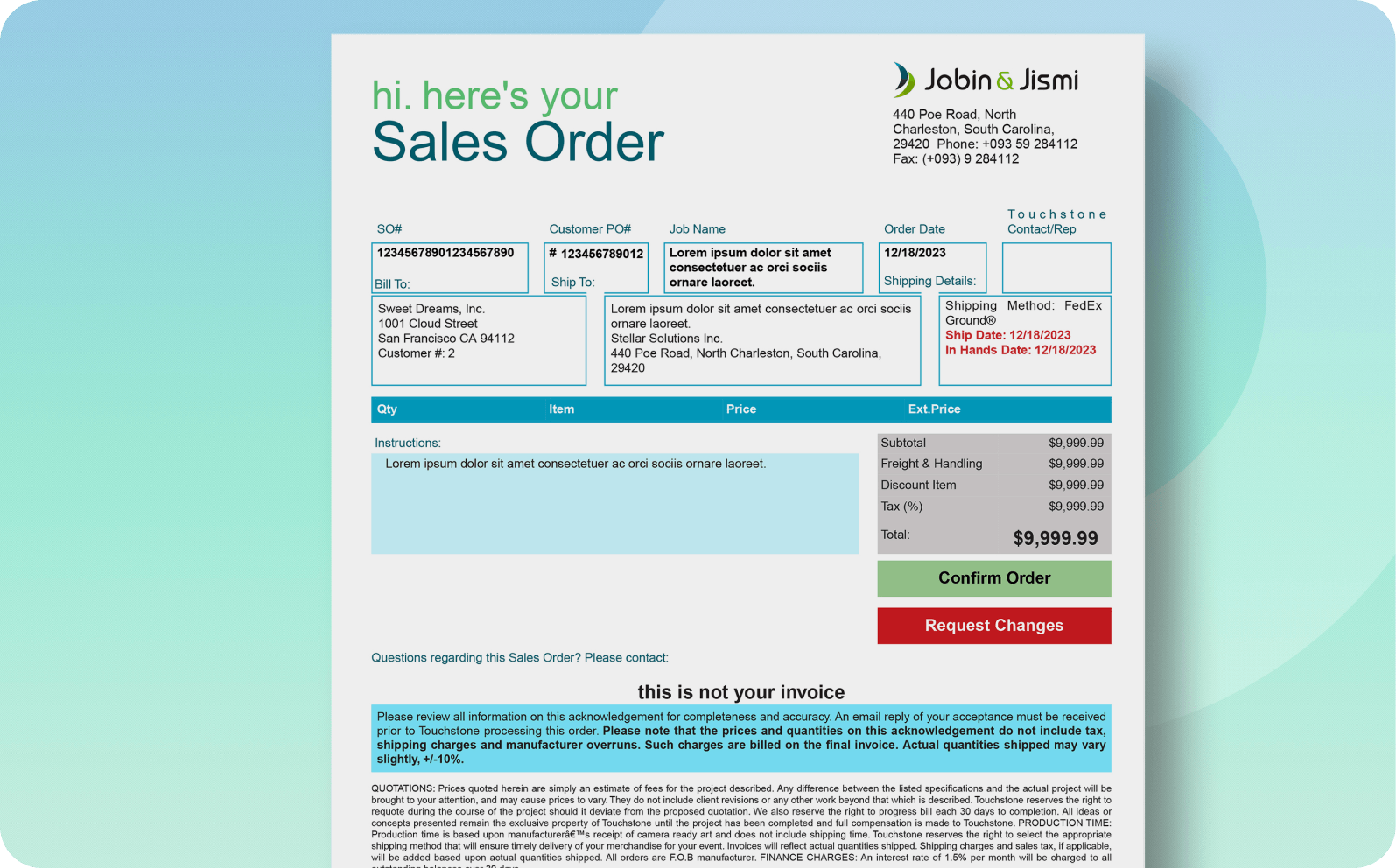
Creates branded email templates with the proper messaging. Pre-populated invoice details with no need for manual data entry. Supports both HTML and plain text formats.
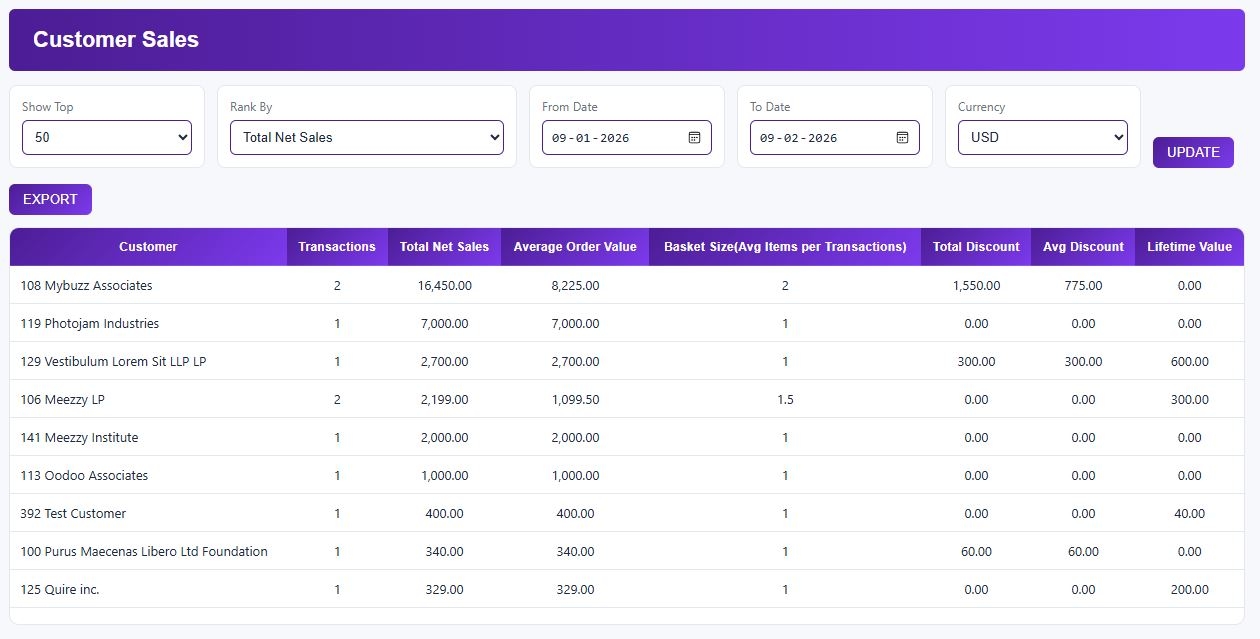
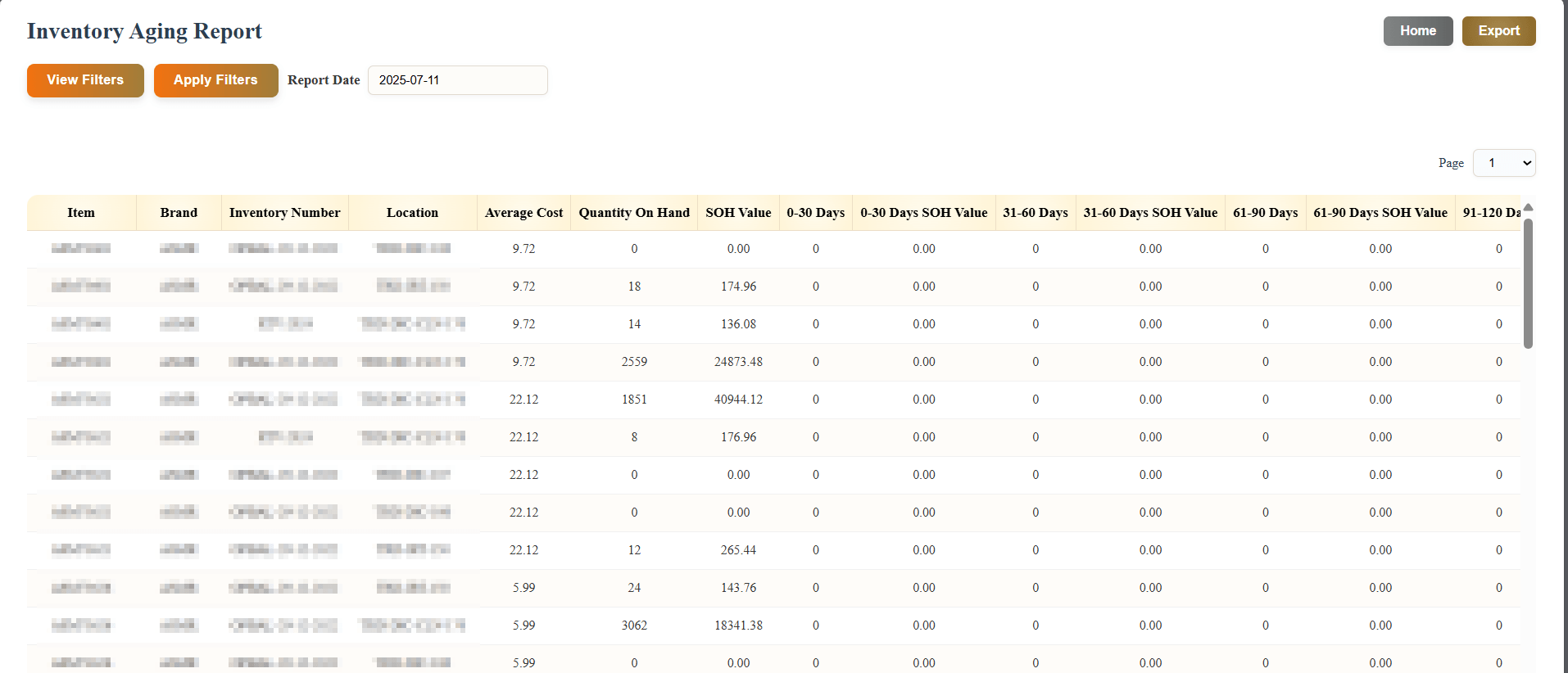
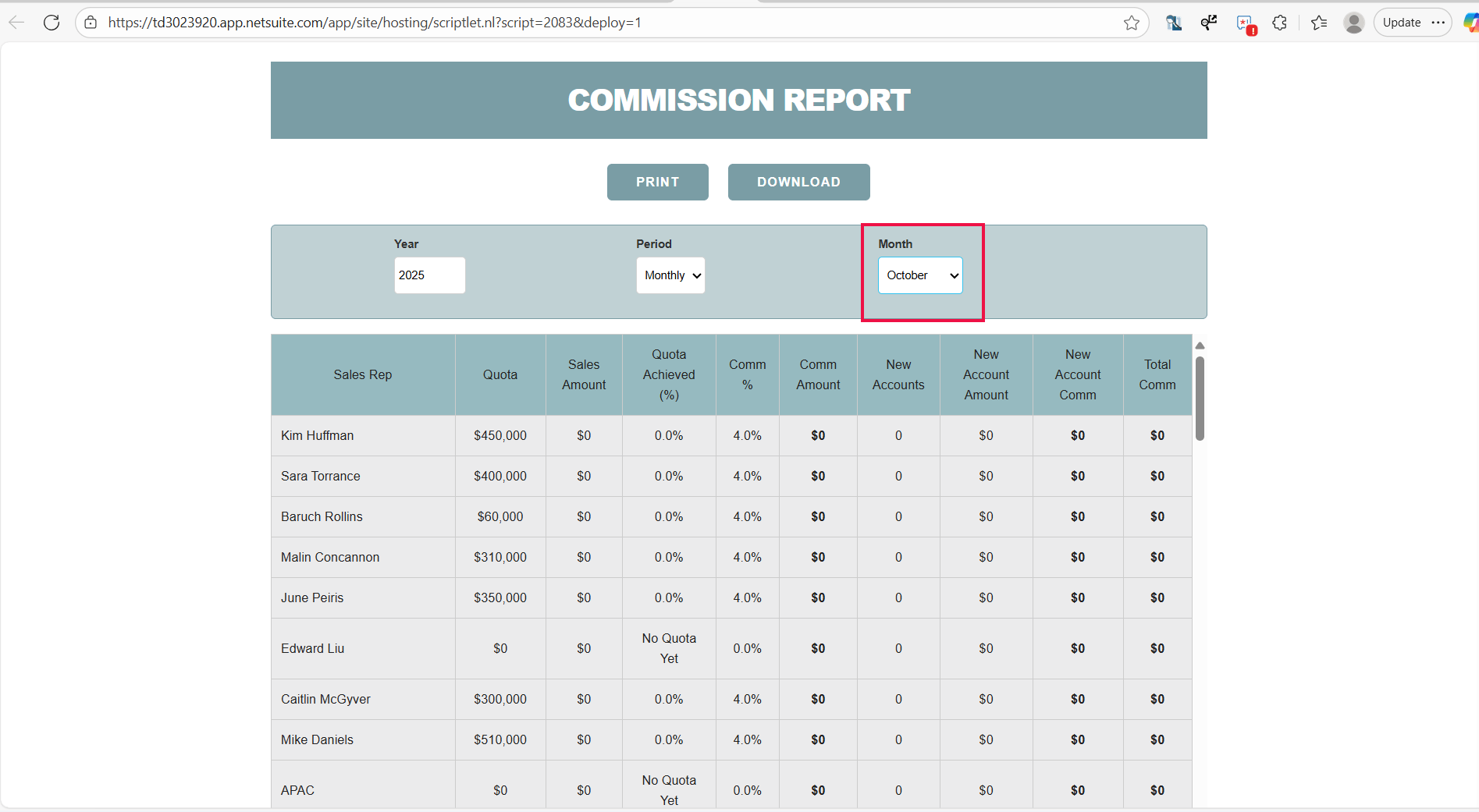
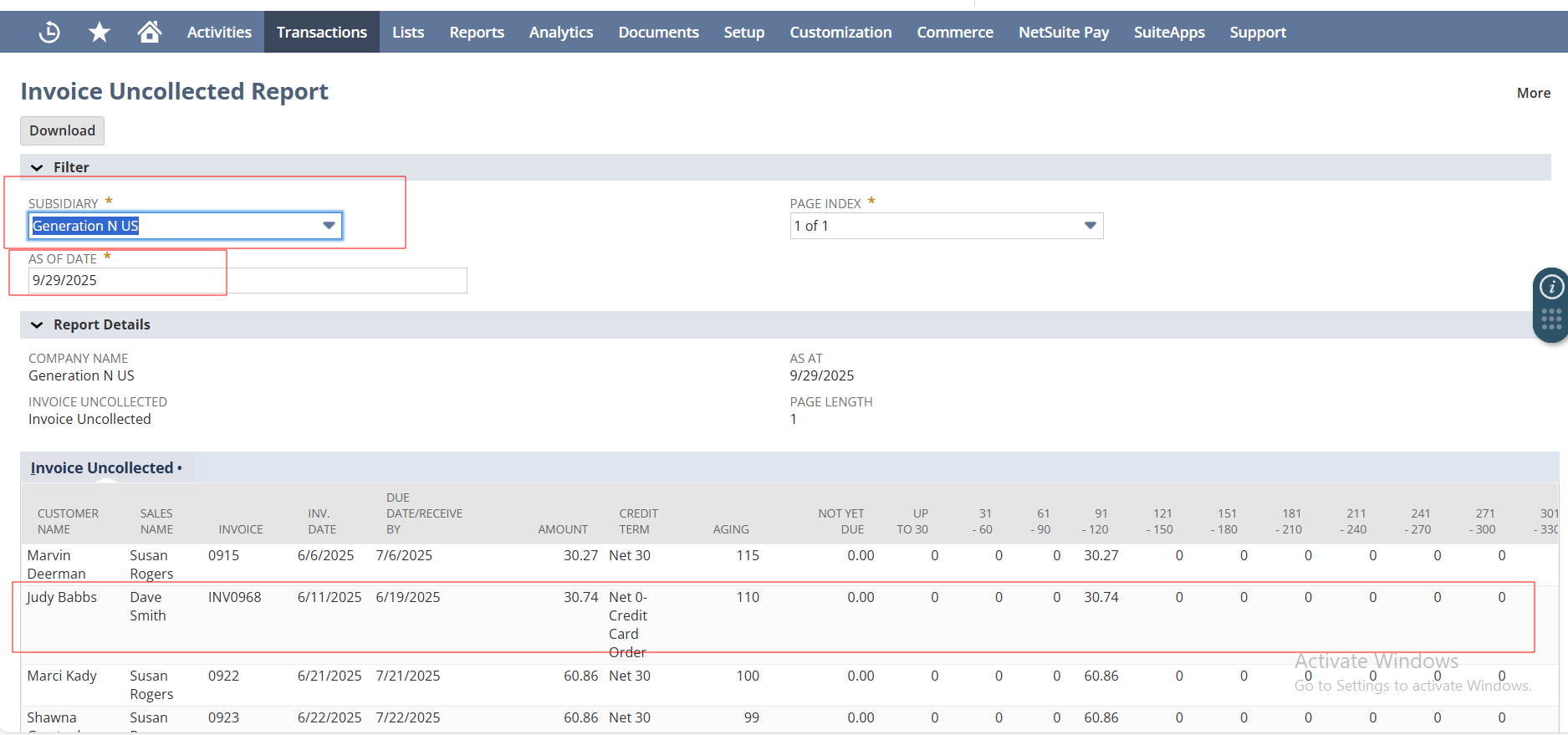
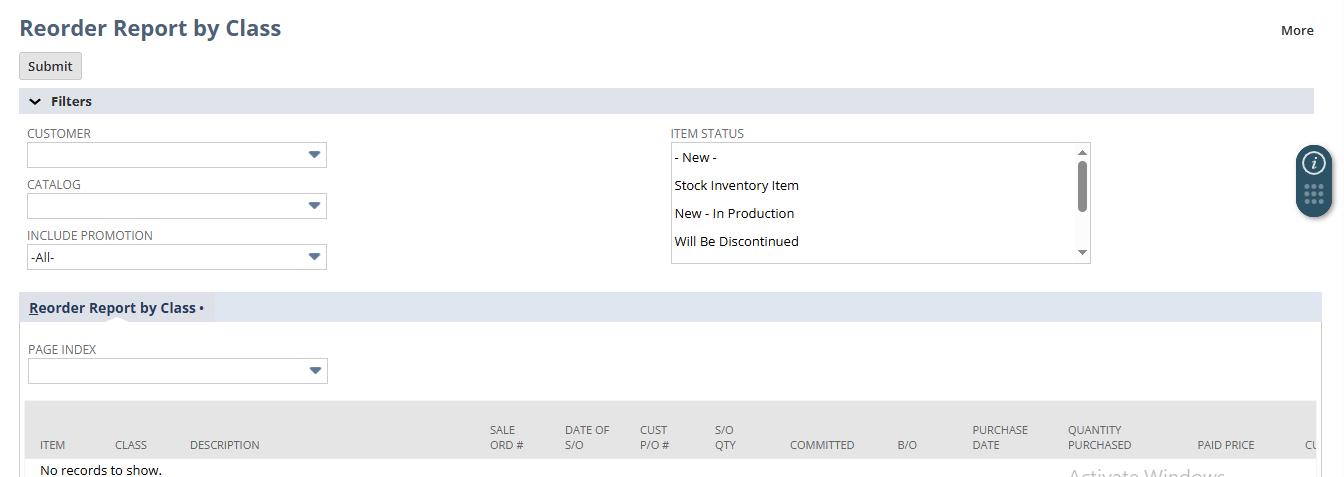
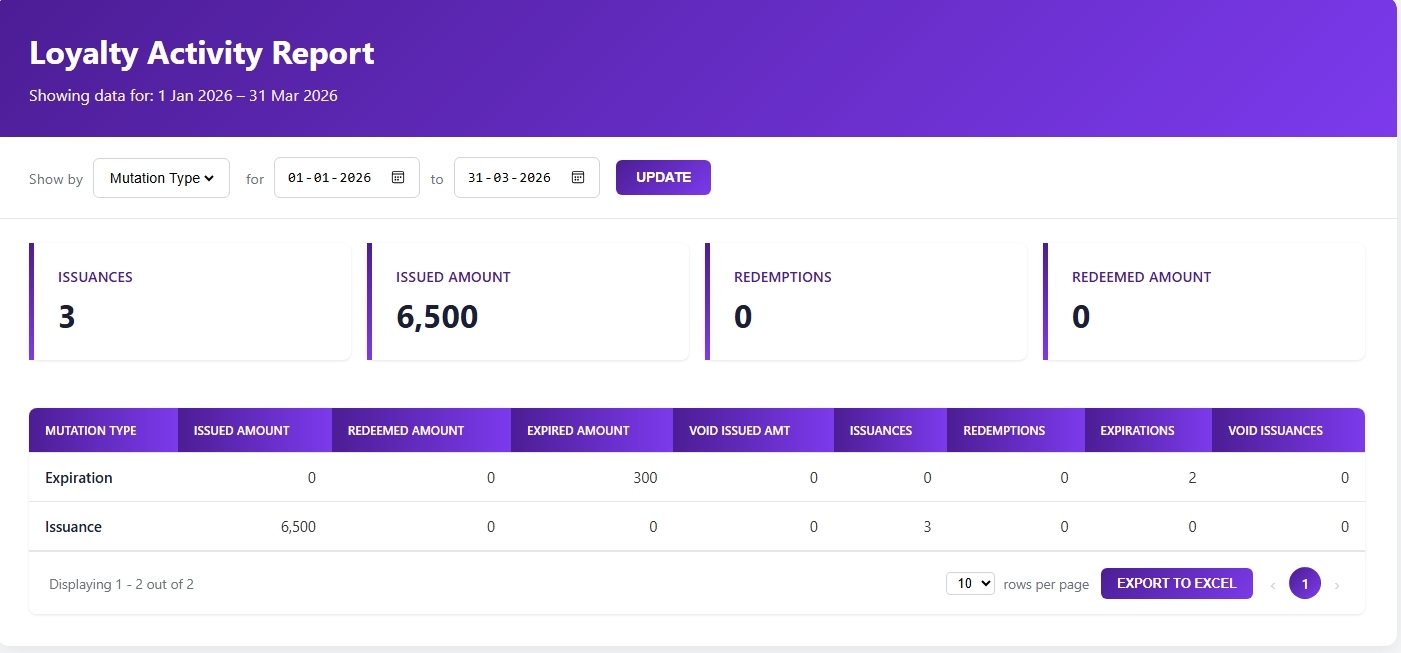
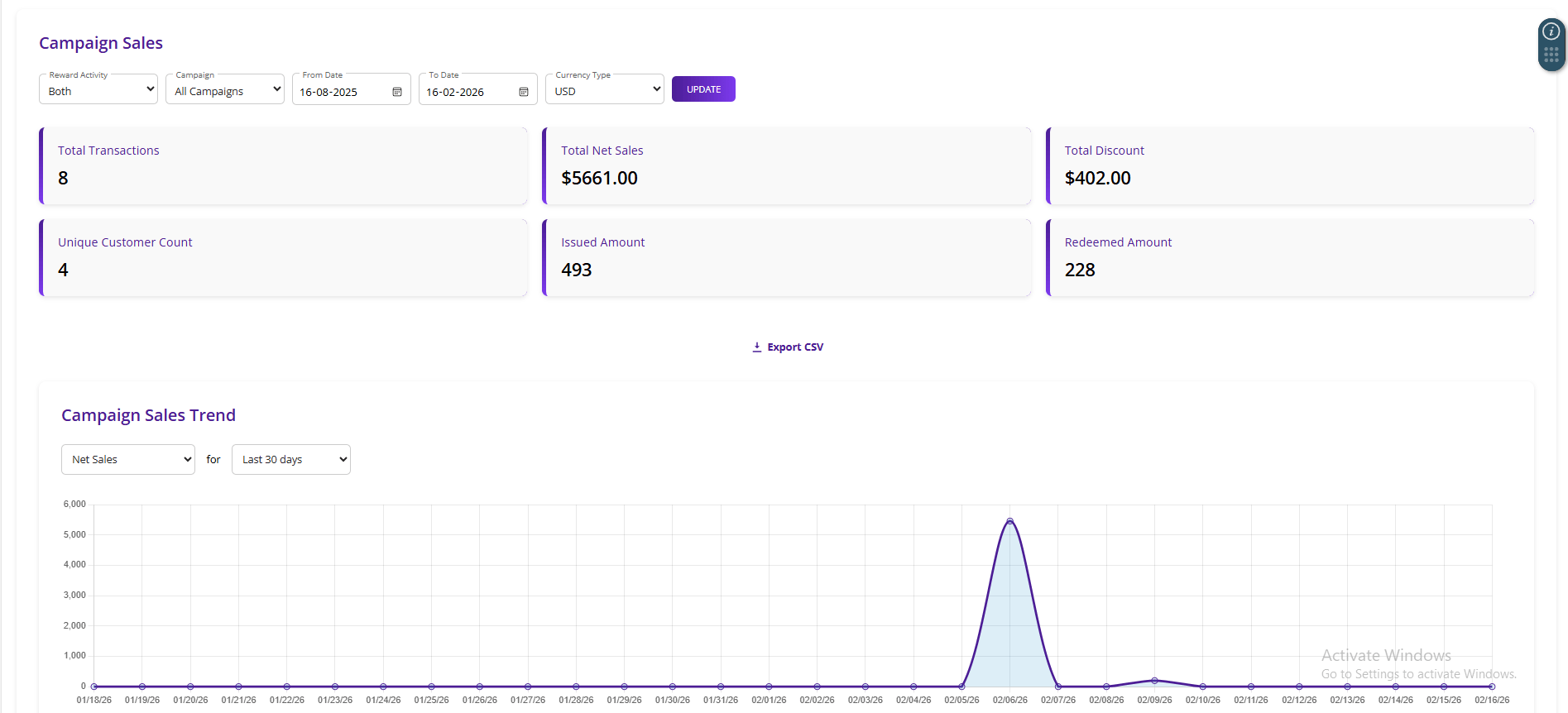
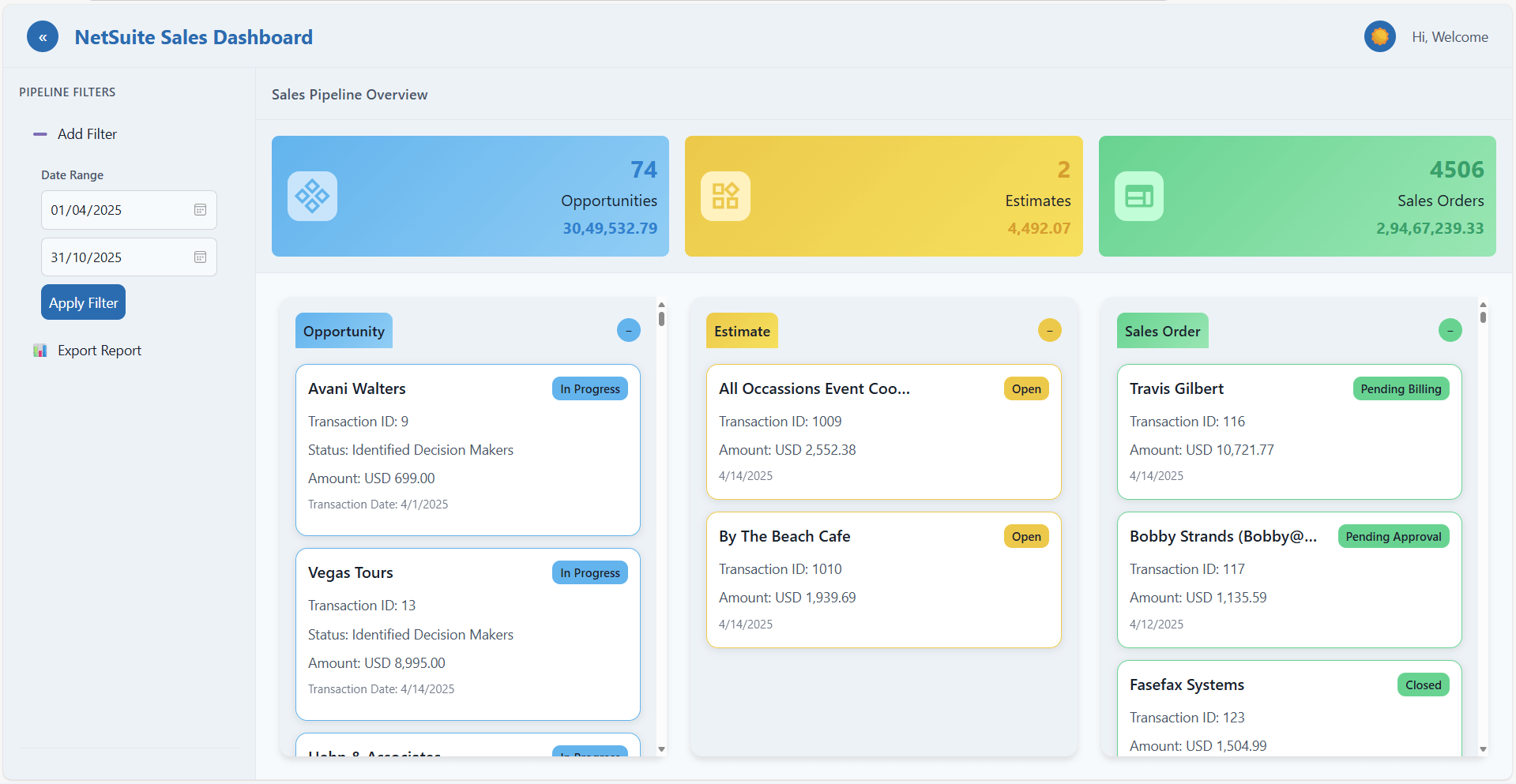
Offers complete real time visibility with focus on invoice aging. Generates aging reports by customer, invoice amount, and days past due. Exports reports to executive dashboards.
Deployment Requirements
- Email templates must be set up in NetSuite prior to deployment.
- Invoice aging fields should be properly maintained.
- Email contacts must exist on customer records.
- Schedule configuration is included (daily, weekly, etc.).
AR Automation That Actually Pays Off
- Follow up on every overdue invoice.
- Reduce Days Sales Outstanding (DSO).
- Minimize revenue leakage.
- No more tracking follow-ups in Excel.
- AR team focuses on escalations, not reminders.
- Fully automated, zero maintenance.
- Customizable email templates.
- Consistent branding & language.
- Supports soft tone or firm escalation as needed.
- No external tools or portals.
- Native Map/Reduce for stability.
- Logs & traceability within NetSuite.
Common questions answered
Yes, you can define when emails are sent—7, 14, 30 days, or any other values that fit your policy.
Yes, it can attach a PDF invoice or include the invoice details in the body—your choice.
Emails are grouped logically.
Yes, exclusions based on customer groups, classes, or statuses can be built into the logic.
It’s installed as a NetSuite SuiteScript (SDF) project, tested in your sandbox, and scheduled to run via NetSuite’s task scheduler.
Yes, it integrates with your existing NetSuite modules. It works with
- Accounts Receivable (A/R) Module – All standard AR functionality remains intact
- Collections Management – Works with your collections workflows and escalation processes
- Customer Records – Reads customer contact information, billing addresses, and payment terms directly from your customer records
- Email Templates – Leverages NetSuite's native email template system for consistent branding
- OneWorld – Supports multi-subsidiary deployments
- All NetSuite Editions – Works with Standard, Professional, and Enterprise editions
Yes, it is very easy to learn for your team. It requires minimal training and an intuitive setup with no need for coding or high end coding knowledge. It also comes with a clear reporting section that is easy to understand.
See what all the talk is about

It has been a pleasure working with the Jobin and Jismi team. Your professionalism, responsiveness, and commitment to delivering high-quality services have been commendable. Your team has consistently delivered outstanding results with efficiency and attention to details. The support has added real value to our operations. We look forward to continuing our collaboration on future projects.


The team responded thoroughly and in a detailed way to understand our needs. Their communication was excellent throughout, keeping us consistently updated from start to finish. They provided expert-level NetSuite development tailored to our complex business use cases, while also customizing a new Magento instance to meet our unique requirements. The new website now handles high traffic and provides greater visibility. We found Jobin & Jismi to be easy to work with, highly knowledgeable, and incredibly professional.


We have been working with Jobin & Jismi since 2023. What began as a project for customizing our NetSuite Advanced PDF forms has evolved into a full-service development partnership.
J&J has extended the functionality of many of our existing customizations, as well as created many new customizations across the spectrum of complexity. They have always delivered what was requested. Regular communication, a skilled team, and always being willing to work with us on improving our collaboration processes are the reasons it's easy for me to recommend J&J.


Jobin & Jismi's outstanding project management skills are a unique aspect of their service. What stood out most about Jobin and Jismi was their exceptional commitment to excellence and customer satisfaction. Their level of expertise and professionalism in handling our NetSuite ERP implementation was truly impressive. The team was consistent in meeting project milestones, and their commitment to deadlines allowed us to experience the benefits of the new system sooner than anticipated.


We have worked with Jobin and Jismi IT on a few projects involving NetSuite and Celigo integrations, and our experience has been very positive. The projects were delivered within our budget and aligned well with our expectations. Their team is highly knowledgeable, responsive, and easy to work with. They helped us implement solutions significantly faster than we would have been able to accomplish internally. We would not hesitate to work with them again in the future.


Pure Care has partnered with J&J for over 10 years for NetSuite/IT support. They are a great company to work with, providing timely solutions. They are always available to hop on a call in the late hours of night or early hours of the morning when something needs resolving urgently.


We have been working with Jobin and Jismi for several years now, and their support for our NetSuite environment has been consistently reliable and high-quality. Their team is consistently responsive, knowledgeable, and professional. Whether it's day-to-day troubleshooting or assistance with new developments, they always deliver timely and effective solutions. Their deep understanding of NetSuite and commitment to client success have made them an invaluable partner in our business operations.


Jobin & Jismi came on board at a critical moment — two system integrations were in final UAT when our SuiteSuccess contract expired and NetSuite proposed a significant cost increase to continue. Their team ramped up quickly, resolved outstanding issues, managed retesting, and shepherded both projects through sandbox-to-production migration without missing a beat. Both integrations went live successfully and on time.
What began as a rescue engagement has grown into an ongoing partnership we rely on. From automations and custom reporting to feature rollouts and release impact analysis, J&J consistently delivers detailed, high-quality work with transparent project management. Our lead engineer and primary point of contact, Anila George, exemplifies everything we value in a partner — organized, thorough, and genuinely responsive.
For any NetSuite team evaluating support partners, I'd recommend Jobin & Jismi without hesitation.


We have worked with Jobin and Jismi consultants since November of 2024. They have served as a crucial technical expert in the customization of our NetSuite invoicing and integrated pdf creation. Even more importantly, they were crucial in the development of a tariff tracking tool that allowed us to implement line-item surcharges. Their work was quick and timely enough for us to have a system of capturing added fees in a stressful time frame. We could not have done this on our own and were not prepared to pay the cost of added contracts with our ERP provider. Jobin and Jismi have a great team who can drill into the details of a production account and do the work without disrupting the rest of the work environment.

Similar products